17
12.2 Automatic Bluetooth
®
connection
(once pairing has been performed)
• Devices that have already been paired with the radio
are automatically stored on the radio.
Note – connection impaired
After the radio and terminal device have been paired,
a connection is established automatically. If the
Bluetooth
®
connection is not established automatically,
check the following:
• In your device's Bluetooth
®
settings, check that
DIR3300SBT/DIR3200SBT is connected. If not,
repeat the steps listed under Bluetooth
®
pairing.
• Check that your device and the radio are less than
10 metres apart. If not, move them closer together.
• Check whether obstacles are impairing the range.
If so, move the devices closer together.
12.3 Terminating the Bluetooth
®
connection
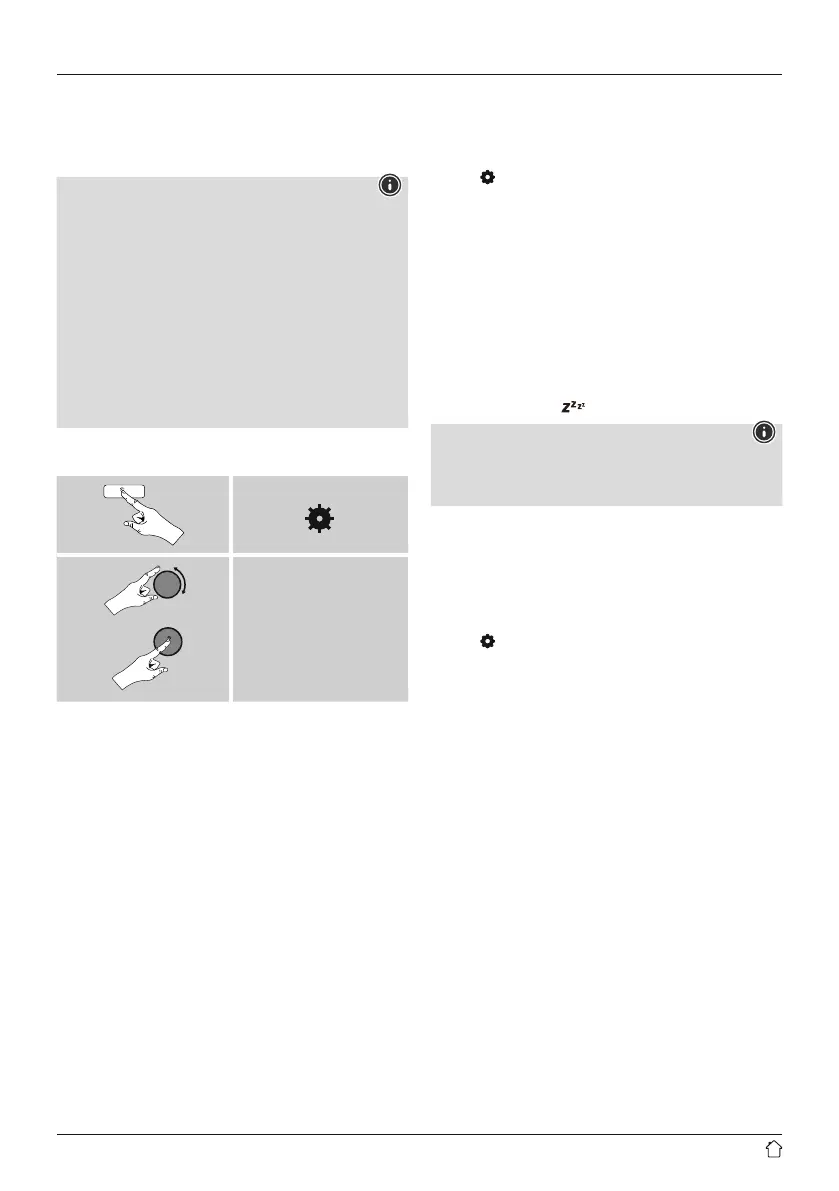
[ ]
Main menu
Terminate connection
• Then turn [POWER/VOLUME/ENTER/NAVIGATE] (11)
to select the YES button and conrm the termination
of the Bluetooth connection by pressing [POWER/
VOLUME/ENTER/NAVIGATE] (11).
13. Sleep
The radio has a timer function, which switches the radio
to standby mode after a pre-dened length of time,
regardless of its operating mode.
• Press [
] (7) to access the Settings menu.
• Use [POWER/VOLUME/ENTER/NAVIGATE] (11)
to navigate to the "Main menu" menu item.
• Conrm the selection by pressing [POWER/VOLUME/
ENTER/NAVIGATE] (11).
• Use [POWER/VOLUME/ENTER/NAVIGATE] (11)
to navigate to the "Sleep" menu item.
• Use [POWER/VOLUME/ENTER/NAVIGATE] (11)
to set the timer value.
• Conrm your setting by pressing [POWER/VOLUME/
ENTER/NAVIGATE] (11).
• If the sleep timer is activated, this is indicated in the
playback screen by [
].
Note
• When the sleep timer is activated, the display is
automatically darked (brightness level: low).
• You can adjust this under System settings -> Backlight.
14. Alarm
The radio has two individually adjustable alarm times.
14.1 Alarm settings
You can access the alarm settings as follows:
• Press [ ] (7) to access the Settings menu.
• Use [POWER/VOLUME/ENTER/NAVIGATE] (11)
to navigate to the "Main menu" menu item.
• Conrm the selection by pressing [POWER/VOLUME/
ENTER/NAVIGATE] (11).
• Use [POWER/VOLUME/ENTER/NAVIGATE] (11)
to navigate to the "Alarm" menu item.
Alarm 1 and alarm 2 are congured identically and allow
two separate alarm times to be saved. Select Alarm 1 or 2
and conrm your selection by pressing [POWER/VOLUME/
ENTER/NAVIGATE] (11).
Set the following details using [POWER/VOLUME/ENTER/
NAVIGATE] (11).
Mode:
Choose when the alarm is to activate:
Off – Daily – Once – Weekdays – Weekends



 To Next Page