Document #101-0079 18 11/30/17
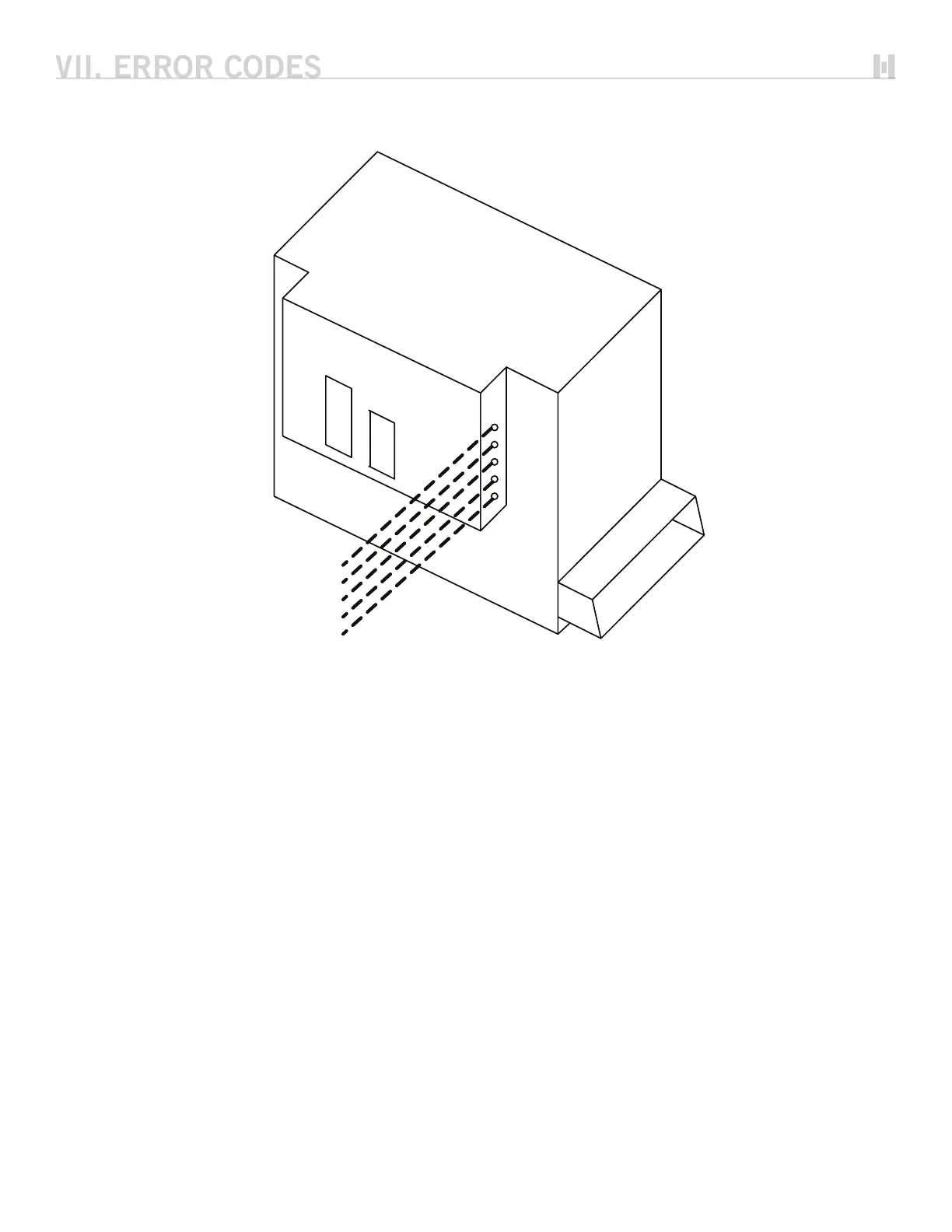
With the introduction of the XE Smart Validator capabilities there are five additional diagnostic lights. Their
operation is defined below.
VAL TXD – Validator Transmit LED
This LED gives the status of the Validator transmit line.
• ON = Validator is transmitting a message on the Smart Bus
• OFF = Validator is not transmitting
VAL RXD – Validator Receive LED
This LED gives the status of the Validator receive line
• ON = Validator is receiving a message from the Smart Bus
• OFF = Validator is not receiving
STK RUN – Stacker Run Status LED
This LED shows the status of the Stacker Run control line
• ON = Stacker control line is on, activating Stacker
• OFF = Stacker control line is off, Stacker is not active
STK HOME – Stacker Home Status LED
This LED shows the status of the Stacker Home switch. The operation of this LED depends on the type of Stacker used
(Single/Separating). See table on page 19.
STK DOWN – Stacker Down Status LED
This LED shows the status of the Stacker Down switch. The operation of this LED depends on the type of Stacker used
(Single/Separating). See table on page 19.
Note: since it does not have a Down switch, this status LED will always be ON for Single Stackers.
VAL TXD
VAL RXD
STK RUN
STK HOME
K DOWN



 To Next Page