37
SMB Status
1. Click Status, it then appears the sub-menu.
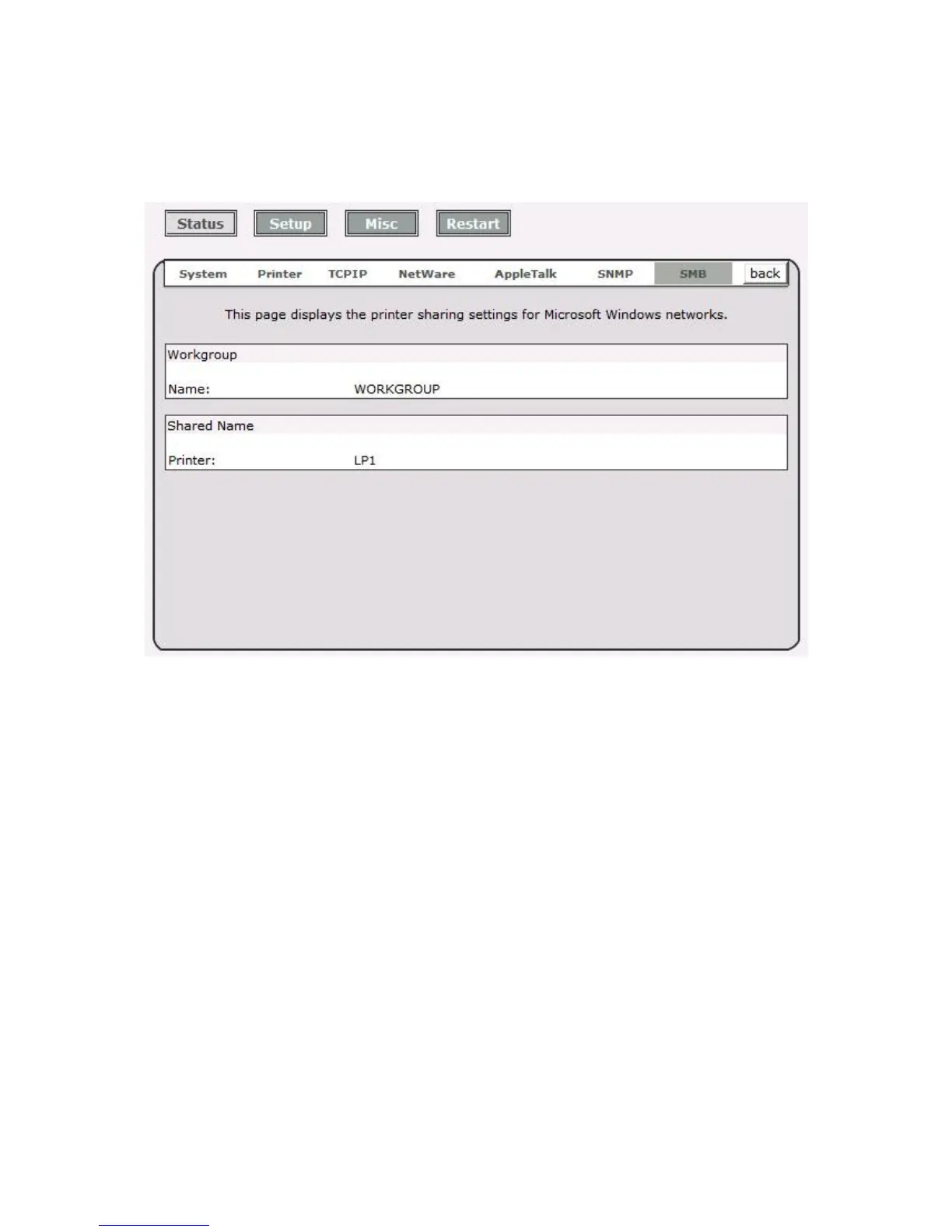
2. Click SMB, it then as shown in the following picture.
Workgroup Name: This option allows you to view the SMB Workgroup Name from the
print server. It must match the SMB workgroup name of your Windows-based computer
Shared Name: This option allows you to view the Shared Name from the print server.



 To Next Page