25
8 Introductions of Typical Applications
! Browser
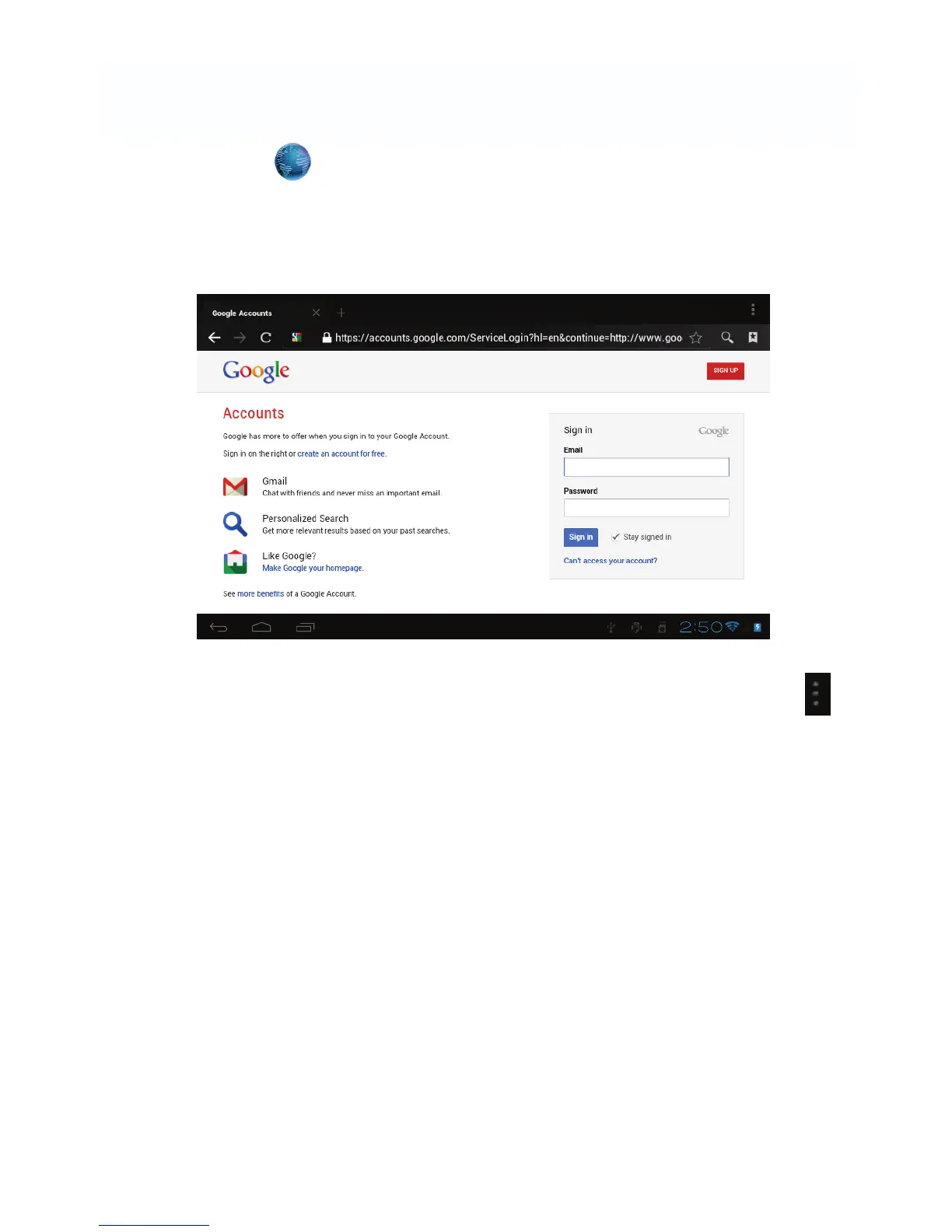
After connecting your tablet to Wi-Fi network, tap the Browser icon on desktop
to open web browser. The following interface pops up immediately:
Then you can start web surfing now, during web surfing, tap on the menu
icon located at the right top corner of the screen to get more options:
New window: to open up new window of web browser.
Bookmarks: to see the Bookmarks, Most visited websites and History.
Windows: to see different windows of web surfing.
Refresh: to refresh the page.
More: more options of “Add bookmark”, “Find on page”, “Select text”, “Page
info”, “Share page”, “Downloads”, “Settings”.



 To Next Page