26
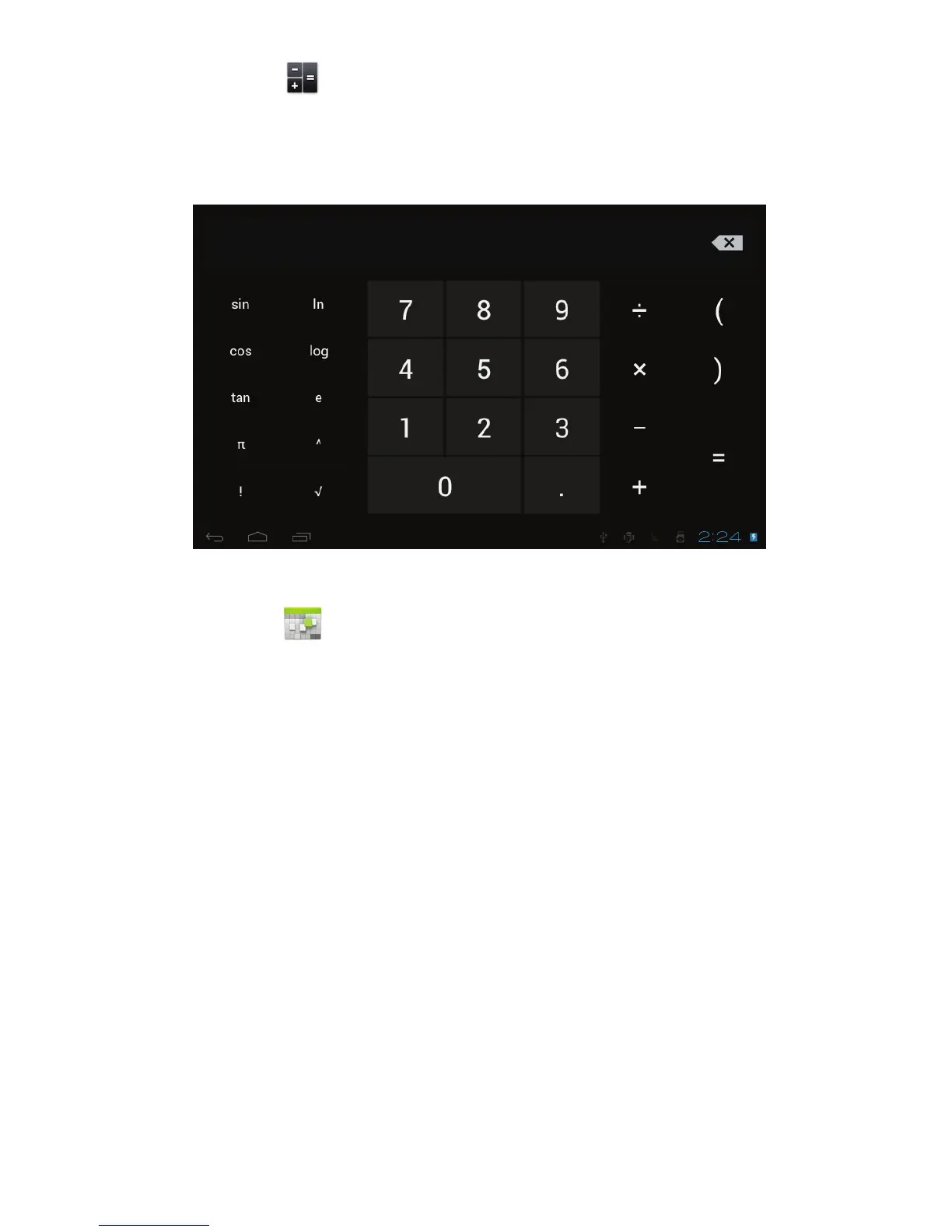
! Calculator
The tablet is with built-in calculator, tap on the Calculator icon to carry out your
calculations.
! Calendar
Users can use the Calendar to check date, time and memorandum or add
memorandum etc. But before doing this, you have to sign in the Google
Account.
1. Tap on the Calendar icon, then a dialog box of “New a Google Account” will
pop up. Tap “Next” to go the next step.
2. If you do not have a Google Account, then tap “Create” to create a new
Google account, if you already had a Google Account, tap on “Sign in” to go
to next step.
3. Input Gmail address and password, then tap “Next” to go forward.
4. After you finish the setup, the interface will automatically exit and return to
the main interface. Tap on the Calendar icon again to check date, time and
add memorandum etc. Tap on the menu button to popup more setting



 To Next Page