EasyManua.ls Logo

Hammer Bow+ - User Manual

Hammer Bow+
25 pages
Print Icon
To Next Page IconTo Next Page
Loading...
PHONE MANUAL
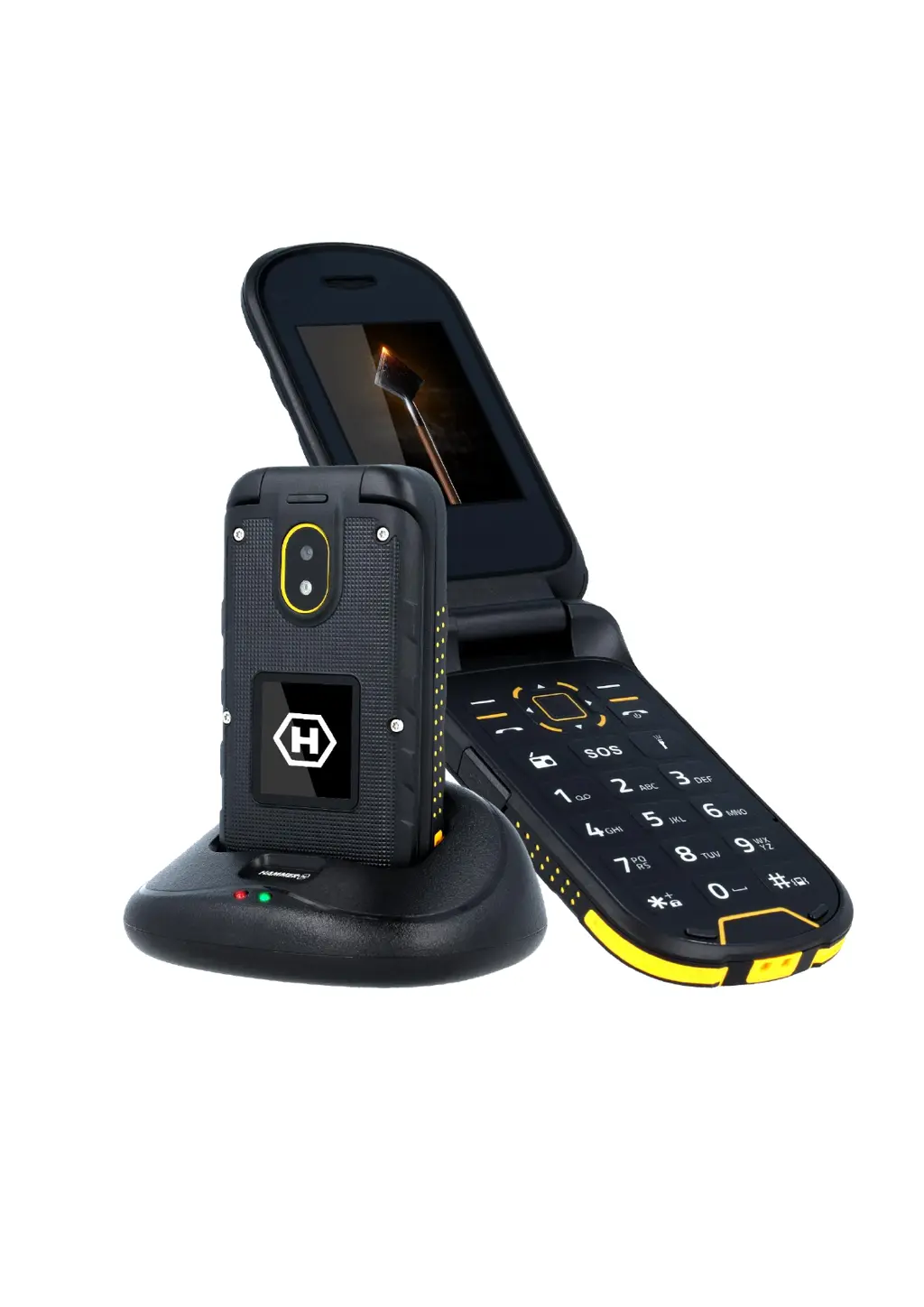
HAMMER Bow+

Table of Contents

Questions and Answers

  • B
    Breanna WhitneyJul 28, 2025
    What to do if I cannot hear the caller or the caller cannot hear me on my Hammer Bow+?
    • K
      kevinmasonJul 28, 2025
      Ensure the microphone is close to your mouth and not covered. If using a headset, verify it's correctly connected. Also, check that the built-in speaker isn't covered.
  • T
    tammynashAug 2, 2025
    What to do if my Hammer Telephone shows a network fail?
    • M
      Mrs. Sarah JonesAug 3, 2025
      Calls may not be possible in areas with weak signal or reception. Try moving to another location to improve reception and try again.
  • E
    Emily CarrollAug 8, 2025
    Why is the sound quality poor on my Hammer Bow+ Telephone during calls?
    • M
      Mario CarpenterAug 9, 2025
      Check that neither the speaker nor the microphone on your Hammer Telephone are covered, as this can affect sound quality.
  • H
    hamptonshannonAug 14, 2025
    Why no one can call my Hammer Telephone?
    • J
      Jessica OrtizAug 14, 2025
      Ensure your Hammer Telephone is switched on and is within the GSM network coverage area.
  • N
    Natasha TorresAug 21, 2025
    How to input PIN on Hammer Bow+ Telephone?
    • D
      dhillAug 21, 2025
      If your SIM card is secured with a PIN code, you need to enter the PIN when you turn on the Hammer Telephone and then press .

Summary

Introduction and Safety

General Safety Guidelines

Essential safety precautions including road safety, restrictions, and interference.

Specific Safety Precautions

Guidelines for water, battery care, hearing protection, and eyesight safety.

Technical Specifications

Phone Appearance and Buttons

Device Layout and Labels

Diagram and descriptions of the phone's physical buttons and components.

Button Functions

Explanation of the primary functions of various phone buttons.

Introduction to Phone Functions

SIM, Memory Card, and Battery Installation

Procedure for inserting SIM card, memory card, and battery into the device.

Charging via MicroUSB

Steps for charging the phone's battery using a MicroUSB cable.

Battery Charging and Keypad Lock

Charging via Cradle Charger

Detailed instructions for charging the phone using the provided cradle charger.

Call and Message Handling

Phonebook and Contact Management

Adding and Searching Contacts

Adding, searching, and viewing contact details in the phonebook.

Advanced Phone Features

Calling Contacts and Missed Calls

Making calls from the phonebook and managing missed call history.

Connectivity and Internet Access

Dual SIM Functionality

Enabling and managing the Dual SIM feature for simultaneous use of two SIM cards.

Connecting to a Computer

Connecting the phone to a PC via USB for data exchange.

Bluetooth and Camera Features

Bluetooth Connectivity and Pairing

Connecting to Bluetooth devices and sending files wirelessly.

Camera Usage and Troubleshooting

Phone Icons and Troubleshooting Common Issues

Explanation of icons and solutions for common phone problems.

Phone Maintenance and Safety

Proper Battery Usage and Maintenance

Guidelines for optimal battery charging and usage to prolong lifespan.

Safety Information and Technical Criteria

Compliance and Disposal Information

Hammer Bow+ Specifications

General IconGeneral
BrandHammer
ModelBow+
CategoryTelephone
LanguageEnglish