5.4.7 Bodyfat Messung
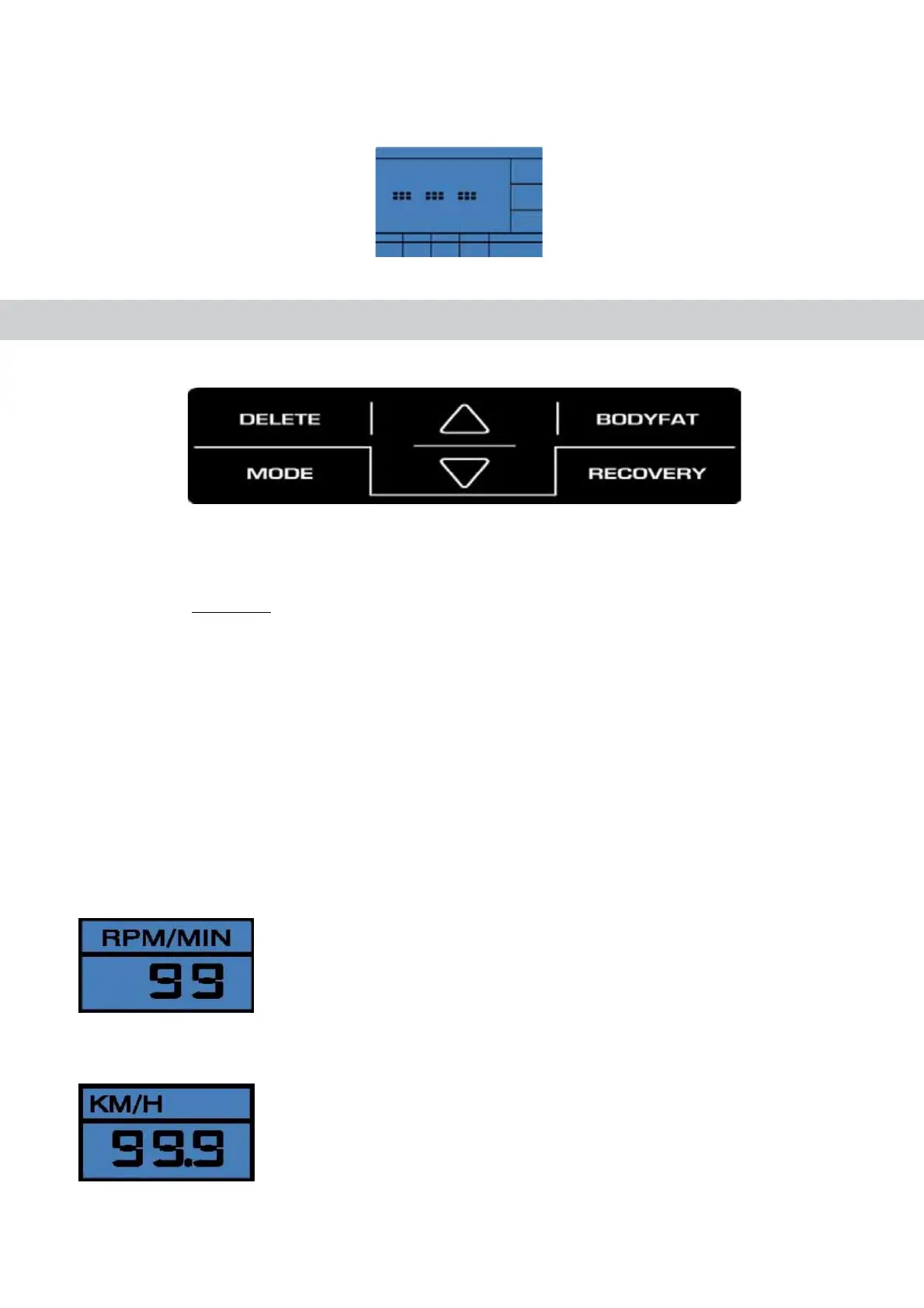
Drücken Sie die Bodyfat-Taste während Ihres Trainings. Es startet der Messvorgang, was durch Darstellung von drei Balken im Display
angezeight wird.
Nach erfolgreicher Messung, wird der Bodyfat-Anteil in % und der BMI Wert im display angezeigt.
#OMPUTER5+
#OMPUTERKEYS
$%,%4%
- Briefly pressing this key will resets the activated value in the setting mode
- Briefly pressing this key in the average/Trip-mode will activate
the main menue: WATT; HRC; PROGRAM;MANUAL and
INDIVIDUAL.
- Longer pressing (> 2 seconds)
in in the average/Trip-mode will
activate the user selection.
-/$%
By pressing this key, a function can be confirmed.
"/$9&!4
Show your body fat in %, according to your height and sex. Please pay attention, that your hand are covering both handpulsesensors.
2%#/6%29
Recovery pulse measurement with assignment of a fitness score 1–6.
Program selection or increase/decrease of values. A longer press will start the automatic value finder.
#OMPUTER&UNCTION
20-
Revolutions per minute.(15-200rpm).
30%%$
Display of speed in km/h, 0-99.99km/h, (theoretical assumed value), which cannot be compared with the speed value of a regular
outdoor bike.


 To Next Page