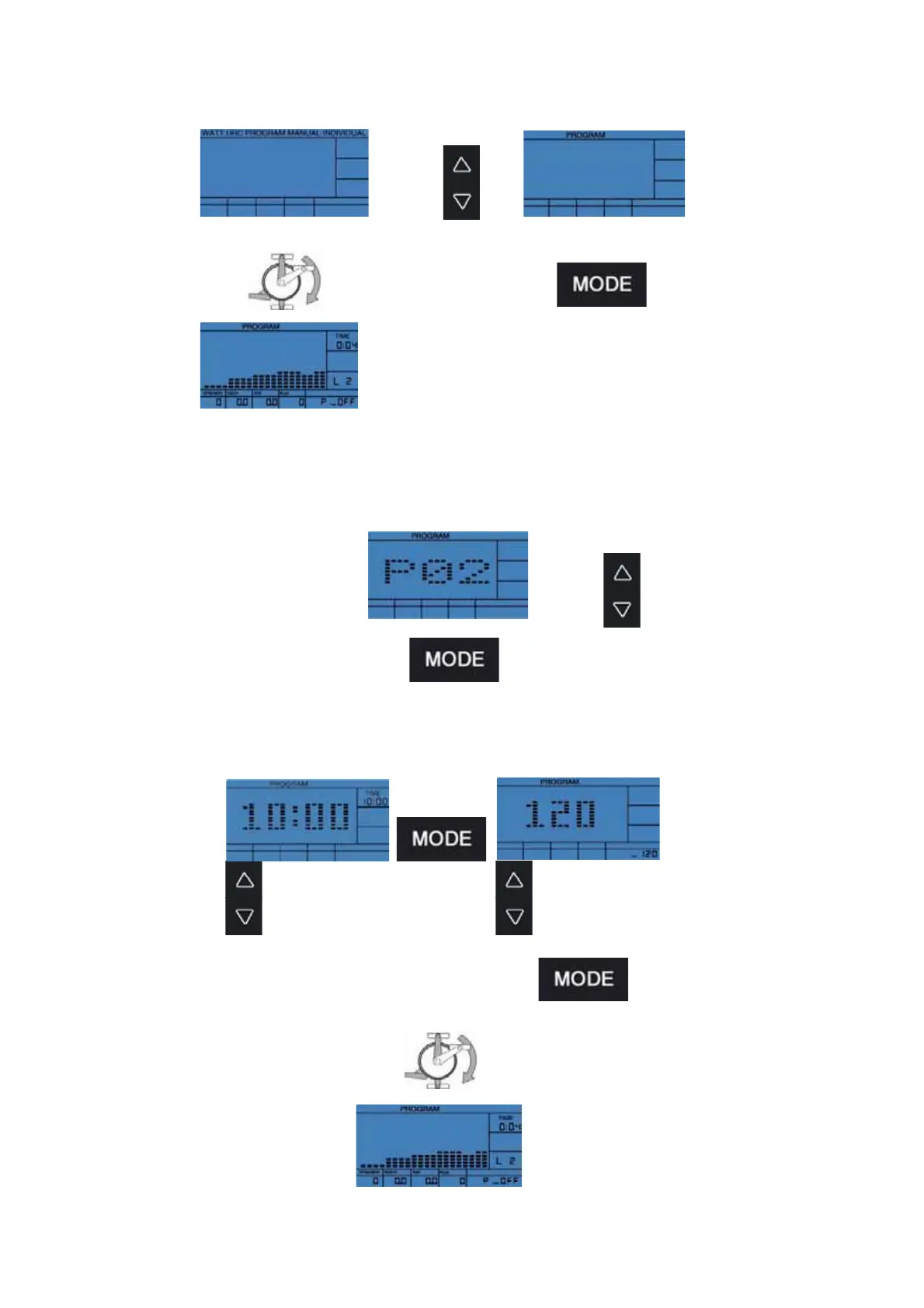
1) PROGRAM-Selection
5.4.4 PROGRAM-Mode
check 2) Profile selection
2) Profile selection
P1-P12
3) Setting of values
Starting your exercise, the already set data will
start counting backwards. If the set data reach
0, the computer will stop and a beep will be heard.
If you didn´t set any values, all data will start
counting up.
Starting your exercise, the already set data will start
counting backwards. If the set data reach 0, the computer
will stop and a beep will be heard. If you didn´t set any
values, all data will start counting up.
OFF, 10:00-99:00min
OFF, 120-199
Schläge/Minute
→
→


 To Next Page