EasyManua.ls Logo

HAMPTON BAY BARROW ISLAND - User Manual

HAMPTON BAY BARROW ISLAND
20 pages
Print Icon
To Next Page IconTo Next Page
Loading...
USE AND CARE GUIDE
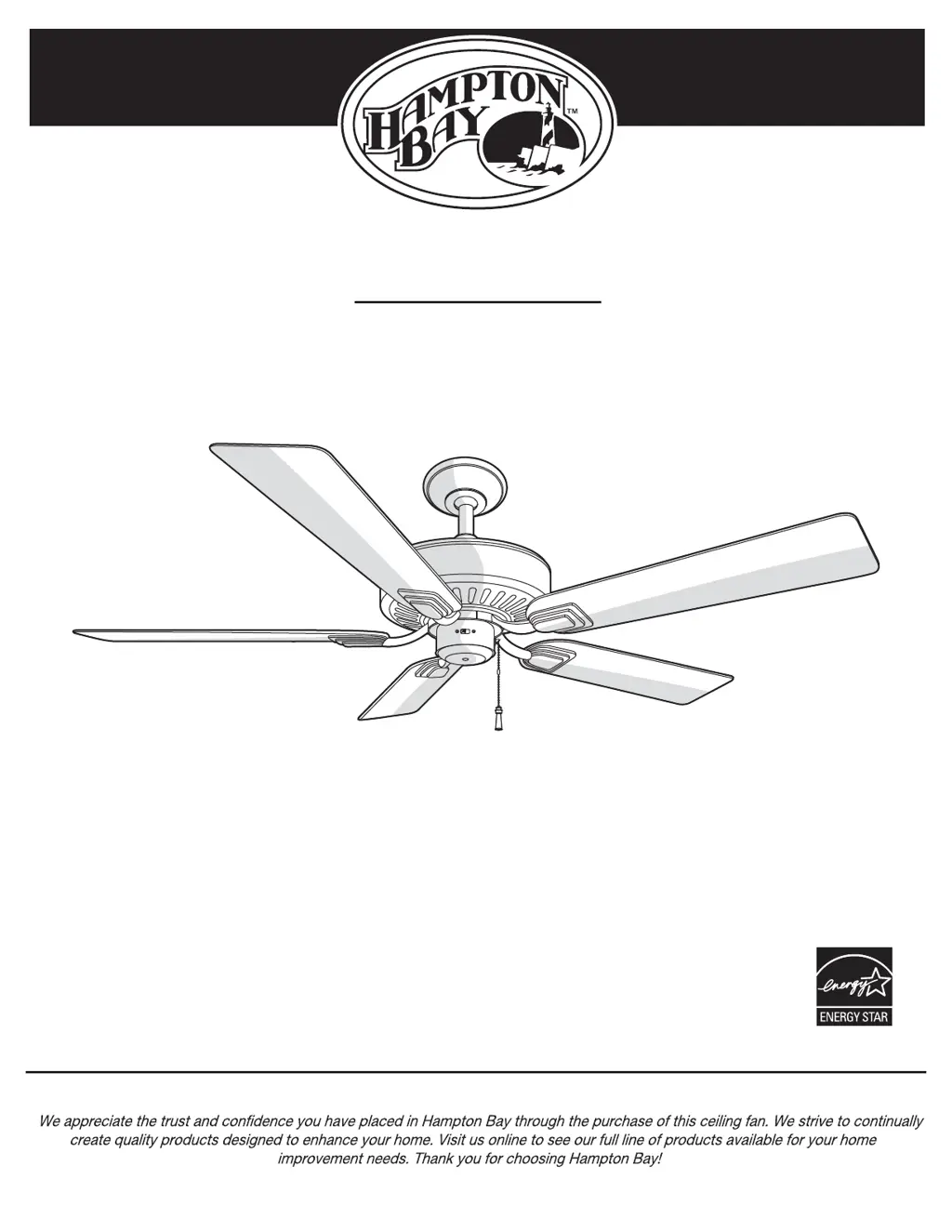
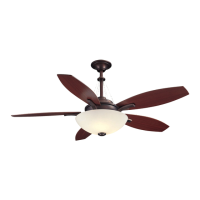
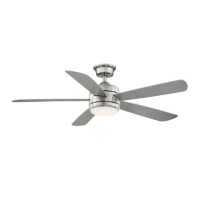
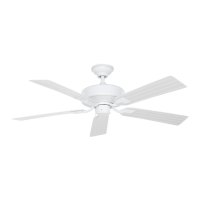
BARROW ISLAND 52 IN. CEILING FAN
THANK YOU
THANK YOU
Item #XXX XXX
Model #
YG529-NI
1-855-HD-HAMPTON
HAMPTONBAY.COM
Questions, problems, missing parts? Before returning to the store,
8 a.m. - 7 p.m., EST, Monday-Friday, 9 a.m. - 6 p.m., EST Saturday
call Hampton Bay Customer Service

Questions and Answers

  • R
    Rebecca HobbsJul 29, 2025
    How to fix HAMPTON BAY BARROW ISLAND wobble if deviations are less than 1/8 inch?
    • M
      Martin PollardJul 29, 2025
      If, after measuring the blade level of your HAMPTON BAY Fan, all deviations are less than 1/8 inch, please call Customer Service (1-855-HD-HAMPTON) to order a complimentary Blade Balancing Kit.
  • K
    Kristin ThompsonAug 8, 2025
    What to do if HAMPTON BAY BARROW ISLAND Fan wobble deviation is greater than 1/8 inch?
    • G
      Gary CraneAug 8, 2025
      If the blade level deviation of your HAMPTON BAY Fan is greater than 1/8 inch, please call Customer Service (1-855-HD-HAMPTON) to order complimentary replacements of your brackets.
  • T
    Thomas AlexanderAug 17, 2025
    What to do if my HAMPTON BAY BARROW ISLAND Fan wobbles after 10 minutes?
    • W
      Whitney BaileyAug 17, 2025
      If your HAMPTON BAY Fan continues to wobble after running for 10 minutes, verify the blade level using this process: Choose a point on the ceiling above the tip of one blade. Measure the distance from the center of each blade to that point. Ensure that deviations in measurements are within 1/8 inch.

Summary

Safety Information

Warranty

Pre-Installation

Specifications

Details fan size, speed, electrical ratings, and performance metrics.

Tools Required

Lists necessary tools for installation and maintenance.

Hardware Included

Lists all included parts with descriptions and quantities.

Package Contents

Details all components included in the fan package.

Dual Mounting Instructions

Explains two mounting options: standard and close-to-ceiling.

Installation

Mounting Options

Discusses various methods and considerations for mounting the fan.

Standard Ceiling Mounting Assembly

Step-by-step guide for assembling the fan using standard ceiling mount.

Close-to-Ceiling Mounting Assembly

Step-by-step guide for assembling the fan using close-to-ceiling mount.

Hanging the Fan

Instructions for attaching the fan to the electrical box and mounting bracket.

Attaching Fan Blades

Detailed steps for securely attaching fan blades to the motor assembly.

Operation

Pull Chain Operating Instructions

Explains how to control fan speed using the pull chain.

Reverse Switch Operating Instructions

Details how to adjust the fan's rotation direction for different seasons.

Care and Cleaning

Care and Cleaning Guidelines

Provides guidelines on proper cleaning and maintenance practices.

Troubleshooting Common Issues

Offers solutions for common fan problems like not starting or noisy operation.

Service Parts

HAMPTON BAY BARROW ISLAND Specifications

General IconGeneral
TypeCeiling Fan
Number of Blades5
Light KitYes
Control TypeRemote Control
Blade Span52 inches
Motor TypeAC Motor

Related product manuals