EasyManua.ls Logo

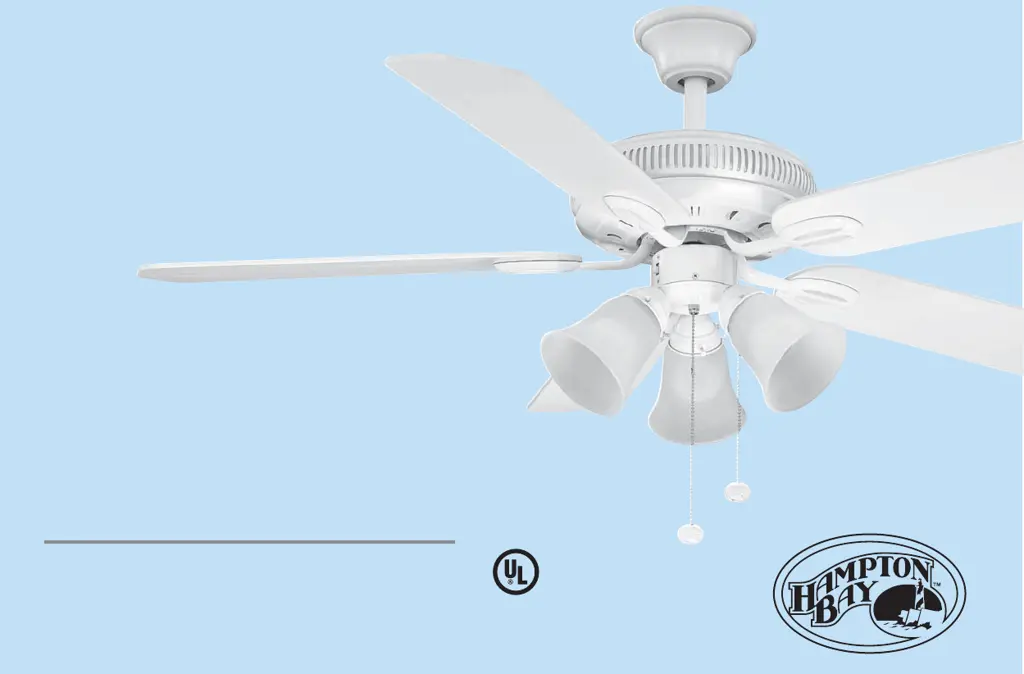
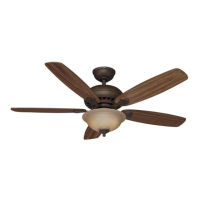
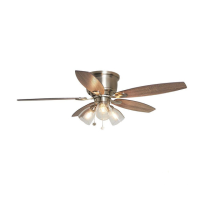
HAMPTON BAY Glendale 52 - User Manual

HAMPTON BAY Glendale 52
16 pages
Print Icon
To Next Page IconTo Next Page
Loading...
Glendale
52" Ceiling Fan
Owner’s Manual
Glendale
Ventilador de Techo de 52"
Manual del Propietario
Hampton Bay
®
Transitional Collection

Questions and Answers

  • R
    Rachel SmithJul 28, 2025
    How to fix HAMPTON BAY Glendale 52 wobble?
    • G
      gary11Jul 28, 2025
      To address a wobbling HAMPTON BAY Fan, start by ensuring all blade and blade arm screws are secure. Most wobbling issues arise from unequal blade levels. To check this: * Select a point on the ceiling above the tip of one blade and measure the distance. * Rotate the fan to measure the distance for each blade. The distance deviation should be within 1/8 inch. If the wobble persists, use the provided Blade Balancing Kit. You can also try interchanging two adjacent blades to redistribute weight and potentially achieve smoother operation.
  • M
    Michael BrownAug 8, 2025
    What to do if my HAMPTON BAY Glendale 52 Fan will not start?
    • D
      Debbie GardnerAug 8, 2025
      If your HAMPTON BAY Fan won't start, begin by checking the circuit fuses or breakers. Additionally, inspect the line wire connections to the fan and the switch wire connections within the switch housing to ensure they are properly connected.
  • C
    Craig RamosAug 16, 2025
    Why is my HAMPTON BAY Glendale 52 so noisy?
    • K
      Kari MullenAug 16, 2025
      A noisy HAMPTON BAY Fan can stem from several factors. Ensure all motor housing screws are snug, and the screws attaching the fan blade bracket to the motor hub are tight. Also, check that wire nut connections aren't rubbing against each other or the switch housing's interior. Allow a 24-hour 'breaking-in' period, as most new fan noises disappear then. If you're using a light kit, tighten the glassware screws and ensure the bulb is secure. Some fan motors react to solid-state variable speed controls, so consider using a different type of control. Lastly, the upper canopy shouldn't touch the ceiling; ensure it's a short distance away.

Summary

15-Year Limited Warranty

Safety Rules

Unpacking Your Fan

Installing Your Fan

Tools Required

List of tools needed for fan installation.

Mounting Options

Guidance on securing the outlet box for fan support.

Hanging the Fan

Standard Ceiling Installation

Procedure for hanging the fan using the standard downrod and ball/socket mounting.

Close-to-Ceiling Installation

Procedure for installing the fan closer to the ceiling, suitable for low-ceiling rooms.

Making the Electrical Connections

Finishing the Installation

Standard Ceiling Installation

Steps to slide and secure the canopy for standard ceiling mount.

Close-to-Ceiling Installation

Steps to slide and secure the canopy for close-to-ceiling mount.

Attaching the Fan Blades

Installing the Light Kit

Operating Your Fan

Care of Your Fan

Troubleshooting

Specifications

HAMPTON BAY Glendale 52 Specifications

General IconGeneral
Number of Blades5
Motor TypeAC
Light Kit IncludedYes
Mounting TypeDownrod Mount
Fan Diameter (In.)52
Light IncludedYes
Blade Span52 inches
Light TypeLED
FinishBrushed nickel
Blade MaterialWood
WarrantyLifetime motor warranty

Related product manuals