EasyManua.ls Logo

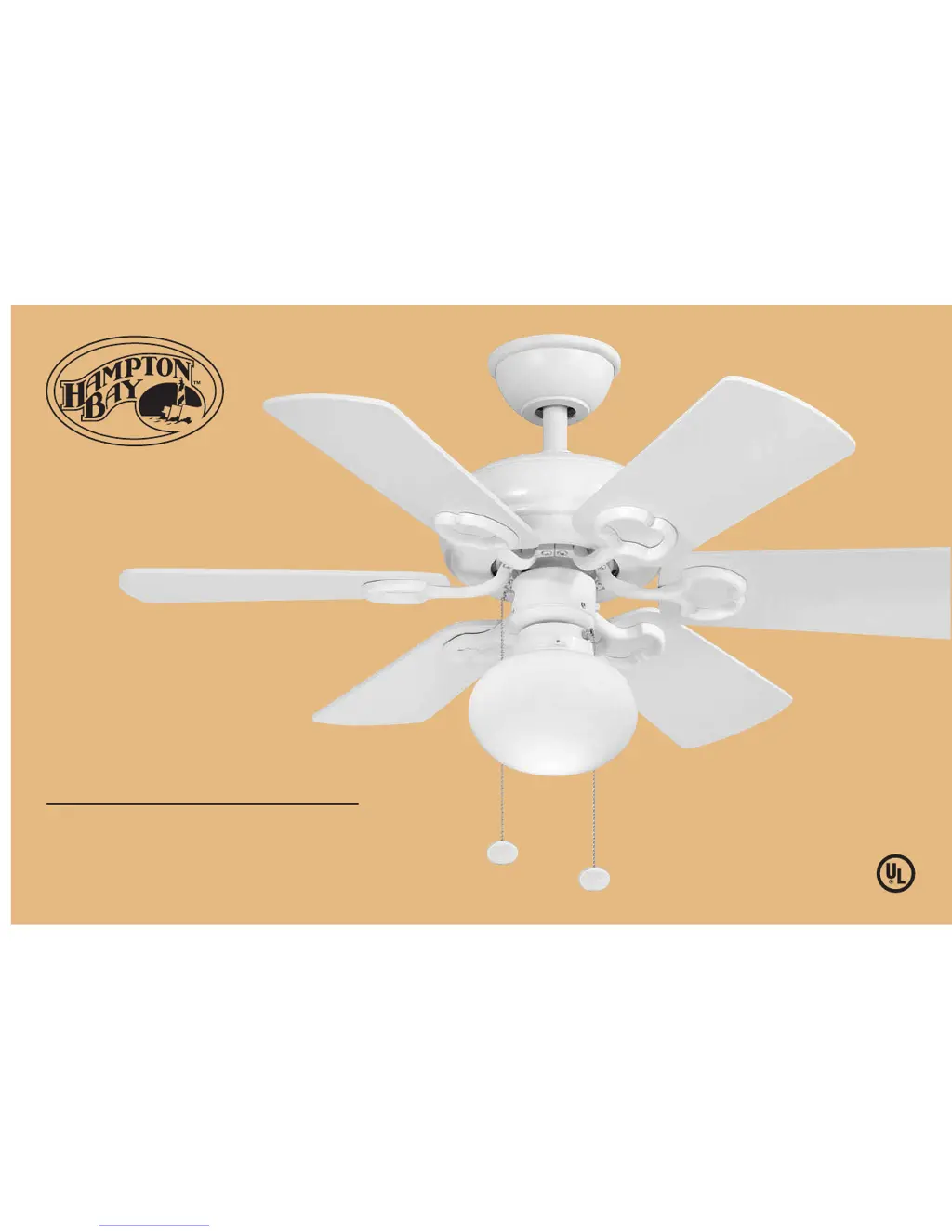
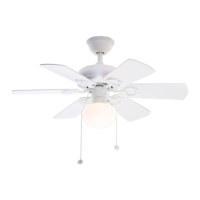
HAMPTON BAY Minuet III - User Manual

HAMPTON BAY Minuet III
16 pages
Print Icon
To Next Page IconTo Next Page
Loading...
Minuet III
36 in Ceiling Fan
Owner's Manual
Minuet III
Ventilador de Techo de 0.91
m
Manual del Propietario

Questions and Answers

  • M
    Marcus JonesAug 12, 2025
    Why is my HAMPTON BAY Minuet III Fan so noisy?
    • M
      Michele SmallAug 13, 2025
      If your HAMPTON BAY Fan is making noise, consider the following: * Ensure all motor housing screws are snug. * Make sure the screws that attach the fan blade bracket to the motor hub are tight. * Verify that wire nut connections are not rubbing against each other or the interior wall of the switch housing. * Allow a 24-hour 'breaking-in' period. * If you're using an optional light kit, make sure the screws securing the glassware are tight, and check that the light bulb is also secure. * Some fan motors are sensitive to signals from solid-state variable speed controls, so choose and install another type of control if you've installed this type of control. * Also, make sure the upper canopy is a short distance from the ceiling, ensuring it does not touch the ceiling.
  • T
    tracydelgadoAug 22, 2025
    What to do if my HAMPTON BAY Minuet III is wobbling?
    • M
      michaelfisherAug 22, 2025
      If your HAMPTON BAY Fan is wobbling, try these steps: * First, check that all blade and blade arm screws are secure. * Most wobbling issues arise from unequal blade levels. To check this, select a point on the ceiling above the tip of one of the blades. If the blade wobble is still noticeable, interchanging two adjacent blades can redistribute the weight and possibly result in smoother operation. * If the blade wobble is still noticeable, use the enclosed Blade Balancing Kit.
  • H
    Heather MercerNov 2, 2025
    How to fix HAMPTON BAY Minuet III Fan that will not start?
    • J
      Jerry FosterNov 2, 2025
      If your HAMPTON BAY Fan won't start, here are a few things to check: * First, examine the circuit fuses or breakers. * Next, check the line wire connections to the fan and the switch wire connections within the switch housing. * Ensure all motor housing screws are snug and that the screws attaching the fan blade bracket to the motor hub are tight. * Also, confirm that wire nut connections aren't rubbing against each other or the interior wall of the switch housing. * Allow a 24-hour 'breaking-in' period for the fan. * If you're using a light kit, make sure the screws securing the glassware are tight and the light bulb is secure. * If you have installed a solid-state variable speed control, consider switching to another type of control, as some fan motors are sensitive to the...

Summary

Hampton Bay Lifetime Motor Warranty

Safety Rules

Unpacking Your Fan

Installing Your Fan

Hanging the Fan

Detailed steps for mounting the fan motor assembly to the ceiling bracket.

Flushmount Installation

Specific instructions for installing the fan in a flush mount configuration.

Making Electrical Connections

Guide on connecting the fan's wires to the household electrical supply.

Finishing the Installation

Steps to complete the fan installation, securing the canopy and ring.

Attaching the Fan Blades

Instructions for securely attaching the fan blades to the motor assembly.

Installing the Light Kit

Operating Your Fan

Care of Your Fan

Troubleshooting

Specifications

HAMPTON BAY Minuet III Specifications

General IconGeneral
BrandHAMPTON BAY
ModelMinuet III
CategoryFan
LanguageEnglish

Related product manuals