1 - 6 Quick Check® 600/800 Series User’s Guide
The Quick Check 600/800 Verifier also supports two customized operational
modes: Reflectometer mode and Command Code function. In the Reflectometer
mode, the unit operates as a free-running reflectometer. "Using the Quick Check
Verifier as a Reflectometer" on page 4-17 contains information about
reflectometer mode. The Command Code is a specially structured bar code
symbol that offers a unique way for you to quickly program the settings.
Chapter
3, Changing the Settings
, contains instructions on changing the settings. This
manual contains separate and versatile bar code menus to Single-Scan-to-
Result (SSTR) Codes or to customize the unit (Command Code).
Ports
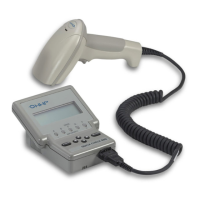
The ports on the back of the unit connect to a recharging unit or to a printer
interface cable. The smaller port is for charging the unit. The larger port
connects to RS-232 serial communication devices, such as Hand Held Products’
QCPand QCHSPprinters.
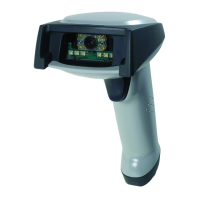
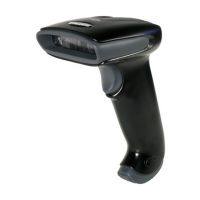
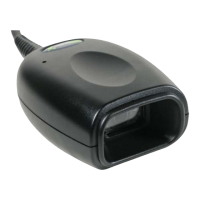
The port on the front of the unit connects to the pen or mouse wand scanner. A
wand scanner holder, on the back of the unit, secures the wand when it is not in
use.


 To Next Page