Easy Hotspot Kit
19
Step 3: Internet Connection Setting
Select the appropriate Internet connection type to connect to your ISP.
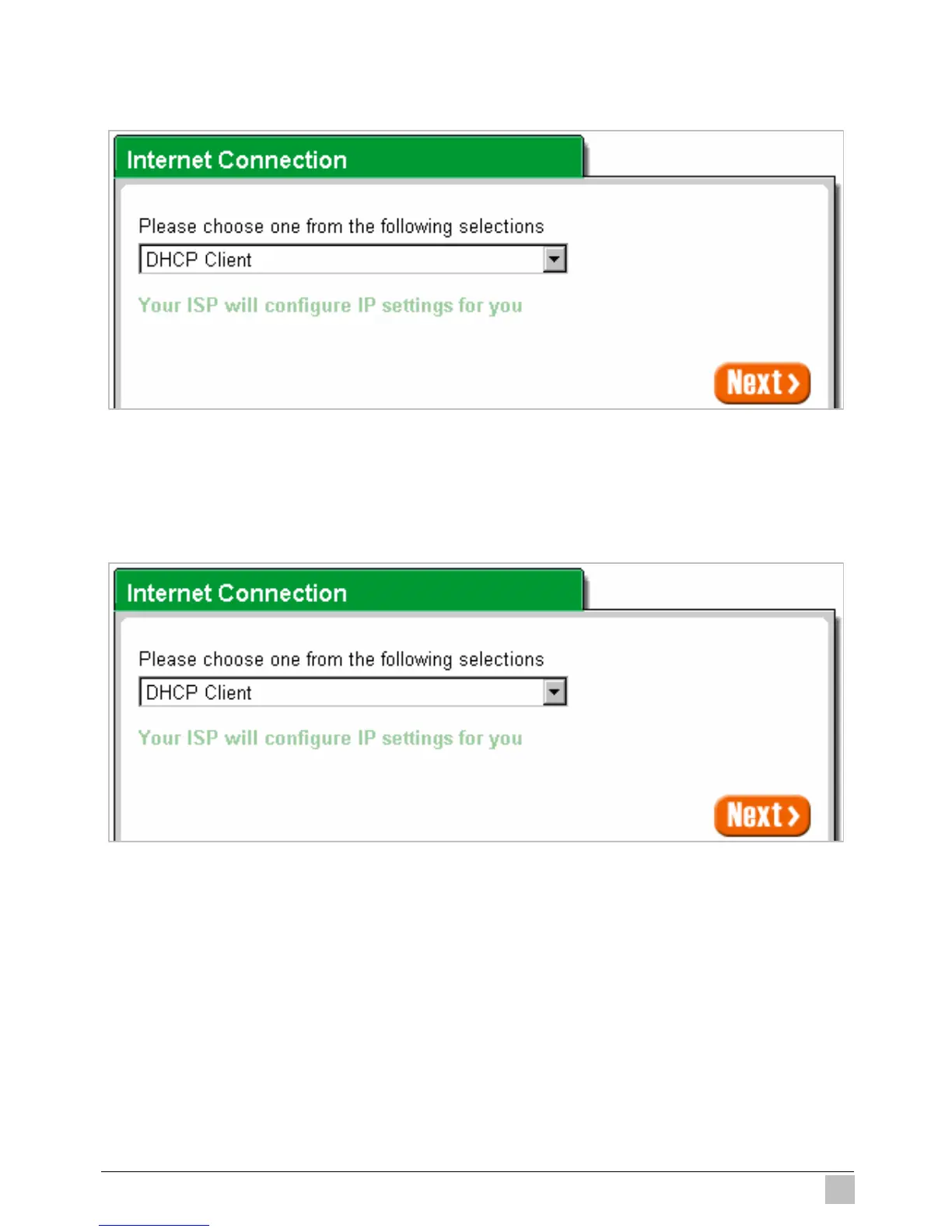
+igure 3-5 Internet Connection Setting Screen
z DHCP Client
The device can work as a DHCP client. This allows the device to obtain the IP address and other
TCP/IP settings from your ISP. If your xDSL/Cable comes with this feature, please enable Use DHCP
Client.
Figure 3-6 Internet Connection Setting Screen—DHCP Client Setting



 To Next Page