41
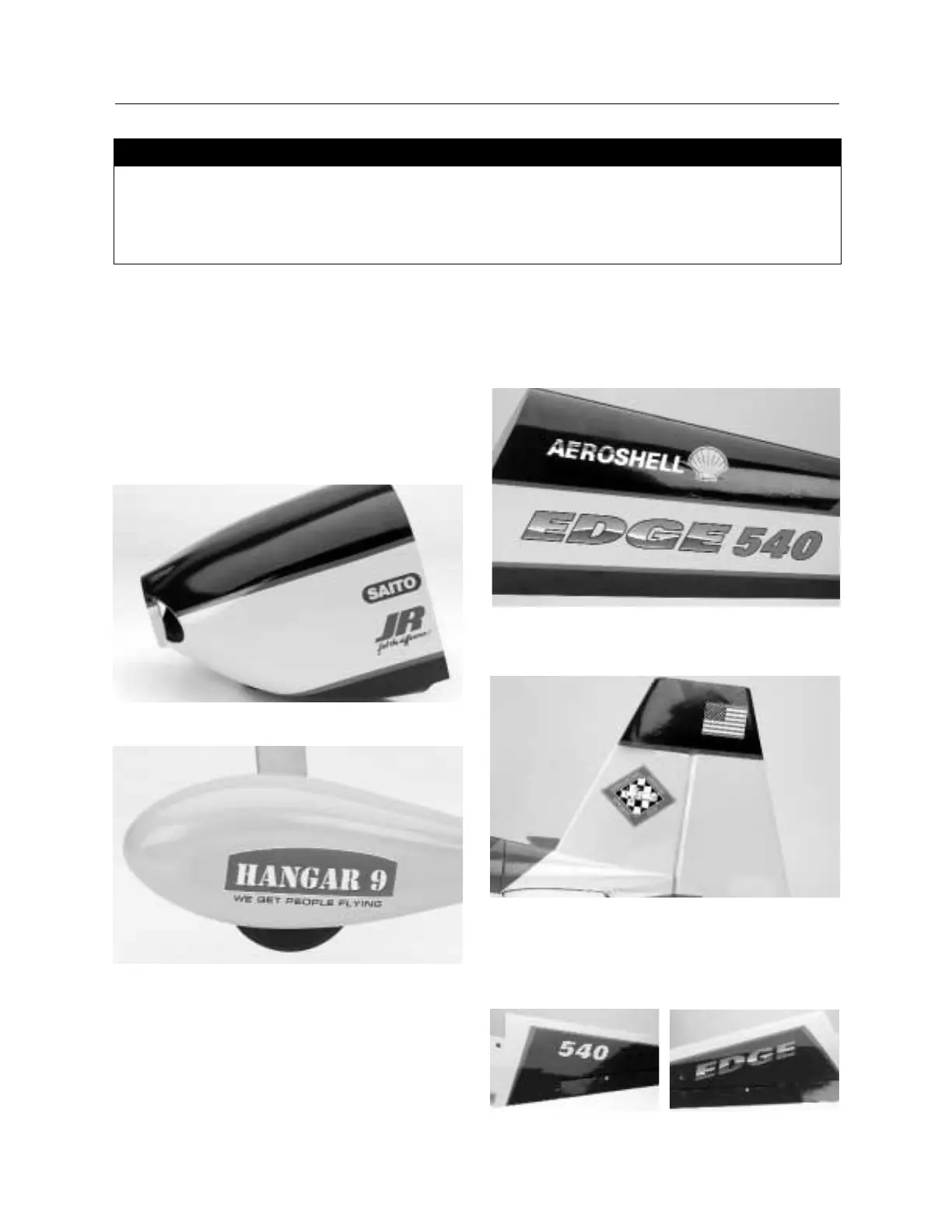
Step 1. Locate the decal sheet included in the kit. Use the box
art photos as an approximate position reference for the
application of the included decals.
Step 2. Using the box as a reference, cut out the decals for the
cowl (Saito, JR) as applicable. If you are using a different engine
or radio, you can apply decals applicable to the equipment you
have. Apply the decals to the cowl and rub with a soft cloth to
work out any bubbles or wrinkles.
Step 3. Next, apply the Hangar 9 decal to the wheel pants.
Step 4. The Aeroshelle decal can be applied to both sides of the
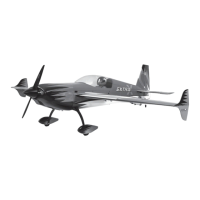
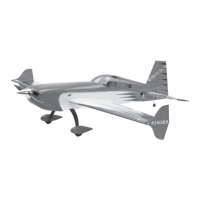
fuselage turtledeck behind the canopy as shown in the photo
below. The Edge 540 decal is placed on each side of the fuselage
behind the hatch area.
Step 5. The IMAC and American Flag are applied to both sides
of the vertical stabilizer and rudder as shown.
Step 6. The “Edge 540” decal is applied to the top of the wing,
the “Edge” decal is applied to the left wing panel, and the “540”
decal is applied to the right wing panel, centered and parallel to
the red stripe. Refer to the photo below.
Section 18: Adding Decals
• Fuselage
• Wing
• Decal sheet
• Ruler
• Scissors
• Soft cloth
• Masking tape (optional)
Parts Needed Tools and Adhesives Needed


 To Next Page