9
8
Chapter 2 - QUICK START
2.1 SENSOR AND PROBE INSTALLATION
• Sensor o-rings must be lubricated with the supplied grease prior to installation.
• HI 769819X probes have 2 or 3 sensor connectors sockets identified with
color-coded triangles:
• Connector 1 (red): For either pH/ORP, pH sensor
• Connector 2 (white): For dissolved oxygen sensor (HI 98194, HI 98196
only)
• Connector 3 (blue): For EC sensor (HI 98194, HI 98195 only)
• Position the connector key towards the center of the probe, make sure the
connector is seated correctly (the sensor will no longer move freely) before
tightening the locking threads.
• To protect the sensors, screw the protective shield onto the probe body.
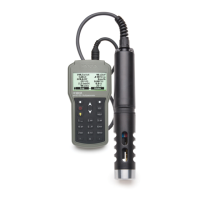
• With the meter off, connect the probe to the instrument input on the top of the
meter. Align the pins and key then push the plug into the socket and tighten
the thread.
• Turn the meter on by pressing the On/Off key. The meter will automatically
recognize the probe and the installed sensors and identify them on the probe
status screen.
• Press Measure to view the measurement screen.
1.4 DISPLAY AND KEYBOARD DESCRIPTION
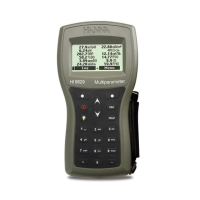
1. Graphic LCD
2. Battery level indicator
3. Softkeys
4. On/Off key: turn the meter on and off
5. Lamp key: turn the backlight on and off
6. Alphanumeric keyboard: insert alphanumeric codes
7. / Arrow keys: scroll the displayed options/message
8. HELP key: obtain information about the displayed screen
9. ESC key: return to the previous screen
10. Softkey functions defined on display


 To Next Page
 Loading...