Alpine Stair Lifts Manual | | www.Harmar.com
F
CB0<-5914'-4;'E06:<9B5914'12'+0-5=<06
OPERATION AND DESCRIPTION OF FEATURES
To avoid causing damage to your stair lift or other property, and to avoid personal injury, you should become
familiar with the location and function of the features included on your lift before using it. It is particularly
important that you familiarize yourself with the safety devices described below.
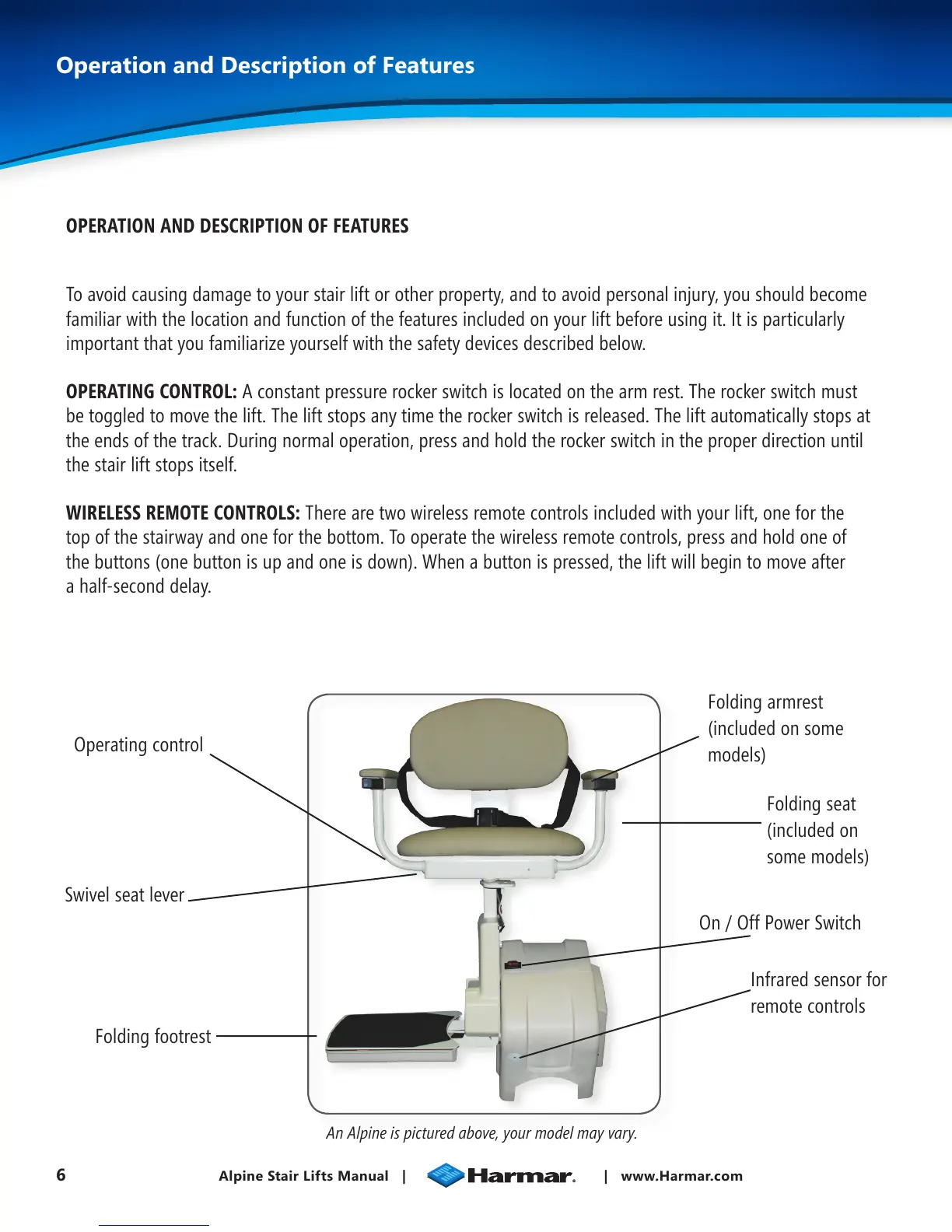
OPERATING CONTROL: A constant pressure rocker switch is located on the arm rest. The rocker switch must
be toggled to move the lift. The lift stops any time the rocker switch is released. The lift automatically stops at
the ends of the track. During normal operation, press and hold the rocker switch in the proper direction until
the stair lift stops itself.
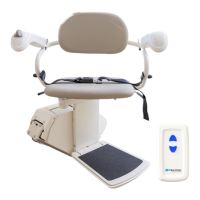
WIRELESS REMOTE CONTROLS: There are two wireless remote controls included with your lift, one for the
top of the stairway and one for the bottom. To operate the wireless remote controls, press and hold one of
the buttons (one button is up and one is down). When a button is pressed, the lift will begin to move after
a half-second delay.
Operating control
Swivel seat lever
Folding footrest
Infrared sensor for
remote controls
On / Off Power Switch
Folding seat
(included on
some models)
Folding armrest
(included on some
models)
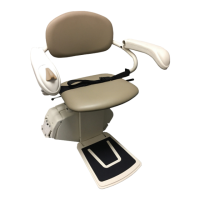
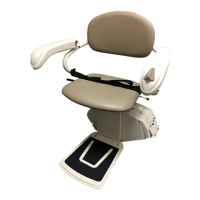
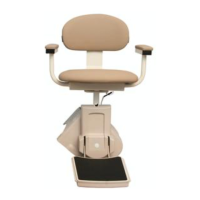
An Alpine is pictured above, your model may vary.


 To Next Page