Chapter 1 ProView™ 7000 Installation Guide
© 2014 Harmonic Inc. All rights reserved. 9 ProView 7000 Release 3.4, Rev A
Electrical Power Connection
Electrical Power Connection
TheProV iew7000ispoweredbyanACpowersupply.
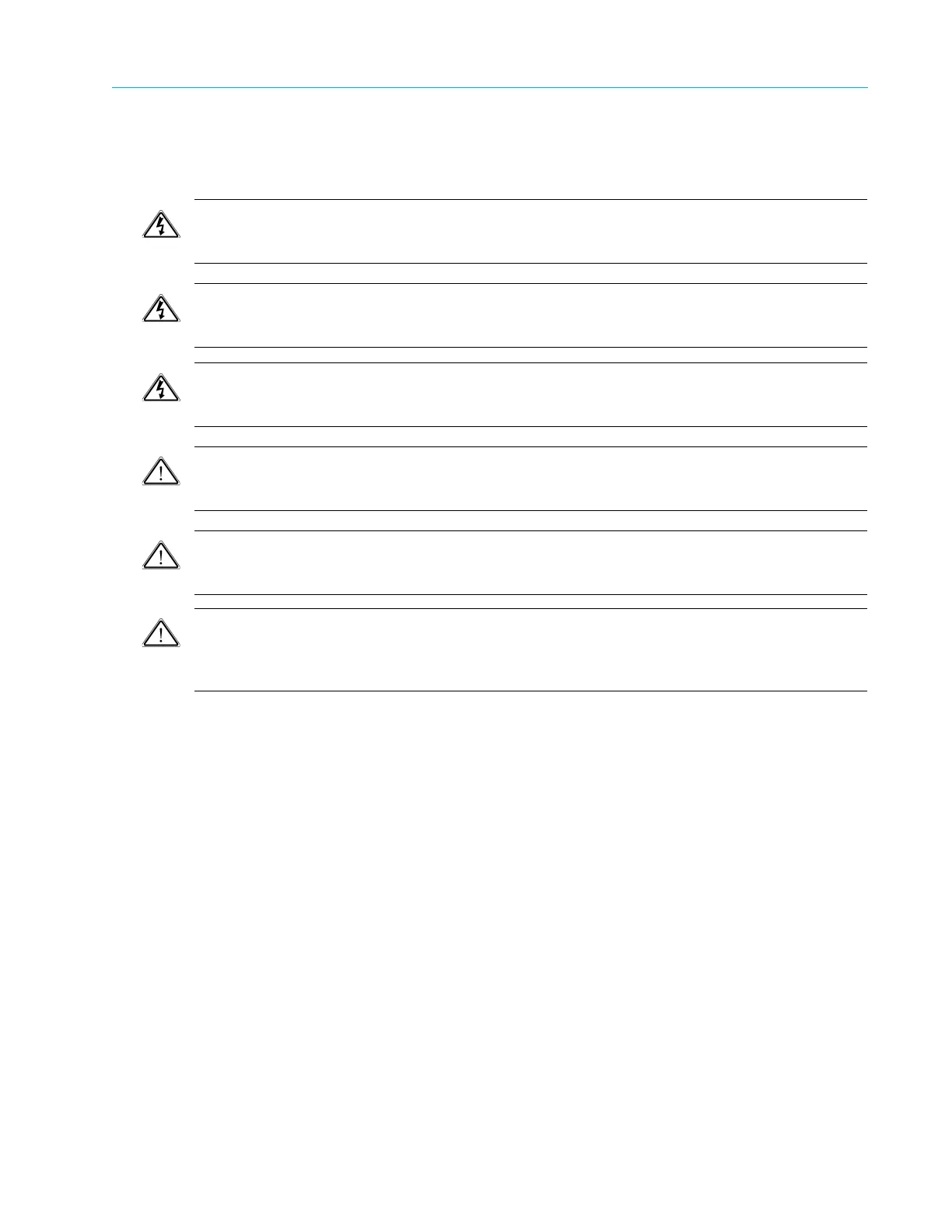
DANGER: To avoid electrocution ensure that the rack has been correctly grounded before
switching on the unit. When removing the unit remove the grounding connection only after the
unit is switched off and unplugged.
VORSICHT! Zur Vermeidung von lebensgefährlichem Stromschlag muss vor Einschalten des Geräts
sichergestellt werden, dass das Rack vorschriftsmäßig geerdet wur
de. Bei Entnahme des Geräts ist dieses
zuerst auszuschalten und von der Stromversorgung zu trennen, bevor der Erdungsanschluss entfernt wird.
DANGER: Pour éviter l’électrocution, assurez-vous que le rack a bien été mis à la terre avant de mettre
l’unité en marche. Lors du retrait de l’unité, retirer le
raccordement de terre seulement après avoir mis
l’unité à l’arrêt et l’avoir débranchée.
CAUTION: This product relies on the building’s electrical installation for short-circuit (overcurrent)
protection. Ensure that a fuse or circuit breaker no larger than 120 VAC, 20 A U.S. (240 VAC, 20 A
international) is used on the phase conductors (all current-carrying conductors).
ATTENTION: Pour ce qui est de la protection contre les courts-circuits (surtension), ce produit dépend de
l’installation électrique du local. Vérifier qu’un fusible ou qu’un disjoncteur de 120 V alt., 20 A U.S. maximum
(240 V alt., 20 A international) est utilisé sur les conducteurs de phase (conducteurs de charge).
WARNUNG: Dieses Produkt ist darauf angewiesen, daß im Gebäude ein Kurzschluß-bzw. Überstromschutz
installiert ist. Stellen sie sicher, daß eine Sicherun
g oder ein Unterbrecher von nicht mehr als 240 V
Wechselstrom, 20 A (bzw. in den USA 120 V Wechselstrom, 20 A) an den Phasenleitern (allen stromführenden
Leitern) verwendet wird.
Connecting the Cables
AllProView7000connectorsarelocatedontherearpanel.Connectthefollowing:
InputCables
Ifyo
uareusingDVB‐S/S2,connectthesatellitecabletotheRFINconnector.Ifyouareusing
ASI,connecttheASIcablestotheconnectorsmarkedASIIN.
ManagementLANCable
Connectthemanag
ementLANcabletotheManagementport.
VideoOutput
Connectanoutputde
stinationtooneoftheoutputconnectorsontheoutputinterface.
VideoMonitor
Connectavideomo
nitor,forlocalmonitoringoftheoutput,toeithertheCVMONortheHDMI
port.



 To Next Page