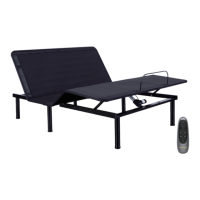
Wireless pairing operation
Step1:
Make sure the RF receiver is properly connected to the Motor.
Step2:
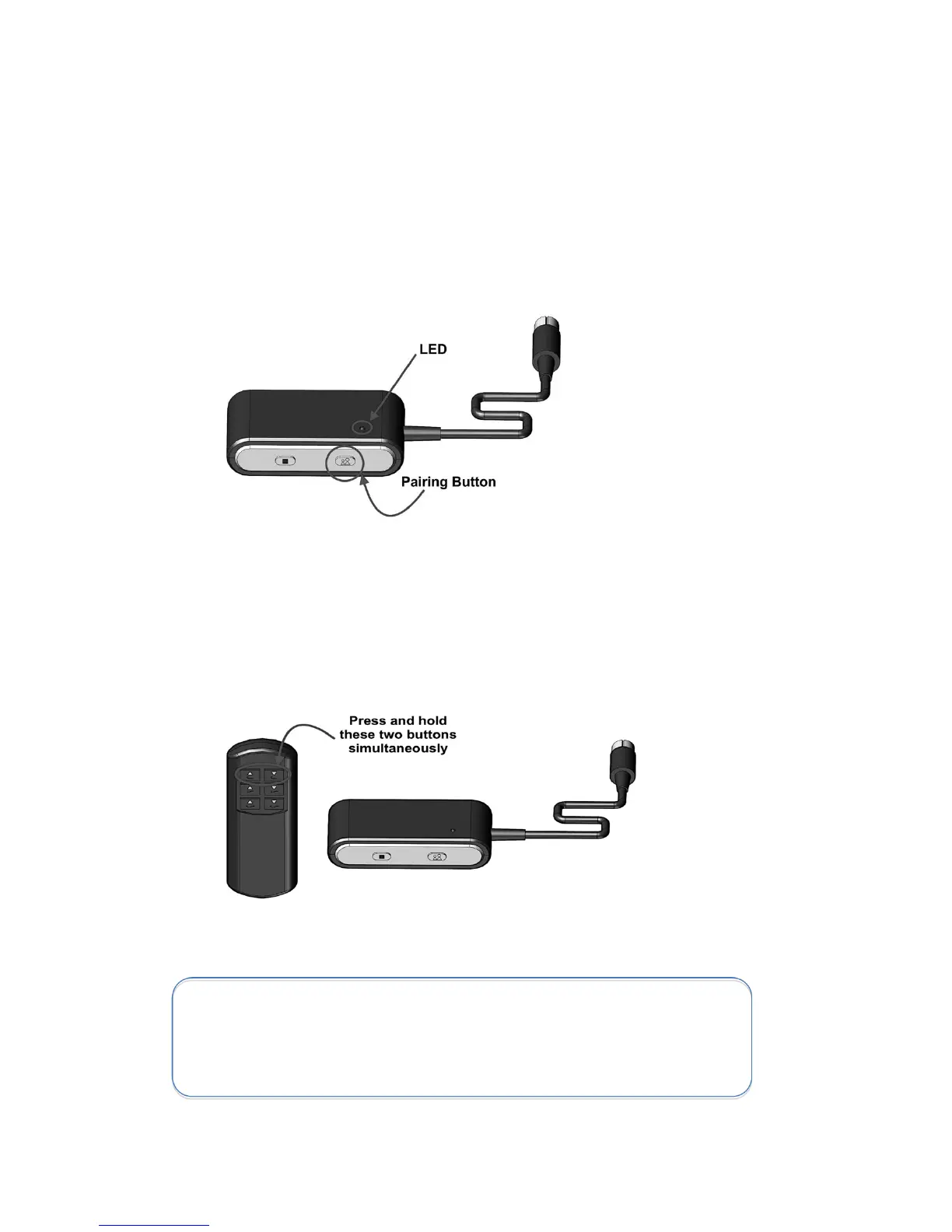
Press the pairing button on the RF receiver until the green LED turns on. Now you have
10 seconds for pairing process.
Step3:
Press and hold simultaneously Heads-Up and Heads-Down buttons on the Remote (A)
until the LED on the RF receiver starts blinking. The blinking confirms successful pairing.
Please repeat all the above steps if the pairing operation failed.
Important Notes:
For pairing the distance between the Remote (A) and the RF receiver
should be less than 2 meters.


 To Next Page