Copyright © 2020 Haskris REV102920
3
www.haskris.com
776 North Oaklawn Avenue, Elmhurst, Illinois 60126 USA ph: +1-847-956-6420 | fx: +1-847-956-6595 | email: service@haskris.com
Operation and Maintenance
Haskris LX-Series, R-Series, WW-Series, OPC-Series
Section 1.2: Parametric Control
• Refrigeration runs continuously to maintain steady supply uid temperature under a steady heat load and steady ambient conditions.
• Non-refrigerated units use a facility water regulating valve to maintain steady supply uid temperature under a steady heat load.
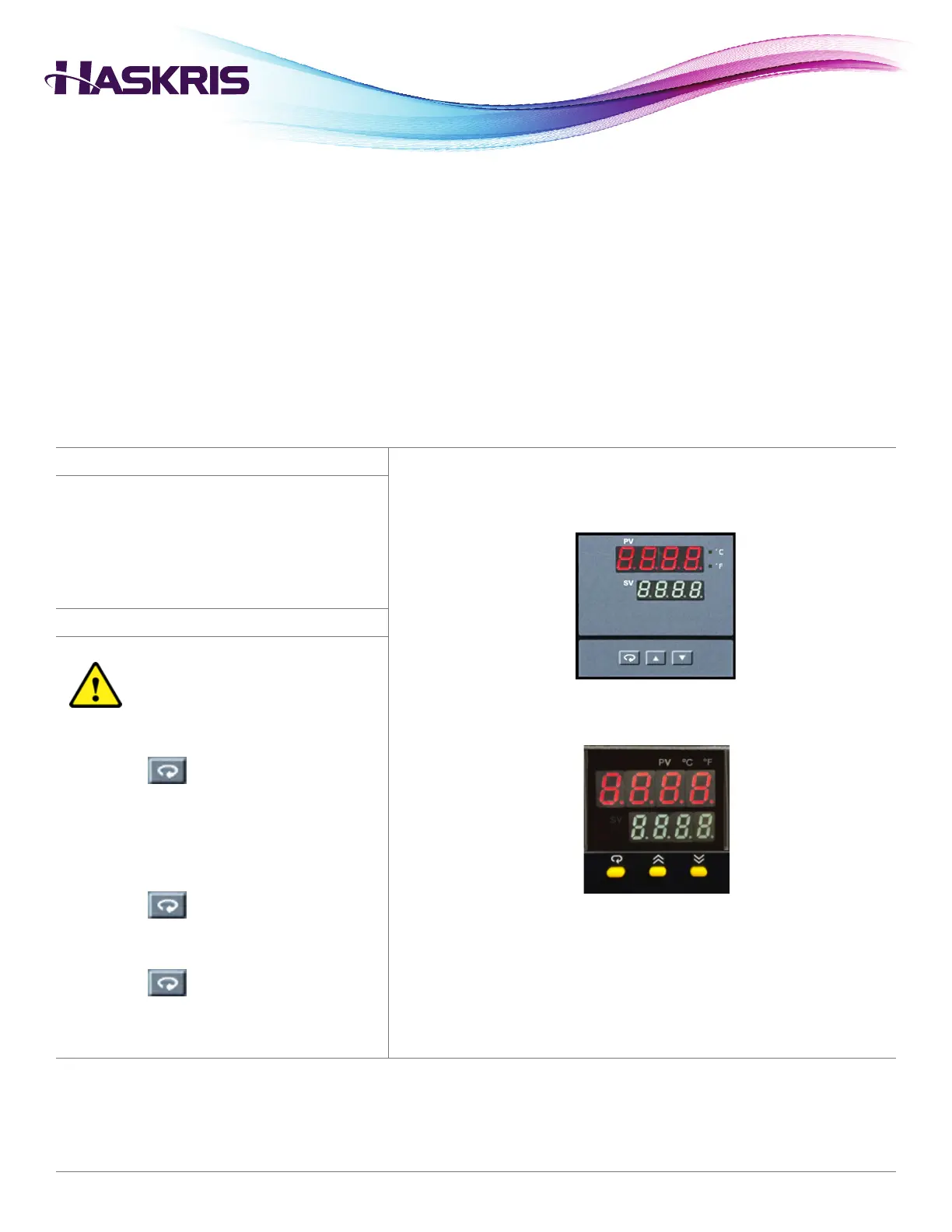
• The LEDs labeled PV display the present value of the uid temperature.
• The LEDs labeled SV display the set point value.
Set Point Adjustment
1. Press the UP and DOWN arrows to adjust set
point value.
High/Low Temperature Alarm Adjustment
Alarm set points depend on the
application specications and unit
design. Contact Haskris to conrm
factory settings.
1. Press the button once. PV displays
A1.SP. SV displays an alarm set point.
2. Before adjusting the alarm set point, record the
original setting. Press the UP and DOWN arrows
to adjust the alarm set point.
3. Press the button again. PV may display
A2.SP. If the setting is not used or not adjustable,
A2.SP will not appear. Adjust if necessary.
4. Press the button to return to the normal
temperature display.



 To Next Page
 Loading...