40
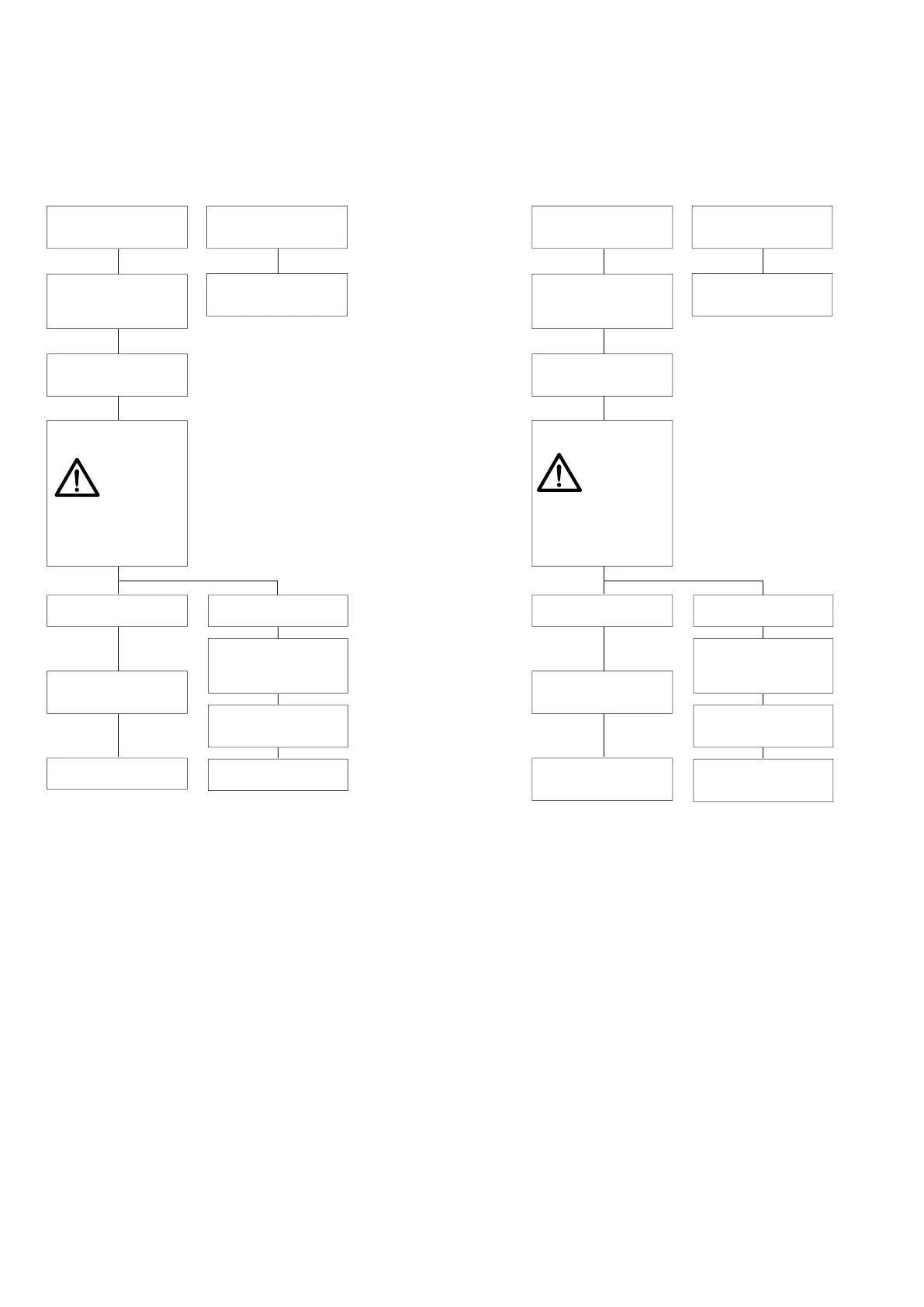
Flügel geöffnet
falls z. B. ein Netzausfall
vorliegt: gelbe LED am
Bedienteil blinkt *
sash is opened
in case of e.g. power
failure: yellow LED at the
control keypad flashes *
„ZU“ am Bedien
teil
drücken **
Normal-Betrieb
ist
möglich
standard operation
is
possible
press “CLOSE“ at the
control keypad **
Flügel schließt langsam
(„save speed“)
ACHTUNG:
Der Einklemmschutz
sowie alle anderen
Sicherheitseinrichtun-
gen sind
deaktiviert!
Flügel geschlossen
sash is closed
Hubantrieb
vorhanden
lift drive exists
Flügel senkt sich ab
und verriegelt
sash lowers and locks
Flügel ist
betriebsbereit
sash is ready for
operation
kein Hubantrieb
no lift drive
Flügel mittels Griff
verriegeln
lock the sash by
means of handle
Flügel bleibt in
Geschlossen-Stellung
stehen
sash remains in
position “CLOSE“
Flügel ist
betriebsbereit
sash is ready for
operation
Einlernfahrt („Home-Init“)
Teach-in run (“Home-Init“)
sash closes slowly
(“save speed“)
ATTENTION:
The anti-trap protection
and all other safety
devices are disabled!
**) bei 1-Tasten-Bedien taster
wird die zur Verfügung
stehende Taste gedrückt
in case of 1-button control
pushbutton, the available
button will be pressed
*) bzw. Signalton an der Taster-Box
bei 1-Tasten-Bedientastatur
or beep at pushbutton-box in case of
1-button control pushbutton
Falls am S2-Schalter DIP-Schalter 4 auf TOTMANN
eingestellt ist, läuft der Schiebeflügel zunächst im
AUTOMATIK-Betrieb, danach im TOTMANN-Betrieb.
If DIP-switch 4 at the S2 switch is adjusted for DEAD-MAN,
the sash first runs in AUTOMATIC mode and afterwards in
DEAD-MAN‘s mode.
„Home-Init“ = Software-Reset
“Home-Init“ = software reset



 To Next Page