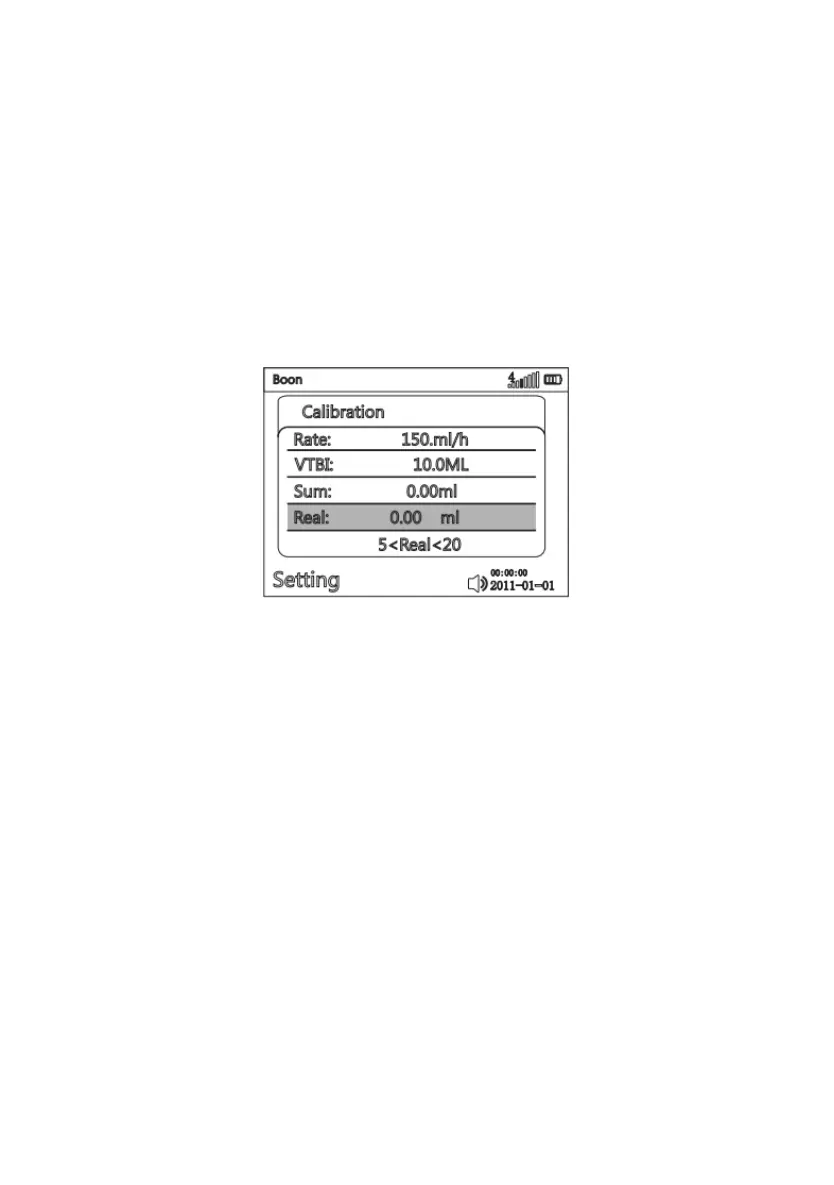
Select “setting” on main menu, press OK key, use arrow keys to select “Calibration” to enter IV set
calibration interface. Install the infusion set as per instructions in 8.1.3 and prepare liquid volume/weight
measuring device.
Press START key, the Infusion Pump shall start infusion at 150ml/h and “Calibrating” will show on the
interface. After it finishes VTBI (10ml), measuring the flown-out liquid volume in measuring device, input
this actual value in calibration interface (actual item). Then press OK to save the parameter and exit.
The calibration of this brand/type of IV set is completed.
(Infusion set Calibration Interface)
The accuracy calibration is directly related to the measurement accuracy of the actual flown-out
fluid/weight. The measuring device could be measuring cup or 20 ml syringe. If high accuracy is
required, Please use high-precision electronic scale or other measuring instrument.
Test method in detail refer to Annex Ⅱ.



 To Next Page