The device will display battery exhausted, stop operation and give alarm sound when battery voltage
is lower than 6.65V.
5). Occlusion alarm
When infusion set is blocked artificially in operation process, the pressure indicator will increase to
the right and the device will display occlusion and give alarm sound after a period of time (depends
on flow rate).
8.3 Infusion tube Setting
The infusion pump has built-in various infusion sets, user can rename them too.
(1) To use infusion set mentioned above, select “InfuTube” on main menu, Press OK key to enter
Infusion Tube interface. Press OK key to choose “select infusion tube”, then select the infusion
set brand and press OK key to confirm.
★Note: The default infusion set on machine is BOON brand, and it has been calibrated before
delivery.
(2) To use the other brand of infusion set , user could self-define the infusion set name then do
calibration.
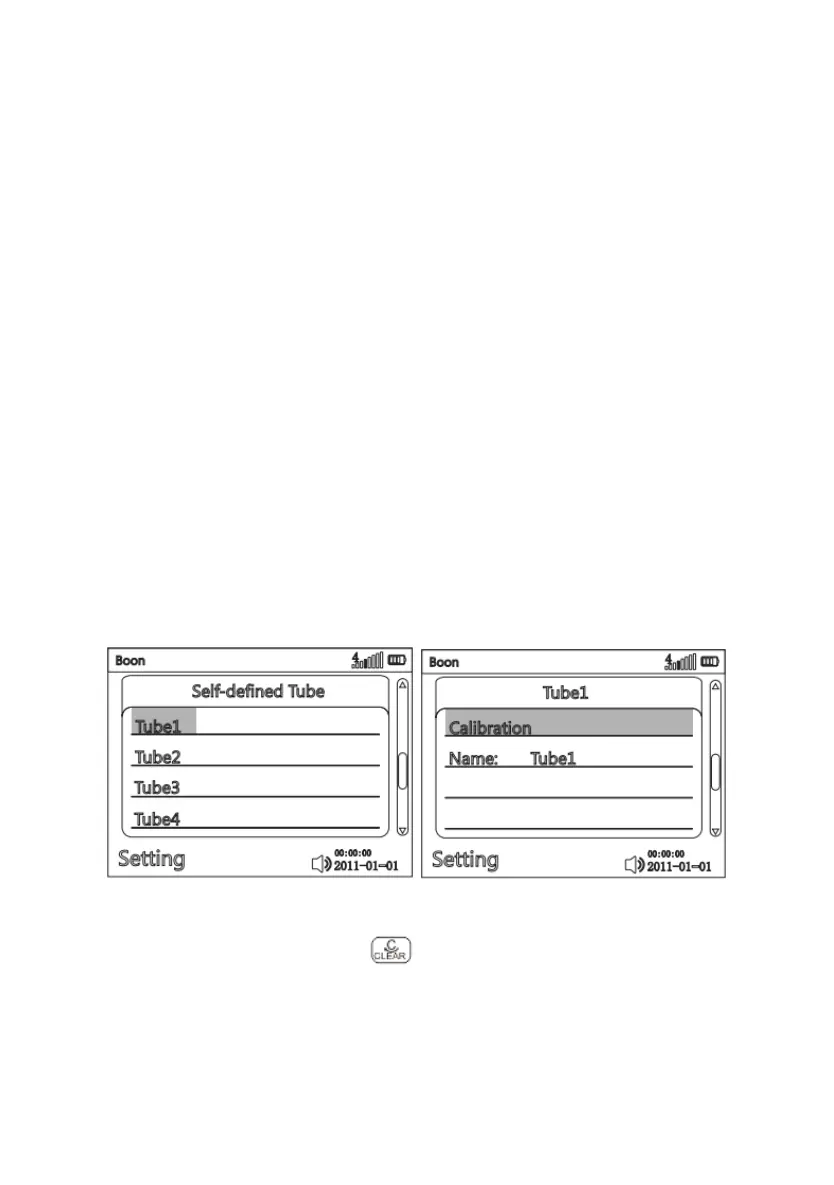
Select “self-defined tube”, press OK key, Infusion Set self-defined interface as follows:
b) Select a brand and enter parameter setting interface. Input corresponding correct infusion
parameters, then press OK to confirm and to exit.
(3) Infusion set calibration



 To Next Page