8 levels occlusion pressure adjustable, pressure range: 10Kpa~ 160Kpa. (If patients are elderly or
children, it shall be set at low level.)
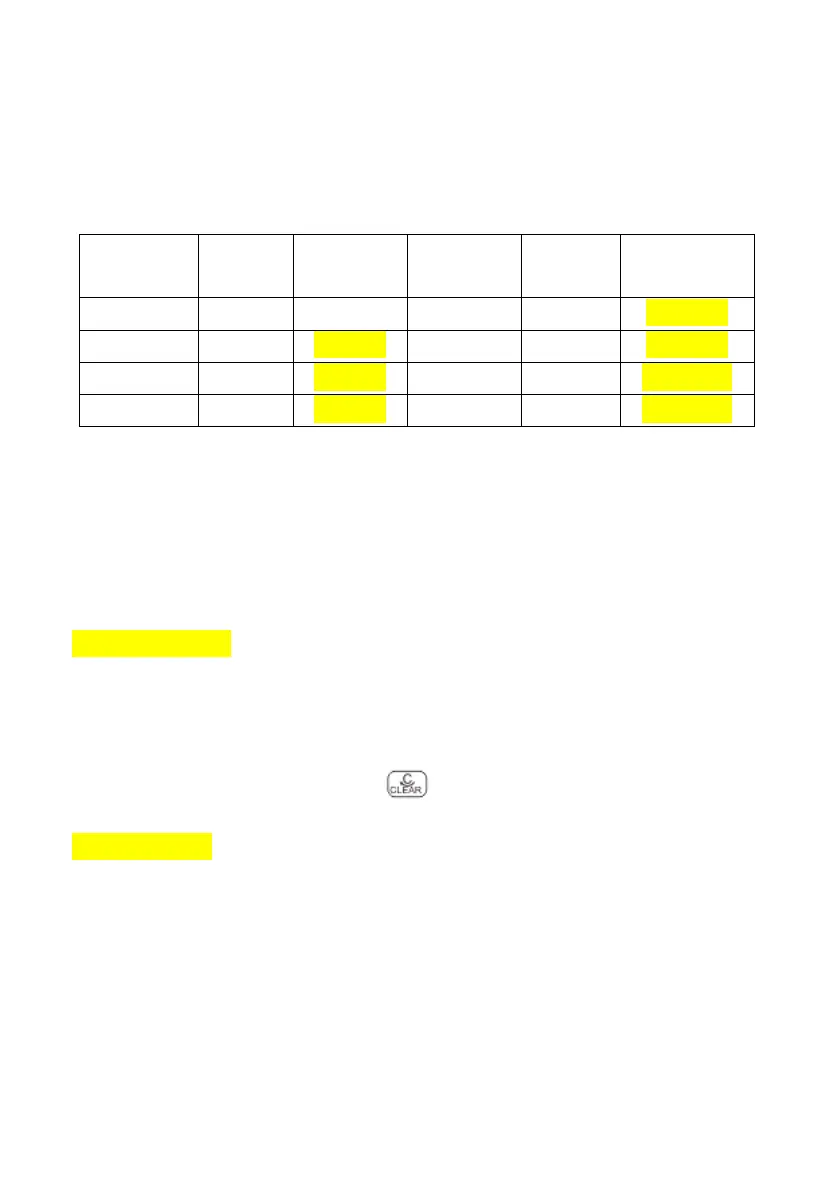
The occlusion level and corresponding pressure value are shown as follows:
(Table 843-1)
The higher occlusion level means higher pressure value.
Note: 1. When using high viscosity liquids at low occlusion level setting , it may alarm even the IV set is
not blocked. In this case, please observe the pressure indicator on the screen and condition of IV line,
then use higher occlusion level if necessary.
2. When setting at high occlusion level, the pressure aggregated in IV line may wash away the
extension tube. Please ensure the extension tube is connected to IV line tightly.
8.4.4 Key lock setting
Select from “Never”, “1min”, “2mins”, “3mins”, “4mins” and “5mins” according to needs.
★ Remark: “1min”, “2min”, “3min”, “4min”, “5min” means that the infusion pump will lock the keypad
automatically if no operation after 1min (2mins / 3mins / 4mins / 5mins).
To unlock the keypad: press OK + clear key together.
8.4.5 Bolus setting
There are two methods for Bolus, manual Bolus and auto Bolus, operation as below:
Manual Bolus: After power on the pump, press STOP+ left 1st soft key to enter Settings, select Bolus,
set Bolus rate and VTBI: 0, press ENTER to save the value. During infusing, keep pressing BOLUS key
then it will run at Bolus rate; if release the BOLUS key, it will run at original rate, not Bolus rate.
Auto Bolus: After power on the pump, press STOP+ left 1st soft key to enter Settings, select Bolus, set
Bolus rate and VTBI >0, press ENTER to save the value. During infusing, press BOLUS and release, it



 To Next Page