22
www.coreservice.co.uk
Hotline: +44 01904 947568
Email support@coreservice.co.uk
Operation
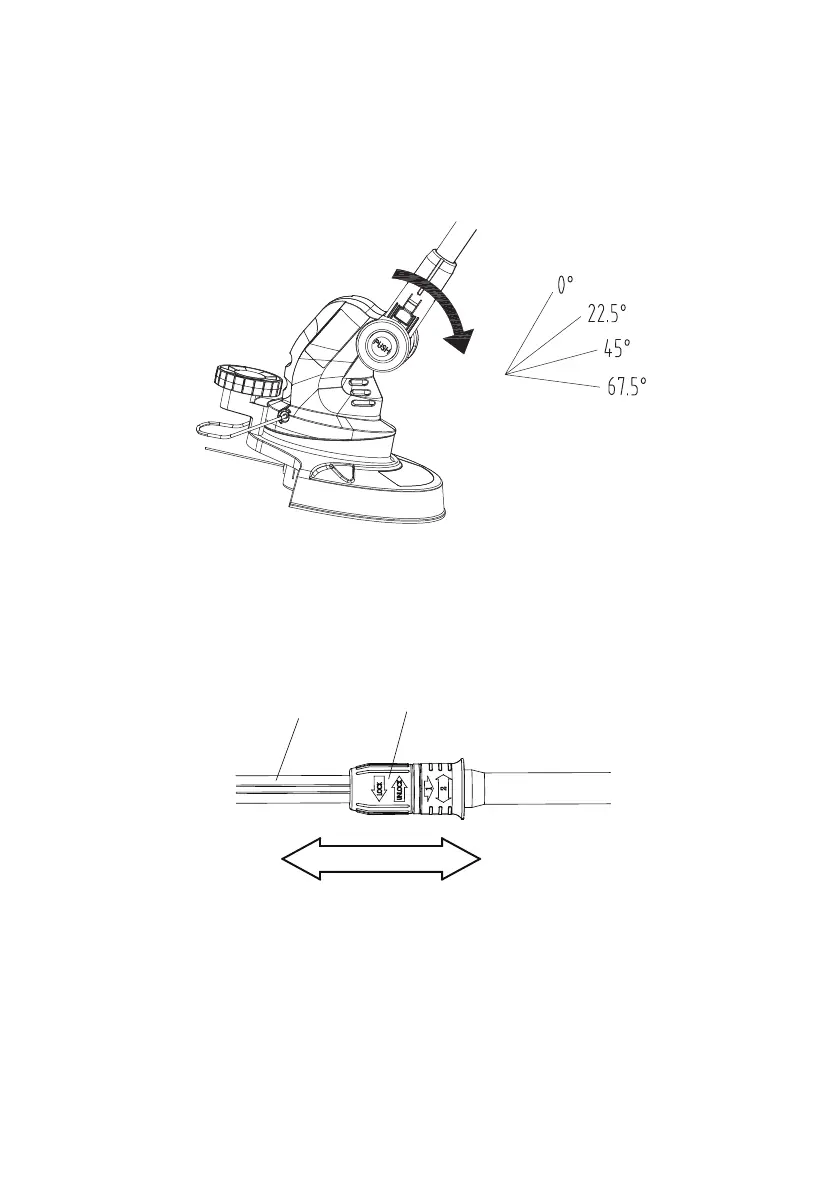
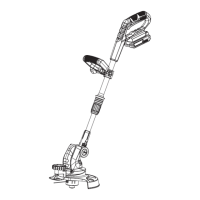
Setting the cutting head angle
The angle of trimmer head can be set to 4 different working positions. Push the locking button for the
cutting head (15) and tilt the cutting head to the required position. Release the locking button and it
will lock the cutting head automatically.
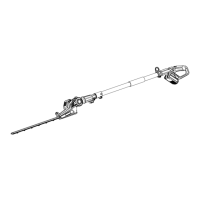
Setting the length of the telescopic shaft
1) Turn the locking collar (9) in the “UNLOCK” direction.
2) Pull the telescopic pole (10) to the desired length.
3) Turn the locking collar (9) in the “LOCK” direction to lock the shaft in position (10).
910


 To Next Page