12: Condition
Blank/Bad Wall Mount Display
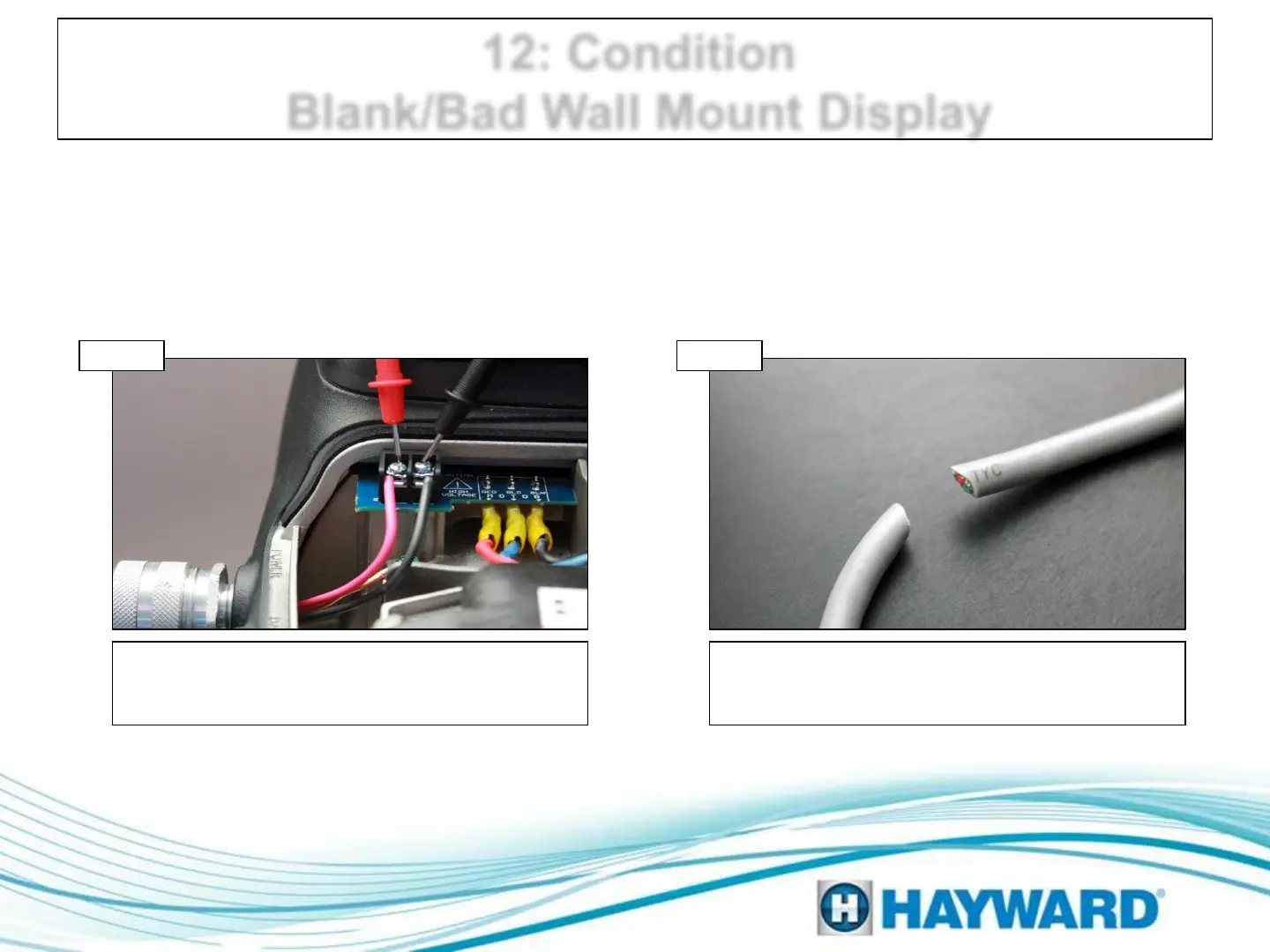
Check voltage on mains connector. If voltage is
between 200-250VAC then go to 12B; if below or
0VAC then correct supply and check breaker.
Inspect harness
Verify both RS485 blocks are connected snugly,
inspect wires and numbering. If damaged,
replace comm wires; If not, go to step 12C.
Verify pump power
Step 12A Step 12B
When a display is completely blank, typically the pump is not powered; this can
be caused by a tripped breaker or possibly related to external automation.
Page 23




 To Next Page