Page 2
ALWAYS use the included display when changing out an EcoStar drive:
Replacing a Drive
• Be sure to use the display that comes with the
replacement drive rather than move the ‘old’ display to
the new drive.
• This is important because the new display will have the
most recent programming updates, which will ensure
the new drive performs as expected.
• Though this means the new display will have to be
reprogrammed, using an old display can also lead to
unnecessary fault codes.
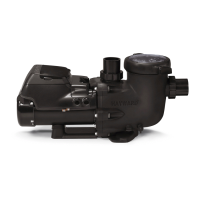
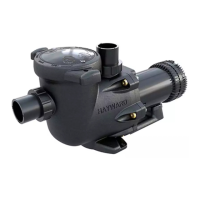
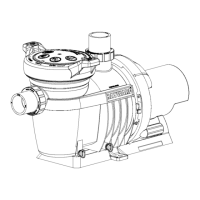
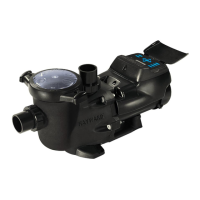
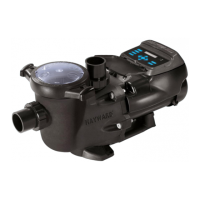
Standard Model:SPX3400DR
SVRS:SPX3400DRVR




 To Next Page