USE ONLY HAYWARD GENUINE REPLACEMENT PARTS
3
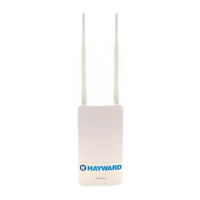
1) Depending on the mounting surface,
use either the included screws/
anchors or tie straps. A drilling tem-
plate is included when using screws.
Be sure that there are no major
obstacles between the HLWLAN and
the home’s router/access point.
Loosely mount the HLWLAN so that
you have visible access to the LED
indicators on the bottom back of
the unit. You will need to refer to
these indicators before permanently
fastening the HLWLAN.
2) Connect the Power Injector’s power cable to the
OmniLogic as shown above.
Attach PoE injector power cable
to connector labeled “HLWLAN Power”
HLWLAN
POWER


 To Next Page