USE ONLY HAYWARD GENUINE REPLACEMENT PARTS
5
4) Position the Power Injector in a convenient location within the low voltage wiring compart-
ment of the OmniLogic. You can fasten the Power Injector with double sided tape or Velcro, if
desired. Connect the opposite end of the power supply cable. Connect the 2ft ethernet cable to
the Power Injector’s LAN port.
WARNING: The 2’ ethernet cable comes plugged into the LAN port on the PoE Injector.
DO NOT CHANGE THIS or you will damage the OmniLogic.
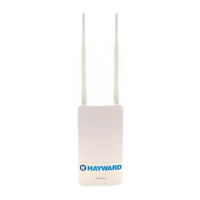
Connect one end of the 15ft outdoor ethernet cable to the Power Injector’s PoE port and the
other end to the port on the HLWLAN marked “LAN PoE”. To access this port, remove the HLW-
LAN’s bottom cover. Be sure to replace the cover when done.
After all connections are made, replace the OmniLogic dead front taking care that no wires are
pinched.


 To Next Page