Browsing the Web
To use Browser, the tablet must
be connected to the Internet.
Read the section "Connecting
to the Internet" to learn how to
connect to the Internet.
Description
1
2
3
4
5
Browser
The Android Browser offers an experience that’s as rich and convenient as a desktop browser.
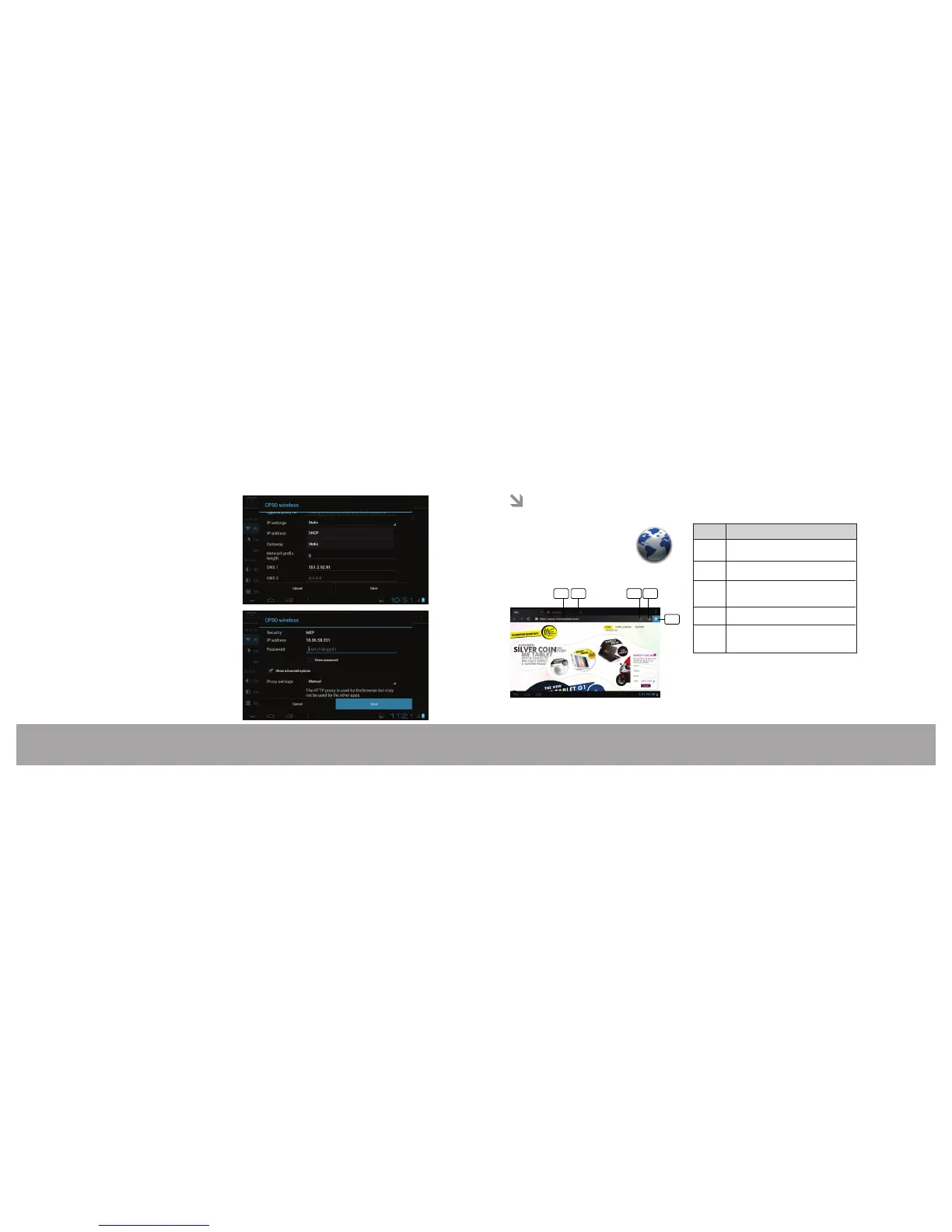
Step 8: Also please ensure that the correct
IP settings are done, as provided by the
network administrator
Step 9: Now click on Save option.
Address bar
Search tool
To open new tab (max 16 tabs)
To bookmark the visited web
page
To view book marked pages, To
history & saved pages
Page 22 Browsing the WEBPage 21 Connecting to proxy server through wi-fi
No.
2
1
3
4
5


 To Next Page