EasyManua.ls Logo

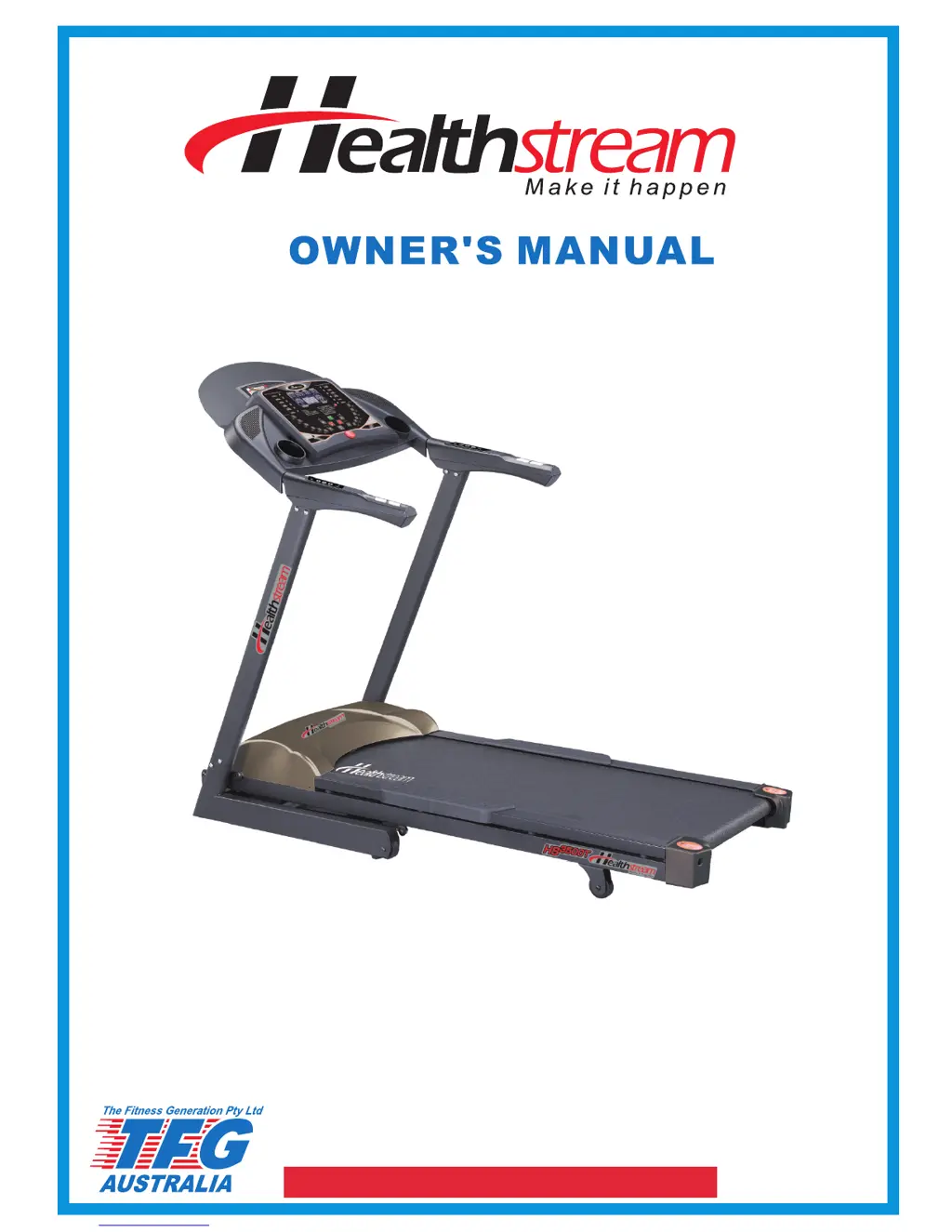
Healthstream HS3500T - User Manual

Healthstream HS3500T
19 pages
Print Icon
To Next Page IconTo Next Page
Loading...
MELBOURNE
TFG
23 KELLETTS RD
ROWVILLE VIC 3178
PH:03 9765 9999
SYDNEY
TFG
OFFICE 4,11-13 ORION RD
LANE COVE WEST NSW 2066
PH: 02 9420 9988
BRISBANE
TFG
24-30 BLANCK ST
ORMEAU QLD 4208
PH:07 5540 7181
ADELAIDE
UNIT 3,35 JACOBSON CRES
HOLDEN HILL SA 5088
PH:08 8266 6386
PERTH
UNIT 1/100 WALTERS DRIVE
OSBORNE PARK WA 6017
PH:08 9444 6977
www.fitnessgeneration.com.au
RETAIN OWNER'S MANUAL
FOR FUTURE REFERENCE

Questions and Answers

  • R
    Ricky DaughertyAug 2, 2025
    How to fix Healthstream Treadmill console display if LCD's do not illuminate?
    • G
      gmcleanAug 2, 2025
      If the console LCDs on your Healthstream Treadmill do not illuminate, it could be due to several reasons: there might be no power to the treadmill, the console wire connector might not be properly connected, or the overload protection could be activated. First, check the on-off switch and try turning the power off and then on again. Push START and check all the connected wires. If the LCDs still don't illuminate, a service is required.
  • P
    Paul BerryAug 13, 2025
    What to do if I see scrambled digitalis on Healthstream HS3500T console LCD?
    • H
      Heather BrownAug 13, 2025
      If you see scrambled digitalis on your Healthstream Treadmill console LCD, this could indicate damage to the console. In this case, service is required.
  • M
    Miguel GillAug 22, 2025
    What to do if my Healthstream HS3500T Treadmill shows E1?
    • J
      Jasmine BoyleAug 22, 2025
      If your Healthstream Treadmill displays 'E1', several issues could be the cause. It might be an RPM sensor problem, a sensor wire not correctly connected to the controller, the motor wire might be disconnected, console wires might not be properly connected, the controller could be damaged, or the overload protection might be activated. It is recommended to check the lubrication and running belt tension, and try turning the power off and on again. If the issue persists, service is required.

Summary

Safety Guidelines

Voltage and Grounding Safety

Ensures correct voltage usage and proper grounding for electrical safety.

Health Precautions

Advises consulting a physician before starting exercise and general safety warnings.

General Operating Safety

Lists critical safety instructions for using the treadmill, including user supervision.

Computer Operations: Control Panel

Control Panel Functions and Layout

Describes the functions of each button and display on the control panel.

Computer Operations: Heart Rate Control

HRC Program Overview

Introduction to the Heart Rate Control (HRC) feature and its stages.

Computer Operations: HRC Program Details

HRC 1 Speed Adjustment Logic

Explains how the treadmill adjusts speed based on heart rate in HRC 1.

Computer Operations: HRC Logic and Issues

HRC 2 Speed & Incline Logic

Details how HRC 2 adjusts both speed and incline based on heart rate.

Belt Adjustment

Adjusting Belt Tension

Instructions for increasing or decreasing treadmill belt tension.

Centering the Running Belt

Procedure to align the running belt to the center of the deck.

Trouble Shooting

Troubleshooting Guide Table

A table listing common symptoms, their causes, and solutions.

Healthstream HS3500T Specifications

General IconGeneral
Motor2.5 HP
DisplayLCD
Running Area51 x 140cm
Speed0.8-18km/h
Programs12
Max User Weight150kg
Dimensions184 x 86 x 141cm
Weight99kg
Heart Rate MonitoringHand Pulse Sensors & Chest Strap Compatible

Related product manuals