Need help?
Do you have a question about the Hegel H190v and is the answer not in the manual?
Learn how to connect speakers for the best audio experience.
Guides on connecting various analog and digital audio sources.
Steps for connecting the power cord and turning the amplifier on.
Best practices for power and detailed technical data.
Safety guidelines for handling, positioning, and connecting wires.
Safety regarding power, volume, cleaning, use, and repair.
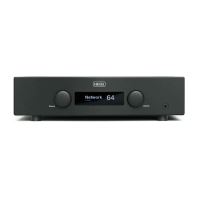
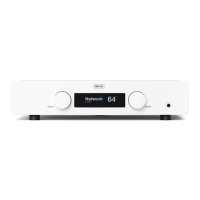
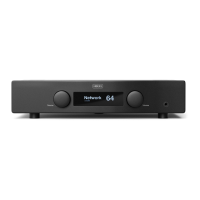
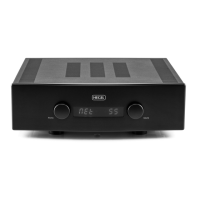
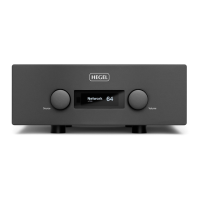
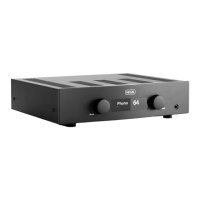
The Hegel H190v is an integrated amplifier designed to deliver high-quality audio with a focus on minimal distortion and noise. It combines powerful amplification with a range of connectivity and streaming features, making it a versatile hub for various audio setups.
The H190v serves as a central component in an audio system, integrating a preamplifier, power amplifier, and a phono stage into a single unit. Its primary function is to amplify audio signals from various sources and drive loudspeakers, while also offering a dedicated headphone output. The amplifier incorporates Hegel's SoundEngine2 error-canceling technology, which aims to preserve the original music signal's details and dynamic range by preventing distortion. It also features a high damping factor, enabling it to effectively drive a wide range of loudspeakers.
Beyond traditional amplification, the H190v includes extensive digital and network capabilities. It supports various streaming solutions like Spotify Connect, Apple AirPlay, and is Roon Ready, allowing users to stream music from a multitude of sources. It also functions as a UPnP/DLNA digital media renderer, facilitating streaming from locally stored files or other streaming services. The built-in phono preamplifier, a scaled-down version of Hegel's V10 phono stage, allows for direct connection of turntables with Moving Magnet (MM) cartridges.
The H190v offers user-friendly operation through its front panel controls (input and volume selectors) and the included RC8 remote control. The remote provides comprehensive control over source selection, volume, mute, power, and playback functions for compatible media players.
A key feature is the device menu, accessible by holding the COMPUTER PLAY button for 5 seconds. This menu allows users to configure various settings, including:
The amplifier's network connectivity is crucial for its streaming features. It connects to a local network via an Ethernet cable (LAN - RJ45) to a router. Users can access a Network Configuration page by entering the amplifier's IP address in a browser to change network name and IP settings.
The headphone output (6.3mm jack on the front) automatically activates headphone volume control and mutes speaker outputs when connected.

 To Next Page
 General