EasyManua.ls Logo

HeimVision HM202A - Function Overview

HeimVision HM202A
168 pages
Print Icon
To Next Page IconTo Next Page
To Previous Page IconTo Previous Page
Loading...
14
FUNCTION OVERVIEW
Home Page
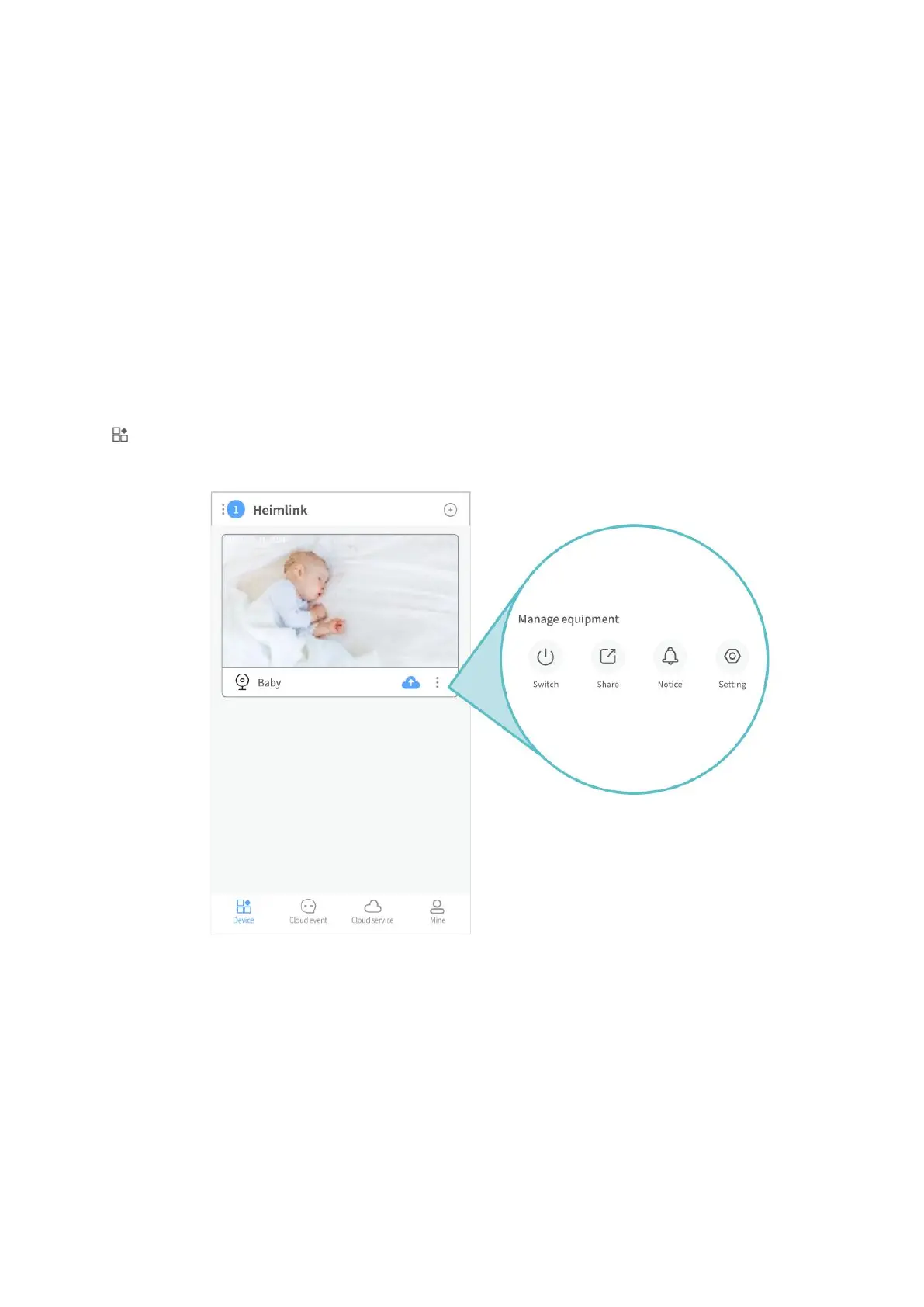
After the camera is connected to HeimLink app successfully, it will be listed on the home
page.
Device:
Tip:
After the camera is connected to the App with the LAN Cable, you can switch to Wifi
connection for flexible placement and operation of the camera. Go to Settings, select
Network information and input the correct password. After successfully connecting to the
Wifi, the camera will reboot automatically.


Related product manuals