18
By a memory card
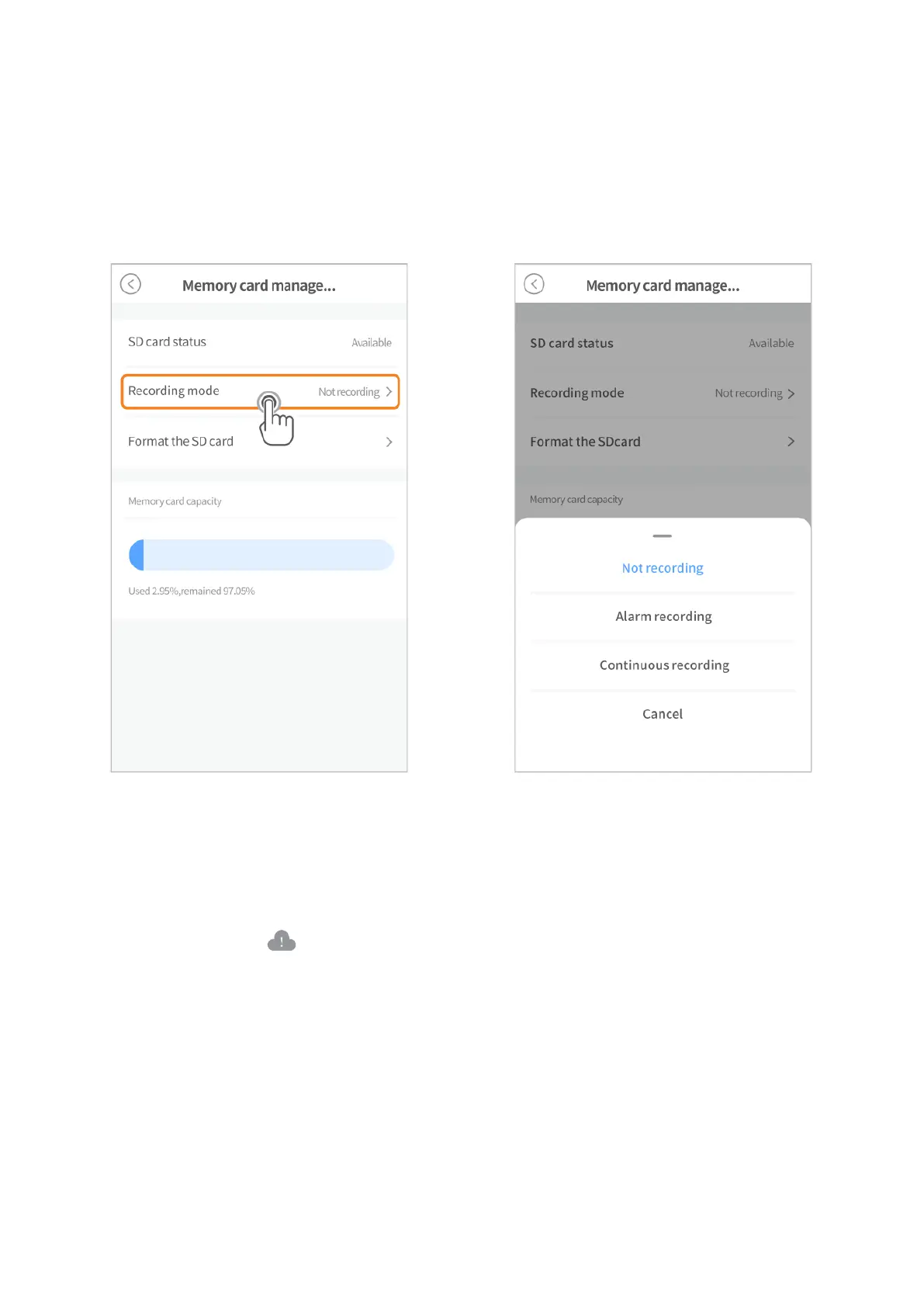
Install a memory card (up to 128GB), then go to Settings > Memory card management >
Format the SD card to format your card before the first use.
Then select a recording mode from Not recording, Alarm recording and Continuous
recording.
Alarm recording means the camera will record videos only when sound/motion/human
outlines are detected. Continuous recording means the camera will continuously record
videos 24 hours a day.
By cloud
Go to home page > or Cloud Service to subscribe to a cloud plan. The cloud plan
also includes Alarm recording and Continuous recording, please select it as required.



 To Next Page