23
User Guide
b) Add the shim if necessary to adjust the fork sensor.
c) Tighten the screw by using the nut. Do not tighten more than 1.5 Nm to avoid
breaking the fork sensor (you can stop screwing when it gets dicult to turn the
bracelet with your hand).
C. ADJUST THE VEST TO YOUR SIZE
Be sure to choose the right size of your Helite airbag according to your body type
and the size chart of your model. For optimal protection, you need to adjust your
airbag correctly.
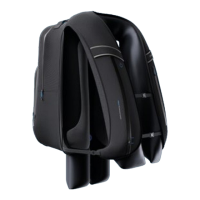
e-Turtle: adjust the straps (you must be able to put a st under the vest) and
close the 3 clips.
e-GP Air: place the velcros correctly and close them.
3. Daily use
A. THE VEST
1. SWITCH ON & OFF THE VEST
The vest can be switched ON / OFF by
pressing quickly 3 times the button.
There is no need to turn o your vest
on a daily basis as it automatically goes
into sleep mode.
Caution, there are some situations in which it is
imperative to switch o the vest:
- When transporting the vest at a speed of more than
20km/h using dierent means of transport (car, subway,
streetcar, train, bus, plane, boat, etc).
- During a long storage time (in winter for example).
ON
x3



 To Next Page