Need help?
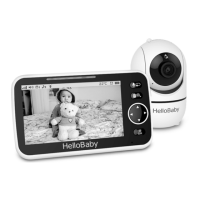
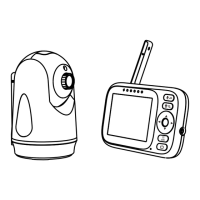
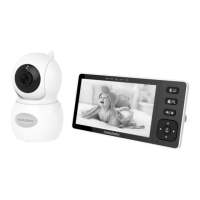
Do you have a question about the HelloBaby HB40 and is the answer not in the manual?
Instructions for powering on the baby unit by connecting the power adapter.
How to activate and use the two-way talk function with the parent unit.
Procedure to re-register or register a new baby unit with the parent unit.
Step-by-step guide to add a new camera to the baby monitor system.
Common causes and solutions for losing signal on the baby monitor display.
Troubleshooting steps for signal interference or weak reception.
Causes and remedies for high-pitched audio feedback or noise.
Solutions for when the baby monitor screen freezes or becomes unresponsive.
 General
| Brand | HelloBaby |
|---|---|
| Model | HB40 |
| Category | Baby Monitor |
| Language | English |


 To Next Page