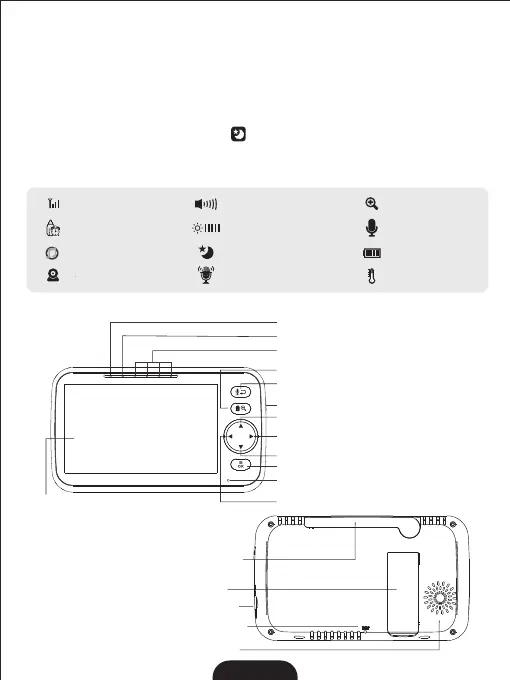
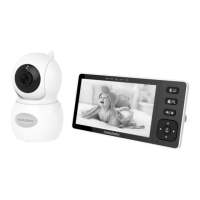
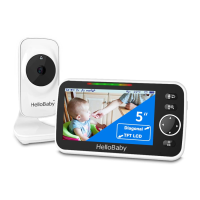
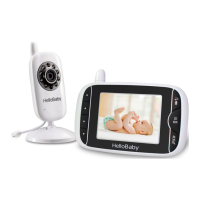
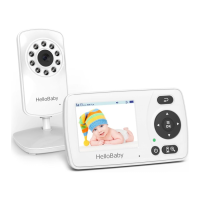
Charging LED
Power LED
Sound Level Indicator
Power key
5.0'' Diagonal TFT LCD
Exit/Two Way Talk
Menu/OK
Zoom / View / Scan
MIC
Right Key
Up key
Down Key
Left Key
3
6.2 PARENT UNIT OVERVIEW:
2.Insert the other end of the power adapter into a suitable electrical outlet;
3. Press and hold the power key 3 seconds on the side of the parent unit;
4.Once parent unit is on, the power LED will light upand the image will display on the LCD
5.3 INFRARED NIGHT VISION (AUTOMATIC)
The infrared night vision function allows the camera to pick up images in dark or low
light conditions. In this mode, only black and white images will be displayed on the
m The onitor,the optimum image lie in where baby unit is 6ft (2m) away from object.
camera is in night vision mode, the icon will be displayed on the top of screen.
6. PRODUCT OVERVIEW
6. 1 ICONS OVERVIEW:
Speaker
DC-jack
Stand
Reset Key
Antenna
--------
Signal Strength
Alarm
--------
Volume
--------
Brightness
--------
Zoom
--------
Two-Way Talk
--------
Lullaby
--------
Camera
--------
Battery Level
--------
Temperature
--------
Night vision
--------
--------
VOX mode


 To Next Page