7
screen of the parent unit. When the baby unit detects any sounds louder than the sensitivity
level, it will start transmitting the signal to the parent unit again and turn on the screen of the
parent unit. To change the VOX level, please follow the below instructions.
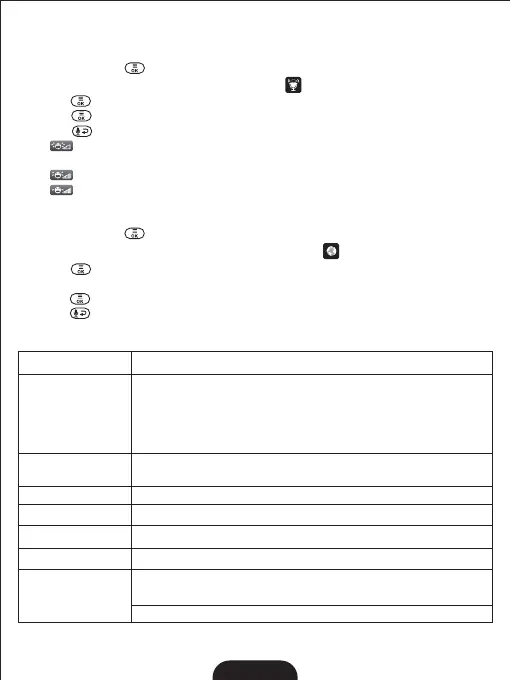
1. Press the MENU key and the menu will pop up.
2.Press the◀/▶/▲/▼key until the VOX icon is selected by red box.
3.Press key enter into sub-menu, then press ▲/▼ key to select desired level;
4. Press keytoconfirm;
5.PresskeytoExit.
is Low sensitivity level, the baby have to make a lot of sound before the VOX Note:
function will be activate;
is middle sensitivity level;Note:
is High sensitivity level, the baby don't have to make a lot of sound before the VOX Note:
function will be activate;
8.8 LANGUAGE SETTING
1. Press the MENU key and the menu will pop up.
2. Press the◀/▶/▲/▼ keys until the language iconisselectedbyredbox;
3. Press key to enter into sub-menu, then press ◀/▶/▲/▼ key to select the
language you need;
4. Presskeytoconfirm;
5.Press keytoExit.
9. TECHNICAL DATA
2408MHz~2469MHz
Frequency
Power Adaptor
Parent Unit: Input: 100-240VAC 50/60Hz
Output: 5V DC 1A
Camera Unit: Input: 100-240VAC 50/60Hz
Output: 5V DC 1A
Operation
environment
Up to 1000ft (300m) outdoor (line of sight)
Up to 165ft (50m) indoor
Operating Range
Display
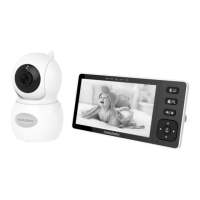
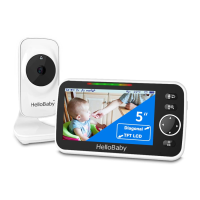
5.0'' Diagonal TFT LCD
Battery (Parent Unit)
Battery Life
Li-ion 3.7V 3500mAh (12.95Wh)
Up to 16 hours
RelativeHumidity:15%-85%
Maximum power
<19dBm
Operation Temperature: +32F~+104F (0℃~40℃)
Battery Charging Temperature: +50F~+104F(10℃~40℃)


 To Next Page