8
11. MAINTENANCE
* Clean your baby monitor with a slightly damp or anti-static cloth.
* Never use cleaning agents or solvents.
12. DISPOSAL GUIDE FOR BATTERY AND PRODUCT
* Do not attempt to repair or adjust any of the electrical or mechanical functions of the
unit;
* Remember to dispose of the product in an environmentally responsible way;
* For proper collection and processing of these products, take them to the collection
points designated by local authorities. You can also contact the store where you
purchased the product.
Improper or incorrect use of batteries may cause corrosion or battery leakage, which
could cause personal injury or damage to property.Use only the types of the batteries
which are indicated in this manual.
CAUTION: Risk of Fire and Burns. Do Not Open, Crush, Heat Above 45 degree C or Incinerate.
Follow Manufacturer's Instructions.
- Disposal of a battery into fire or a hot over, or mechanically crushing or cutting of a battery,
that can result in an explosion;
- Leaving a battery in an extremely high temperature surrounding environment that can
result in an explosion or the leakage of flammable liquid or gas;
- A battery subjected to extremely low air pressure that may result in an explosion or the
leakage of flammable liquid or gas.
- The battery shall not be exposed to excessive heat such as sunshine, fire or the like;
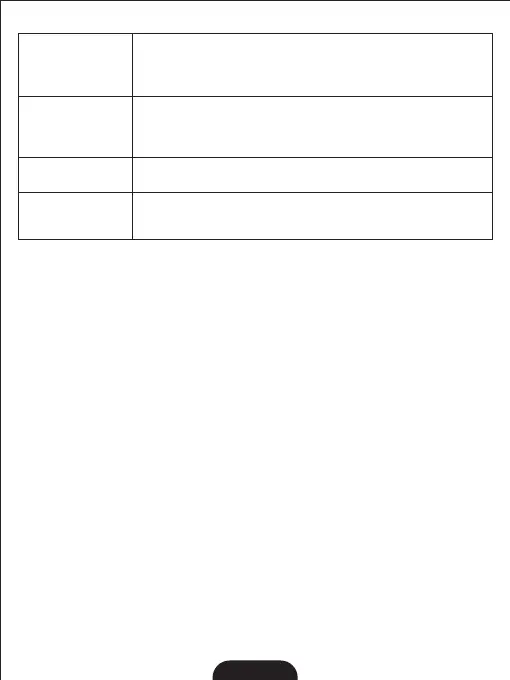
Audio feedback
(high pitched noise)
Interference or poor
reception
* Move the monitor close to the camera;
* The camera or monitor may be placed too close to many metal objects;
* Other electronic devices may be interfering with the signal;
* The battery power may be too low;
* The camera and monitor may be placed too closed;
* The volume on the monitor may be set too high;
Frozen Picture on
Screen
* Repower the baby unit (plug out the adapter, then plug it into the
socket again);
* Press the RESET key at the back of parent unit
No reception on the
monitor
* The power adapters may not be properly connected;
* Confirm that the camera and monitor are ON;
* Camera may be far away from the monitor;
* Camera and monitor may not be properly paired; follow PAI RI NG instrucons;
10. TROUBL E S HO OTING


 To Next Page