18 19
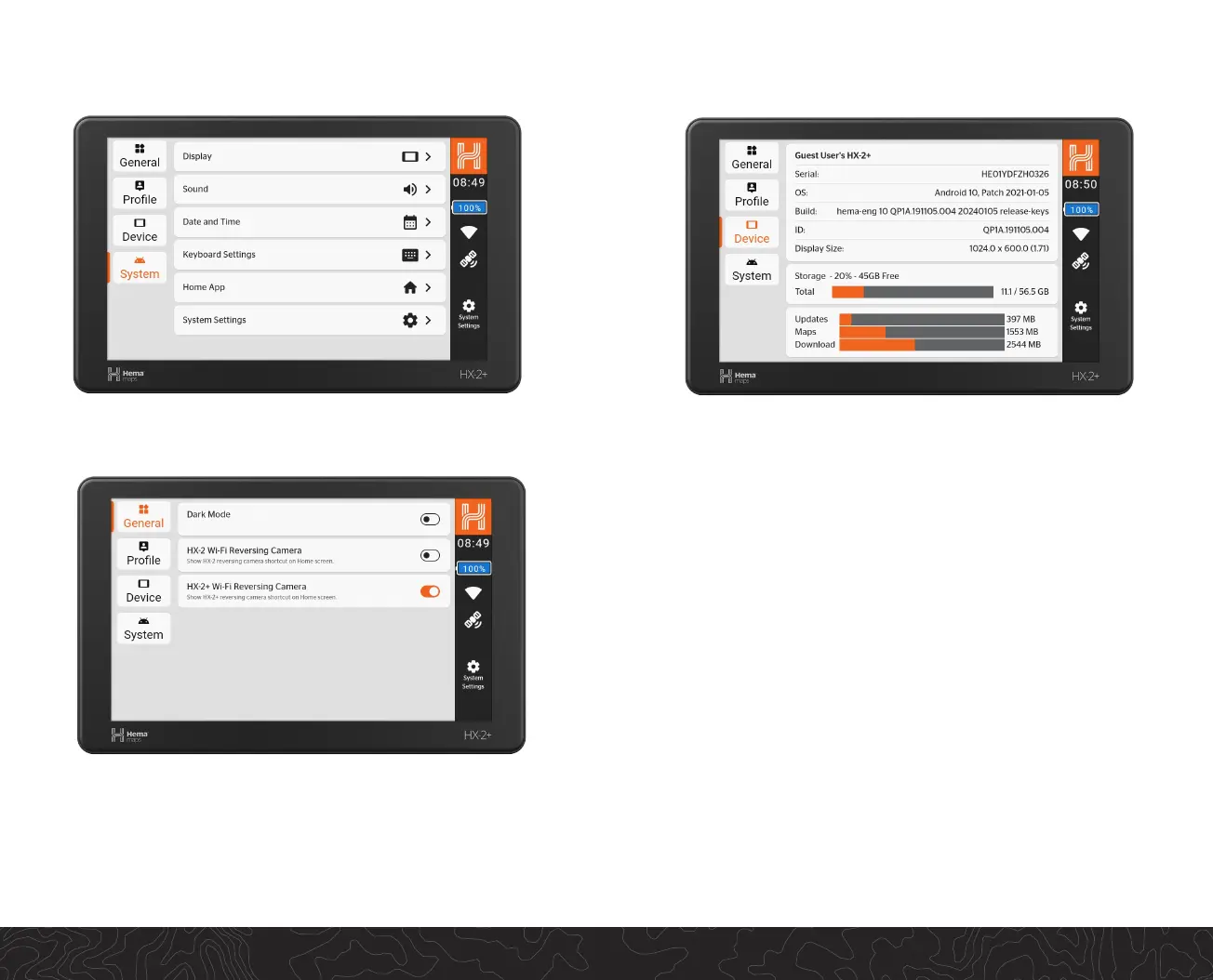
HX2+ Settings
System / Device Settings
From the Device Sengs panel you can:
• Set the date and me
• Control brightness and volume
• Congure power sengs
• Set the ight mode
• Connect to Wi-Fi networks
• Connect to Bluetooth devices
• Adjust screen Time-Out sengs
• Check for system updates
• Show device registraon and serial number
The HX-2+ provides a number of opons for the user to customise
their experience. Acvang day/night mode and adjust sound
volume are a few much sort aer features.
The user can also view sign-in status, available storage and manage
some home screen icons such as reversing camera quick select.


 To Next Page