20
Chapter 2: Installation
Connecting the power/data cable
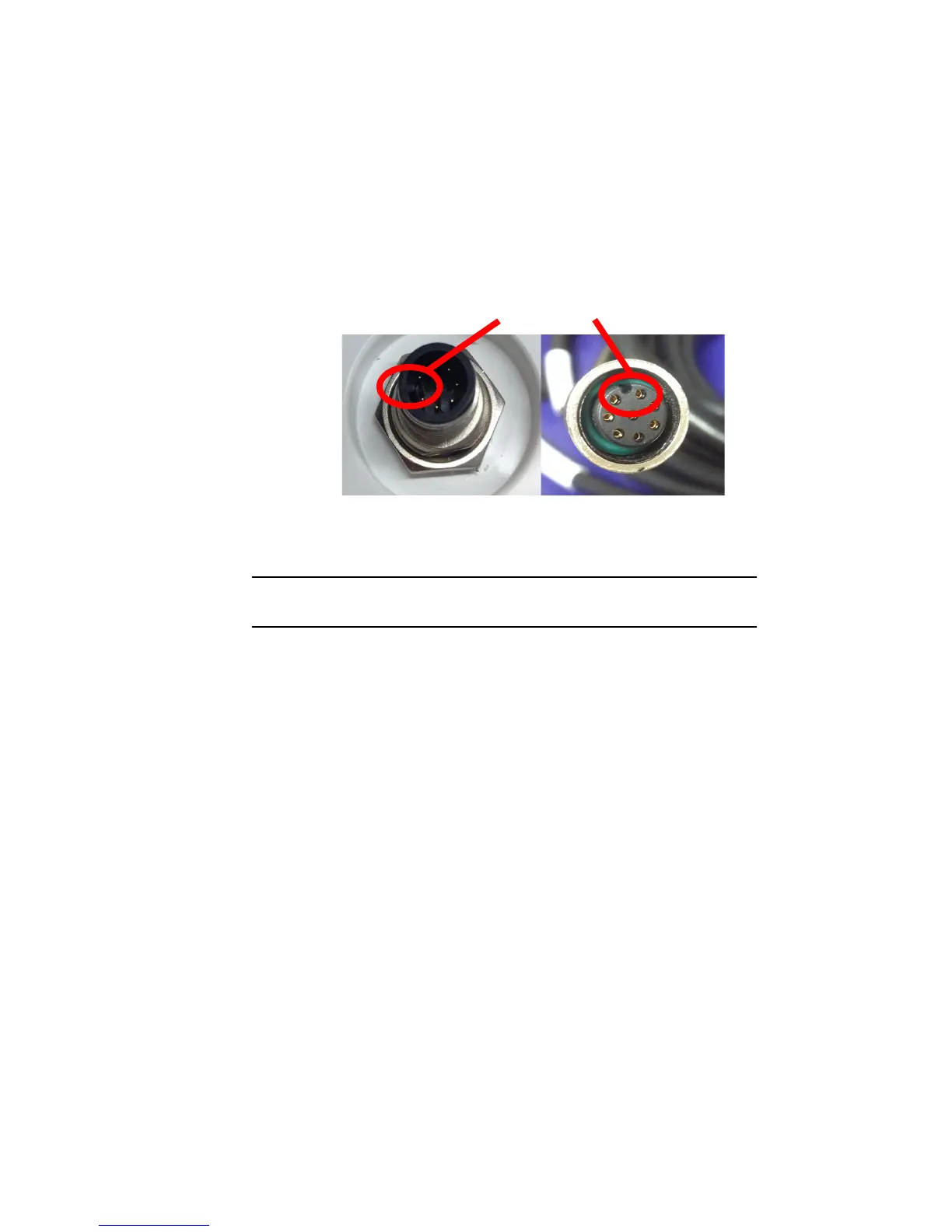
1. Align the cable connector key-way with the V104s connector key.
2. Rotate the cable ring clockwise until it locks. The locking action is
firm, but you will feel a positive “click” when it has locked.
Note: See “V104s Dimensions” on page 12 for information on routing the
power/data cable.



 To Next Page