EasyManua.ls Logo

HemoCue Glucose 201 DM - User Manual

HemoCue Glucose 201 DM
60 pages
Print Icon
To Next Page IconTo Next Page
Loading...
HemoCue
®
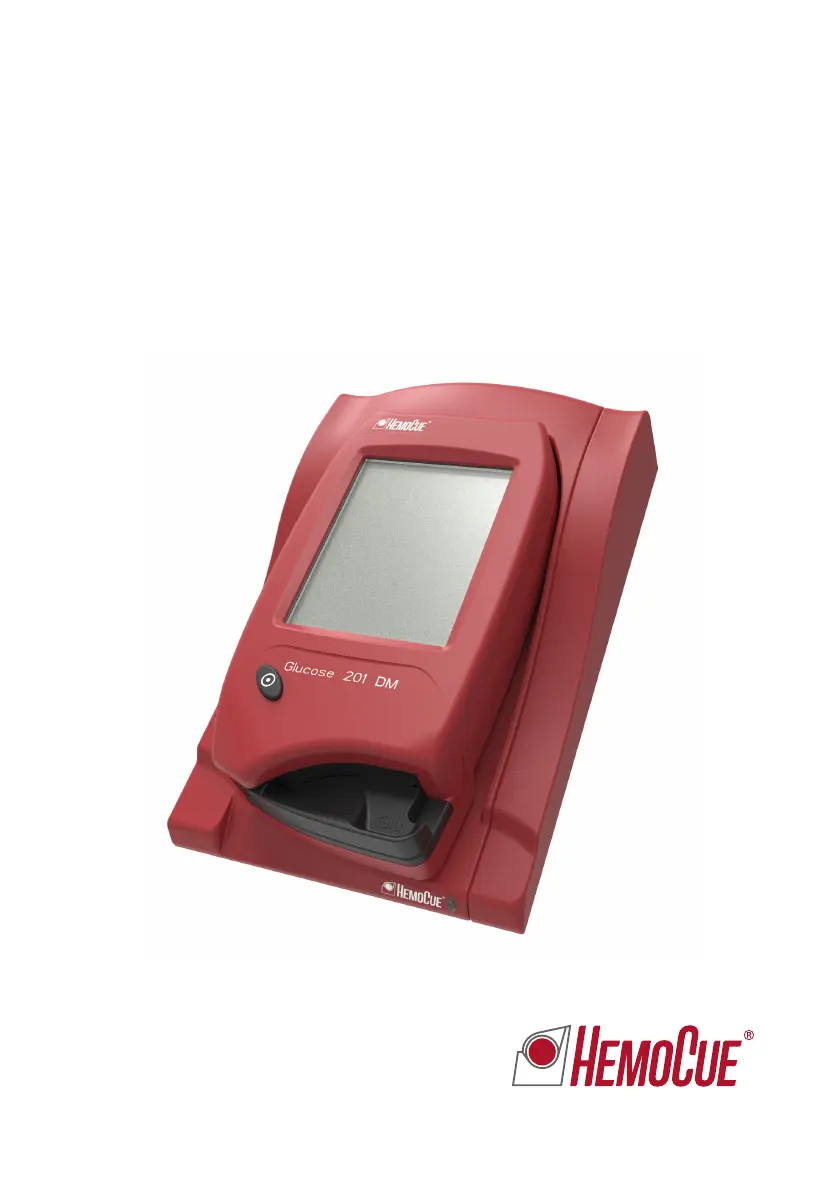
Glucose 201 DM Analyzer
Instructions for Use

Questions and Answers

  • R
    Russell SmithAug 19, 2025
    Why my HemoCue Glucose 201 DM Blood Glucose Meter shows too high or low values?
    • D
      Danielle SmithAug 20, 2025
      There are several reasons why your HemoCue Blood Glucose Meter might be showing inaccurate values: * Improper sampling technique. * Expired, faulty, or improperly stored cuvettes. * Contamination of the cuvette's optical eye. * Air bubbles or incomplete filling of the cuvette. * Dirty optical parts. To resolve this: * Ensure proper sampling technique. * Check cuvette expiry date and storage. * Use a new cuvette, ensuring it's properly filled and free of air bubbles. * Clean the optical parts.
  • D
    David BallAug 21, 2025
    What to do if there are no characters on the HemoCue Glucose 201 DM Blood Glucose Meter display?
    • S
      Sean KellyAug 21, 2025
      If there are no characters on the display of your HemoCue Blood Glucose Meter, it could be due to: * The analyzer not receiving power. * Low battery. * A faulty display. Try the following: 1. Verify the power adapter is correctly connected to both the power supply and the analyzer or docking station. If docked, confirm the green LED on the docking station is flashing. Also, check the adapter for damage. 2. If using battery power, recharge the battery using a power adapter or docking station. 3. If the problem persists, the analyzer requires servicing.
  • C
    Colleen PerezAug 25, 2025
    How to fix HemoCue Glucose 201 DM Blood Glucose Meter that is not charging?
    • K
      Kelly RogersAug 25, 2025
      If your HemoCue Blood Glucose Meter is not charging, it could be due to: * The analyzer not being properly docked. * A battery issue. Try the following: 1. Ensure the analyzer is correctly docked. 2. Check that the green LED on the docking station is flashing when the analyzer is docked. 3. If the issue persists, consider replacing the battery.
  • C
    Chelsea RobinsonAug 26, 2025
    What to do if HemoCue Glucose 201 DM Blood Glucose Meter shows an error code?
    • M
      Marie SmithAug 26, 2025
      If your HemoCue Blood Glucose Meter is displaying an error code, try turning the analyzer off and then on again after 30 seconds. Use a new cuvette and repeat the measurement. If the issue continues, further troubleshooting is needed.
  • J
    Jessica WagnerAug 27, 2025
    How to troubleshoot a malfunctioning scanner on HemoCue Glucose 201 DM?
    • S
      Sheryl CookAug 27, 2025
      A malfunctioning scanner on your HemoCue Blood Glucose Meter can be caused by several factors: * Scanning an incorrect barcode. * Using an expired product. * Incorrect distance between the analyzer and the barcode. * An indistinct barcode. * A dirty scanner glass. * An incompatible barcode. * A broken scanner. To troubleshoot: 1. Ensure you're scanning the correct product barcode. 2. Verify the product's expiration date. 3. Hold the analyzer 10–30 cm (4–12 inches) from the barcode. 4. If possible, enter the information manually. 5. Clean the scanner glass. 6. If the scanner is broken, the analyzer needs service.
  • K
    Karen VazquezAug 30, 2025
    Why does my HemoCue Blood Glucose Meter show E05-E06 error?
    • B
      Brenda ThompsonAug 30, 2025
      The E05-E06 error on your HemoCue Blood Glucose Meter indicates that the analyzer is either too hot or too cold, or it has been exposed to direct light. To resolve this, turn the analyzer off and allow it to reach operating temperature before use. Also, avoid direct light exposure. If the problem persists, the analyzer may need servicing.
  • J
    Jeremy MarshallAug 31, 2025
    What does error code E00 mean on HemoCue Blood Glucose Meter?
    • S
      spencevictoriaAug 31, 2025
      Error code E00 on your HemoCue Blood Glucose Meter indicates that the cuvette is faulty or the circuit board is out of order. Check the expiration date of the cuvettes, use a new cuvette and repeat the measurement. If the problem continues, the analyzer requires service.
  • T
    Teresa JordanSep 3, 2025
    What causes E01-E02 error on HemoCue Glucose 201 DM?
    • M
      Mrs. Lori RobinsonSep 3, 2025
      The E01-E02 error on your HemoCue Blood Glucose Meter can be caused by dirty optical parts, the analyzer being too hot or cold, or a missing magnet in the cuvette holder. Clean the optical parts. Turn the analyzer off and allow it to reach operating temperature before use. Order a new cuvette holder if the magnet is missing.
  • N
    nwilsonSep 4, 2025
    What to do if HemoCue Glucose 201 DM Blood Glucose Meter displays 'Empty Cuvette'?
    • M
      michaelchenSep 4, 2025
      If your HemoCue Blood Glucose Meter displays an 'Empty Cuvette' message, it means either the cuvette is indeed empty or the analyzer isn't detecting a chemical reaction in the blood-filled cuvette. Fill a new cuvette and perform a measurement. If the message persists, further assistance is needed.
  • M
    Manuel BrownSep 7, 2025
    What does error E23 mean on HemoCue Blood Glucose Meter?
    • S
      sophiabennettSep 7, 2025
      Error E23 on the HemoCue Blood Glucose Meter indicates that the Real Time Clock backup battery has been drained and needs to be replaced. Contact the distributor for assistance.

Summary

General operations

2.1 Getting started - Analyzer

Explains how to prepare and start using the HemoCue Glucose 201 DM Analyzer.

2.3 How to operate the Display

Guides on interacting with the Analyzer's display, including buttons and functions.

2.3.2 Using the Barcode Scanner button

Instructions on how to use the built-in barcode scanner for data input.

2.4.5 Entering information with letters and digits

Guides on how to input text and numbers using the display modes.

Sampling and Measuring

3.1 Capillary blood

Provides detailed steps for obtaining and measuring glucose from capillary blood.

3.2 Control Material, Venous or Arterial Blood

Instructions for handling and measuring glucose from control material, venous, or arterial blood.

Routine Use

4.1 Patient Test Procedure

Guides the user through performing a patient test, including data entry.

4.2 STAT Test Procedure

Outlines the procedure for performing a STAT test, a quicker alternative to patient tests.

4.3 QC Test Procedure

Explains how to perform Quality Control tests and manage QC reminders and lockouts.

Maintenance

5.1 Cleaning the Cuvette holder and the optronic unit

Instructions for cleaning the cuvette holder and the analyzer's optronic unit.

Troubleshooting

HemoCue Glucose 201 DM Specifications

General IconGeneral
Sample Volume1 µL
Battery LifeApproximately 1000 tests
Operating Conditions10-90% relative humidity (non-condensing)
Measurement Range0.6 to 33.3 mmol/L
Sample TypeCapillary, arterial or venous whole blood
CalibrationFactory calibrated
Storage Temperature-20 to 60 °C
Measurement PrincipleGlucose dehydrogenase

Related product manuals