EasyManua.ls Logo

HemoCue Hb 201+ - User Manual

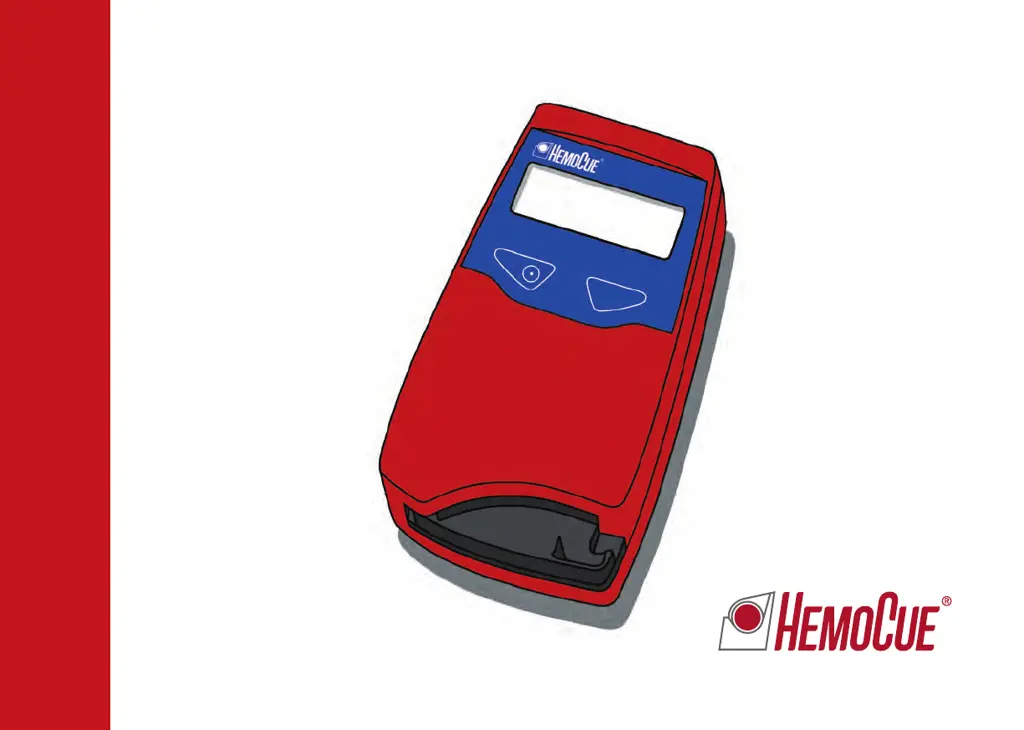
HemoCue Hb 201+
88 pages
Print Icon
To Next Page IconTo Next Page
Loading...
1
HemoCue Hb 201
+
Operating Manual
Bedienungsanleitung
Manuel d’utilisation
Gebruiksaanwijzing

Other manuals for HemoCue Hb 201+

Questions and Answers

  • J
    Judith MathisSep 23, 2025
    What to do if HemoCue Medical Equipment display does not switch to three flashing dashes and ready for measuring?
    • J
      Julie ZhangSep 23, 2025
      If the display does not switch to three flashing dashes and ready for measuring, the magnet in the cuvette holder may be missing, or the magnetic sensor is out of order. The analyzer requires service.
  • D
    Deanna CareyAug 23, 2025
    What does E00 error mean on HemoCue Measuring Instruments?
    • C
      Christina SchaeferAug 25, 2025
      The E00 error code on your HemoCue Measuring Instruments indicates either a faulty cuvette or a circuit board issue. First, check the expiry date of the microcuvettes and try a new one. If the problem continues, the analyzer needs service; contact your distributor.
  • S
    Summer VillarrealAug 25, 2025
    What does E06 error mean on HemoCue Measuring Instruments?
    • D
      Debra WoodsAug 26, 2025
      The E06 error on your HemoCue Measuring Instruments signifies an unstable blank value, possibly because the analyzer is cold. Turn off the analyzer and allow it to reach room temperature. If the problem persists, the analyzer requires servicing; contact your distributor.
  • K
    Kayla WashingtonAug 26, 2025
    What does E07 error mean on HemoCue Measuring Instruments?
    • S
      stephanie60Aug 27, 2025
      The E07 error code on your HemoCue Measuring Instruments indicates low battery power. Replace the batteries with 4 type AA, 1.5 V batteries, or use the mains power supply.
  • A
    Andres HernandezAug 27, 2025
    What does E08 error mean on HemoCue Measuring Instruments?
    • T
      Todd MuellerAug 27, 2025
      The E08 error on your HemoCue Measuring Instruments indicates a light blocking item in the cuvette holder. Ensure that the analyzer and microcuvettes are used according to the HemoCue Hb 201+ operating manual and instructions for use. If the problem persists, the analyzer needs service; contact your distributor.
  • T
    Timothy BrooksSep 15, 2025
    What does HHH mean on HemoCue Medical Equipment?
    • B
      Beth BergSep 15, 2025
      If 'HHH' is displayed, it means the measured value is greater than 256 g/L. Repeat the measurement with a new microcuvette and confirm the result with a laboratory method.
  • H
    hopkinsfredSep 12, 2025
    What to do if HemoCue Measuring Instruments displays erroneous characters?
    • D
      Dominique OconnorSep 12, 2025
      If your HemoCue Measuring Instruments displays erroneous characters, it indicates that the display or the microprocessor is faulty. The analyzer needs service; contact your distributor.
  • J
    jeremybarnesSep 14, 2025
    What to do if patient measurements are higher or lower than anticipated on HemoCue Medical Equipment?
    • V
      villarreallindsaySep 14, 2025
      If patient measurements are higher or lower than expected, consider the following possible causes: * Improper sampling technique. * Microcuvettes that are past their expiry date, damaged, or improperly stored. * Contamination of the optical eye of the microcuvette. * Air bubbles in the cuvette. * A dirty optronic unit. * Changes in the analyzer's calibration. To address this: * Review the collection procedure, ensuring the puncture site is dry from disinfectant by wiping away 2 to 3 drops before collecting the sample. * Check the microcuvette's expiry date and storage conditions. * Repeat the measurement with a new microcuvette. * Clean the optronic unit. * Note that the analyzer may require service.
  • T
    Terry LittleSep 5, 2025
    What does E00 error mean on HemoCue Medical Equipment and how to fix it?
    • K
      Kelly CarpenterSep 5, 2025
      Error code E00 indicates that no stable endpoint was found within the time range, possibly due to a faulty cuvette or circuit board. Check the microcuvette expiry date and repeat the measurement with a new microcuvette. The analyzer may require servicing if the issue persists.
  • J
    Jeremy MeyerSep 2, 2025
    What to do if HemoCue Medical Equipment analyzer shows an error code?
    • D
      Donald DixonSep 2, 2025
      If the HemoCue analyzer displays an error code, it might be a temporary issue. Try turning the analyzer off, waiting for 30 seconds, and then turning it back on. Use a new microcuvette and repeat the measurement. If the error persists, further investigation of the specific error code is needed.

Summary

HemoCue Hb 201+ Analyzer Introduction

HemoCue Hb 201+ Analyzer Overview

Provides a general introduction and overview of the HemoCue Hb 201+ Analyzer's capabilities and intended use.

Analyzer Components and Initial Setup

Included Analyzer Components

Lists and illustrates all components included with the HemoCue Hb 201+ system.

Start-up and Initial Configuration

Instructions for powering on the analyzer and configuring settings like audio, date, and time.

Performing Blood Measurements

Capillary Blood Sampling Procedure

Step-by-step instructions for collecting and preparing capillary blood samples for analysis.

Venous and Arterial Blood Sampling

Procedures for collecting and preparing venous or arterial blood samples for measurement.

Quality Control and Data Management

Performing Quality Control Tests

Instructions for executing quality control tests on the HemoCue Hb 201+ Analyzer.

Accessing and Deleting Stored Results

How to view, manage, and delete measurement results stored in the analyzer's memory.

Connectivity and Maintenance

PC and Printer Connectivity

Instructions for connecting the HemoCue Hb 201+ Analyzer to a PC or printer.

Daily and Optical Parts Maintenance

Guides for performing daily cleaning of the analyzer and its optical components.

Troubleshooting Analyzer Issues

Troubleshooting Error Codes and Display Issues

Steps to resolve errors like E00-E35, HHH, display faults, and incorrect character displays.

Troubleshooting Measurement and Result Errors

Resolving issues with out-of-range results, control materials, and patient sample readings.

Analyzer Specifications and Compliance

Technical Specifications and Limitations

Key technical data, measuring range, limitations, and essential performance of the HemoCue Hb 201+.

Electromagnetic Compatibility (EMC) Information

Information regarding electromagnetic immunity and emission standards for the HemoCue systems.

Symbols and Manufacturer Information

Symbols Used in the Manual

Explanation of various symbols and notations found throughout the operating manual.

Manufacturer Contact Information

Contact information and address for HemoCue AB, the manufacturer of the analyzer.

HemoCue Hb 201+ Specifications

General IconGeneral
Sample Volume10 µL
CalibrationFactory calibrated
DisplayLCD
Measurement PrinciplePhotometric
Measurement Range0–25.6 g/dL
Operating Temperature15–30 °C
Storage Temperature0–50 °C
Power Supply4 x AA batteries or AC adapter
Weight350 g (with batteries)
Precision< 1.5% CV
Measuring TimeApproximately 1 minute
Power4 AA batteries
Data Storage600 results
ConnectivityNot available

Videos

How to Measure Hb 201+

How to Clean Hb 201+

Related product manuals