EasyManua.ls Logo

Henkovac T4 - User Manual

Default Icon
32 pages
Print Icon
To Next Page IconTo Next Page
Loading...
art.nr. 9606.041EN
User Manual
Vacuum Packaging Machines
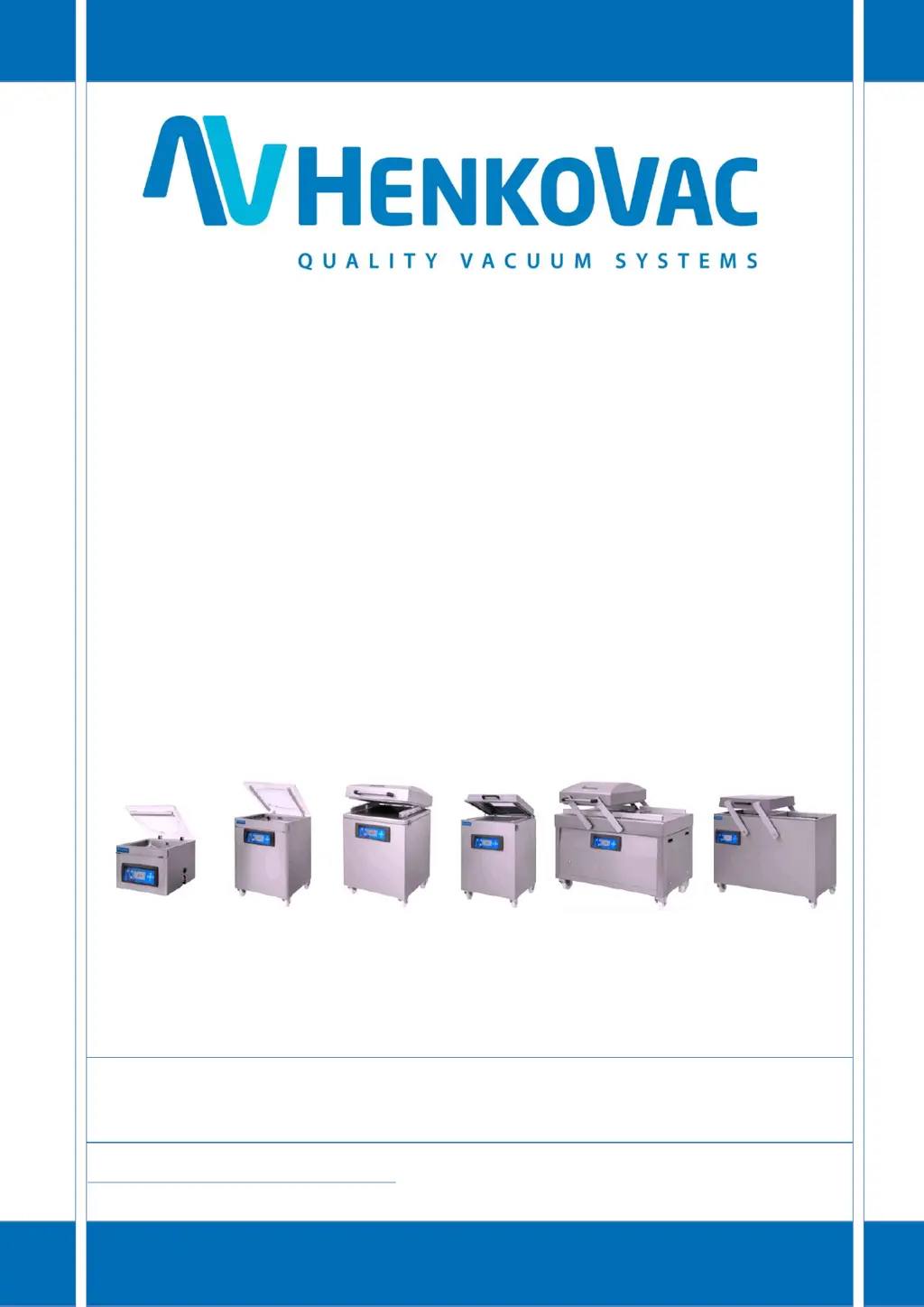
T2, T3, T4, T5, T6 M1, M2, M3 M4, M5, M6 M7, M8 D1, D3, D4 D6
http: //www.henkovac.com
e-mail: info@henkovac.com
tel: +31736271201
SERIAL NUMBER
1ST CHOICE FOR PROFESSIONALS WORLDWIDE

Table of Contents

Questions and Answers

  • A
    Andrea GoodmanAug 5, 2025
    What to do if my Henkovac T4 Kitchen Appliances machine does not work?
    • G
      gregoryharoldAug 5, 2025
      If your Henkovac Kitchen Appliance machine isn't working, there are several potential causes: * The machine might not be plugged into the electrical outlet. In this case, plug the machine into the electrical outlet. * The ground fault safety in the electrical panel may have tripped. Check the electrical panel. * A fuse in the electrical panel might be faulty. Check the electrical panel. * A fuse in the machine could be faulty. Consult your dealer. * The motor protection of the machine might be switched off. Consult your dealer.
  • D
    Daniel OsbornAug 9, 2025
    Why is the seal leaking on my Henkovac Kitchen Appliances?
    • A
      Ashley ParkAug 9, 2025
      If the seal is leaking on your Henkovac Kitchen Appliances, it could be due to several reasons: * The package seam may be poorly formed. Try increasing the sealing time and/or reducing the MAP gas pressure. * The package seam might be burnt. Decrease the sealing time. * The opening of the vacuum bag could be contaminated. Try again, ensuring the bag opening stays clean. * The sealing beam might be dirty. Clean the sealing beam. * The Teflon lining of the sealing beam could be damaged. Replace the Teflon lining. * The silicon rubber seal in the counter beam might be damaged. Replace the silicon rubber seal.
  • H
    Heather CooperAug 13, 2025
    How to fix a Henkovac T4 machine that does not seal?
    • K
      Kim VillaAug 13, 2025
      If your Henkovac Kitchen Appliances machine isn't sealing, consider these possibilities: * The bag isn't correctly positioned over the sealing beam. Adjust the bag position. * The sealing wire is broken. Replace the sealing wire. * The thermal safety of the power supply was tripped. Wait until the safety resets, which can take half an hour. Decrease the sealing time. * The electrical contacts of the seal beam have fouled. Remove the seal beam and clean the pins and contacts with sand paper.
  • V
    victor99Aug 18, 2025
    What to do if the vacuum in the package is insufficient in Henkovac T4 Kitchen Appliances?
    • M
      Marie Edwards PhDAug 18, 2025
      If the vacuum in the package is insufficient with your Henkovac Kitchen Appliances, it might be because: * The programmed vacuum value is too high. Lower the vacuum value in the program. * The packaging material is of poor quality. Select a better-quality packaging material. * The product damages the bag. Program a higher value for Soft-Air. * The machine gases the package. Turn off the gassing function.
  • J
    Jennifer BakerAug 22, 2025
    Why doesn't the vacuum pump run at full speed on my Henkovac T4 Kitchen Appliances?
    • T
      Tammy AveryAug 22, 2025
      If the vacuum pump on your Henkovac Kitchen Appliances isn't running at full speed: * The oil might be too thick or contaminated. Consult your dealer. * The pump motor may be running on two phases. Consult your dealer.
  • M
    Mark RobinsonAug 27, 2025
    What causes not enough gas in the bag with Henkovac T4 Kitchen Appliances?
    • C
      Craig BarronAug 27, 2025
      If there is not enough gas in the bag when using your Henkovac Kitchen Appliances, it could be due to: * The bag being too small. Select a bigger bag. * The programmed gas level being too low. Increase the gas level value. * The bag not being correctly positioned over the gas outlets. Adjust the bag position.
  • T
    Tracy MaynardAug 30, 2025
    How to reset the service symbol on Henkovac Kitchen Appliances?
    • D
      Dana DavisAug 30, 2025
      To reset the service interval counters on your Henkovac Kitchen Appliances after an oil change: start the machine, and while the display shows the hours or cycles, press and hold the button.

Summary

Safety Regulations and Warnings

General Safety Information

General safety information and responsibilities for users and owners of the machine.

User Manual Guidelines

Instructions for users on safe and effective machine operation.

Intended Use of the Machine

Machine is designed for commercial vacuum packaging of food or other products.

Standard Safety Measures

Machine equipped with overload protection and pump fan guards.

Welcome and Support

General Electrical Precautions

Precautions regarding electrical grounding and disconnecting power before servicing.

Machine Installation and Connections

General Installation Steps

Steps for leveling, positioning, and preparing the machine for operation.

MAP Gas Connection Guide

Guidelines for connecting gas supply for MAP applications, including pressure and safety.

Digital Control System Basics

One-Program Control System

Details the One-Program control system, its functions, and plug-and-play operation with pre-set values.

Operating the One-Program Control System

Adjusting Vacuum and Sealing Times

How to adjust and save vacuum and sealing times using control buttons.

Ten-Program Control System Overview

Time-Based Operation

Explains time-based operation, how programs are set, and plug-and-play startup.

Sensor-Based Operation

Explains sensor-based operation, digital display of vacuum, and plug-and-play startup.

Ten-Program System Operations

Programming and Adjusting P1-P9 Values

Steps to select, access settings, adjust values, and save programs for P1-P9.

Program Value Management

How to review, adjust, and save program values for P1-P9.

Function ON;OFF Control

Explains how to turn specific functions like Vacuum Plus, Gassing, Soft-Air ON/OFF.

Ten-Program Control System Features

Customizable Programs P1-P9

How each program can be customized by turning functions on/off or adjusting values.

PA Automatic Program

Factory settings for vacuum and sealing, activated on first startup.

P H2 O Liquid Program

Program for liquid products that detects boiling and seals to prevent spillage.

Programming the One-Program System

One-Program System Overview

Details the standard One-Program control system and its characteristics.

Programming the Ten-Program System

Programmable Functions P1-P9

Lists functions that can be customized for programs P1-P9, like vacuum time, gassing, etc.

Packaging Concepts Explained

Sensor-Based Control Explained

How air pressure is measured and displayed digitally in sensor-based systems.

Time-Based Control Explained

Explains time-controlled operation and conversion to sensor-based systems.

P H2 O Program for Liquids

Program for liquid products that detects boiling and seals to prevent spillage.

Machine Maintenance Procedures

General Maintenance Importance

Importance of regular maintenance for preventing malfunctions and prolonging machine life.

Vacuum Pump Maintenance

Tasks for maintaining the vacuum pump, including cleaning vents and checking oil.

Vacuum Pump Oil Management

Troubleshooting and Support

Troubleshooting Fault Checklist

A list of common faults, possible causes, and remedies.

Henkovac T4 Specifications

General IconGeneral
Product TypeVacuum packaging machine
Weight58 kg
Voltage230V
Sealing MethodDouble seal
Frequency50/60 Hz

Related product manuals