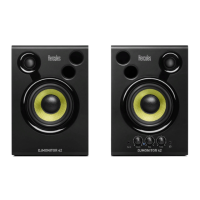
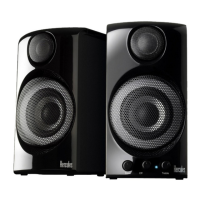
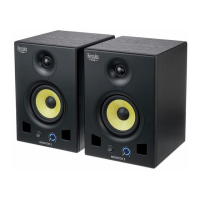
DJMONITOR 32
6/7 – User manual
- Right speaker with controls:
8 : Master volume control knob
9 : Power LED
2.2.1. Connection to a PC
- Connect your speaker kit's main input (RCA connectors on the back of the right satellite speaker) to
the green FRONT SPEAKERS or FRONT OUT connector on your sound card or on the sound
card integrated into your computer's motherboard, using the included jack (male) / 2 RCA (male)
cable.
2.2.2. Connection to a television set equipped with a headphone jack
- Connect your speaker kit's main input (RCA connectors on the back of the right satellite speaker) to
the headphone jack on your television set.
2.2.3. Connection to a DVD player/television set equipped with Left
and Right audio outputs
Requires a female jack / 2 male RCA cable (not included – please see diagram A, below).
1. Connect your male jack / 2 male RCA cable to the female jack / 2 male RCA cable.
2. Connect the white RCA connector on the female jack / 2 male RCA cable to the corresponding audio
output on your DVD player/television set.



 To Next Page
 Loading...