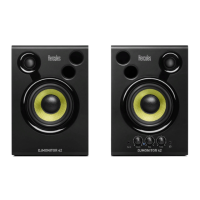
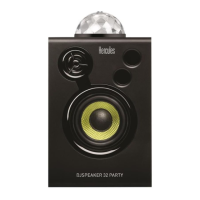
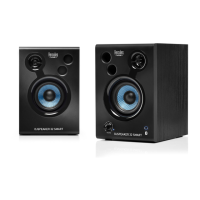
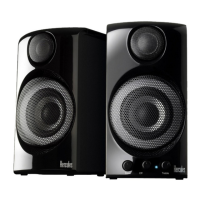
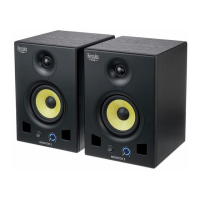
DJMONITOR 32
User manual – 7/7
3. Connect the red RCA connector on the female jack / 2 male RCA cable to the corresponding audio
output on your DVD player/television set.
3. USING YOUR DJMONITOR 32 SPEAKER KIT
1. Switch on the audio source you wish to use (PC, television set, DVD player).
2. Plug your speaker kit’s power cable (4) into an electrical outlet.
3. Set the On/Off switch (3) to ON.
4. Adjust the master volume.



 To Next Page
 Loading...