35
10 Installation instruction for USB-driver unit
please make sure that you are endued with administrator rights when installing under
Windows xP
USB-cable has to be coupled with the measuring device MOIST 350 B and later on
connected with the PC via USB-cable/USB-interface
switching-on of measuring device MOIST 350 B
Betriebssystem Windows XP
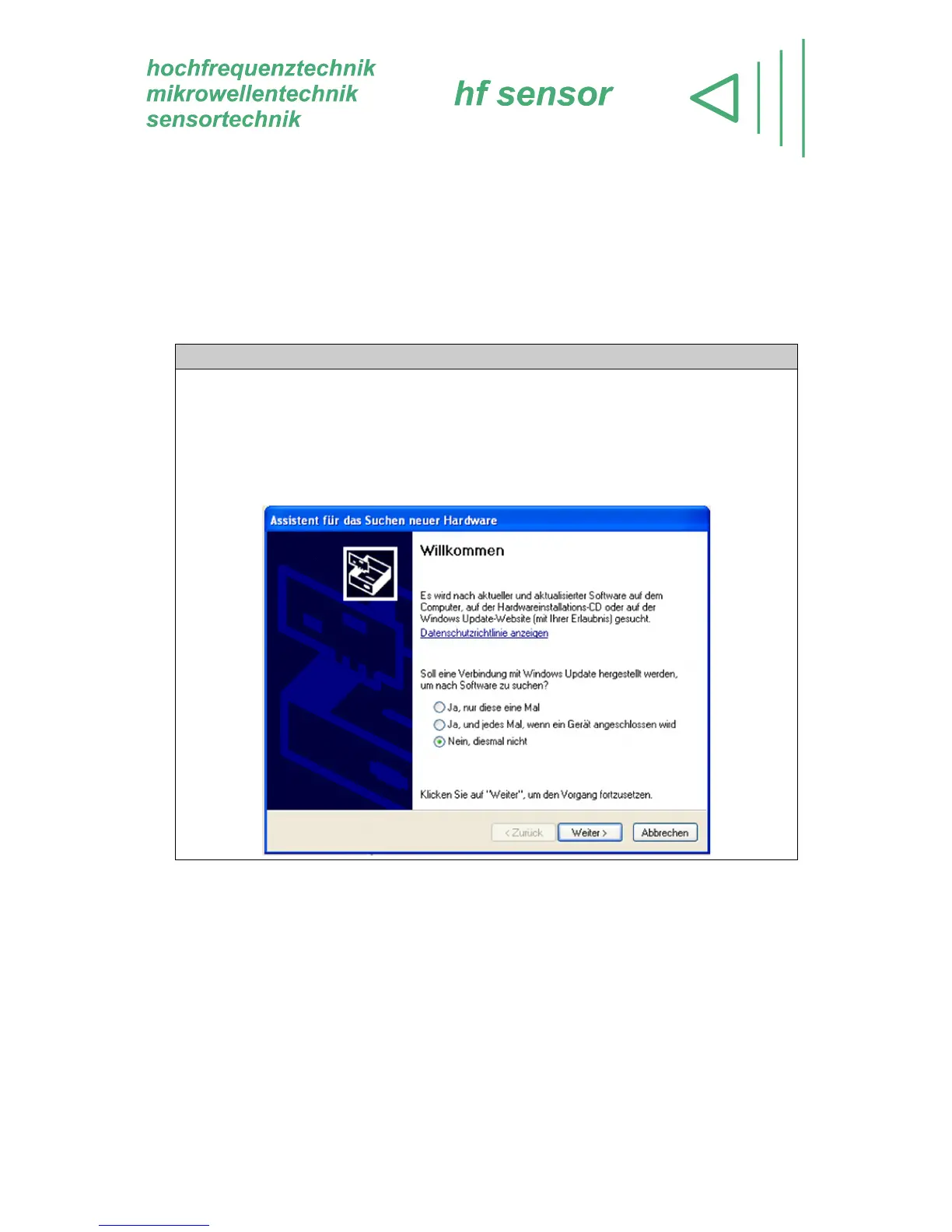
If an USB-specific driver has not been installed yet, Windows will give a notice that
a new hardware component has been found. The Windows assistant therefore is
going to be run automatically. The USB-driver can be found on the installation-CD
MOISTANALYZE. Thus, a connection with Windows Update might not be needed.
Select the option No - not this time and follow the commands of the assistant!



 To Next Page