8
Warning: The included accumulator is not designated to be changed by the end
user. If the accumulator can not be charged anymore (after app. 1000 cycles) you
have to send the handheld to hf sensor.
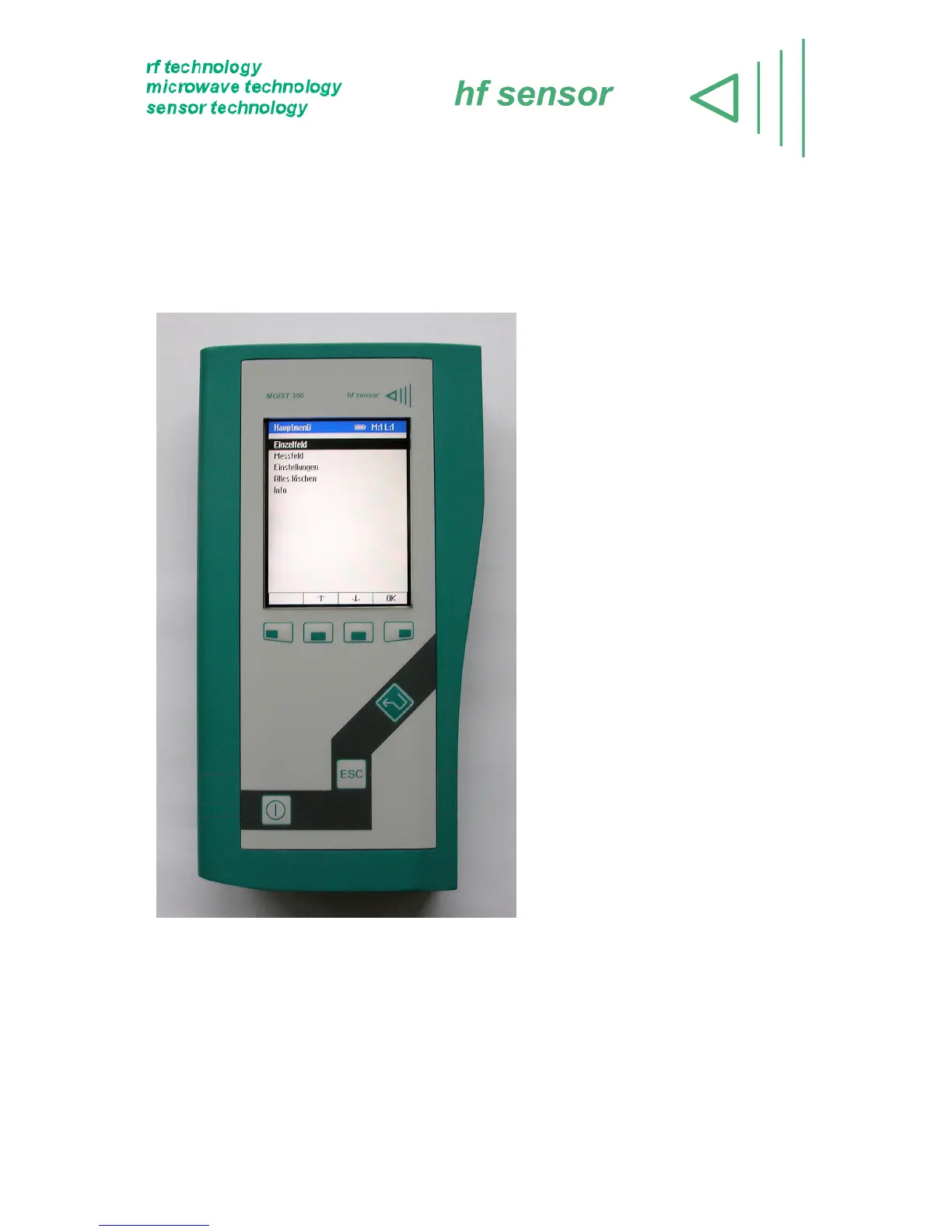
1.3 Keyboard layout
(1) <ON/OFF>-Button: Turns the
device on/off.
(2) Softkey-Buttons: The function
changes depending on the
menu item. The actual function is
shown on the bottom bar.
(3) <ENTER>-Button: Starts the
measurement. Alternatively it can
be used as right softkey.
(4) <ESC>-Button: To quit the input
of layer or array names.
Alternatively it can be used as left
softkey.
Figure 3: Keyboard layout
(1)



 To Next Page