12
4 Handling
4.1 Screen elements
4.1.1 Status bar (upper end)
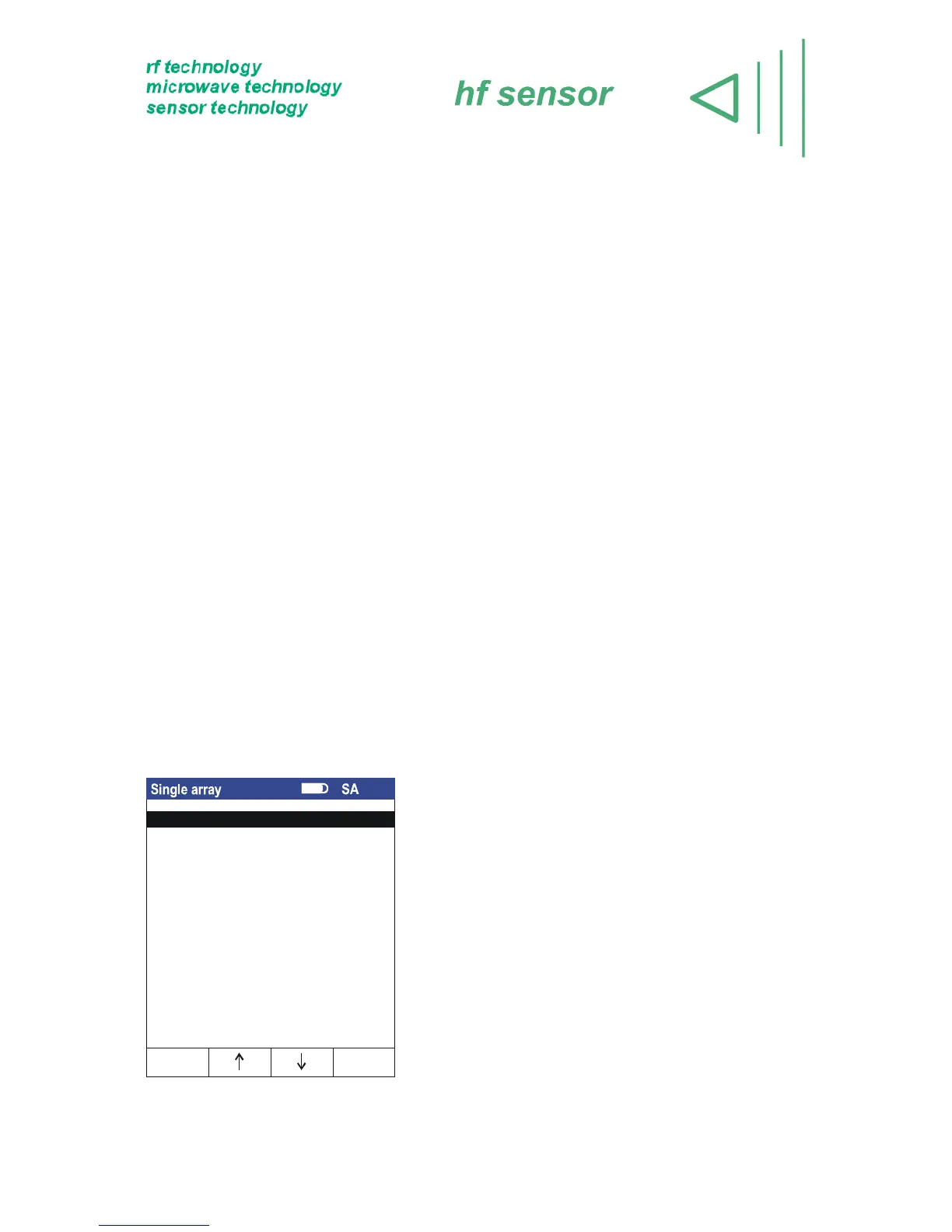
The status bar shows important information about the state of the device, e. g. the accu
state.
In mains operation the accumulator symbol changes to a mains plug.
On the right side you can see the selected measurement array (M) and the selected
layer (L). In the single array mode you can see the letters SA. If an invalid
measurement array or layer is chosen “⎯“ occurs.
4.1.2 Control bar (bottom end)
For controlling the functions of the device four softkeys are used. These keys change
their functions depending on the menu item. During the most functions the <ENTER>
button can be used as right softkey alternatively, just as the <ESC> button alternatively
to the left softkey.
The <ENTER> key is generally used to trigger the measurement process, and to
confirm the settings of the array name or layer name. The input of the array name or
layer name can also be acknowledged with <ESC>.
4.2 Menu items
4.2.1 Menu item single array
In a single array independent measurement values
are collected together in a row. To store one value
you have to press <save>. This option is usefull, if
you want to record single (indepentend)
measurement points without creating a picture of the
moisture distribution. Because in this mode no local
relations are available the plot of the graphic is never
possible.
Figure 6 – Menu item single array
Show measurement value
Delete
OKEscape
Measure



 To Next Page