84
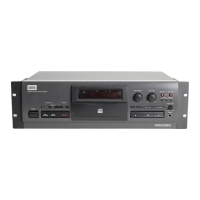
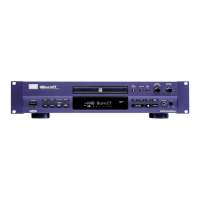
CDR-850
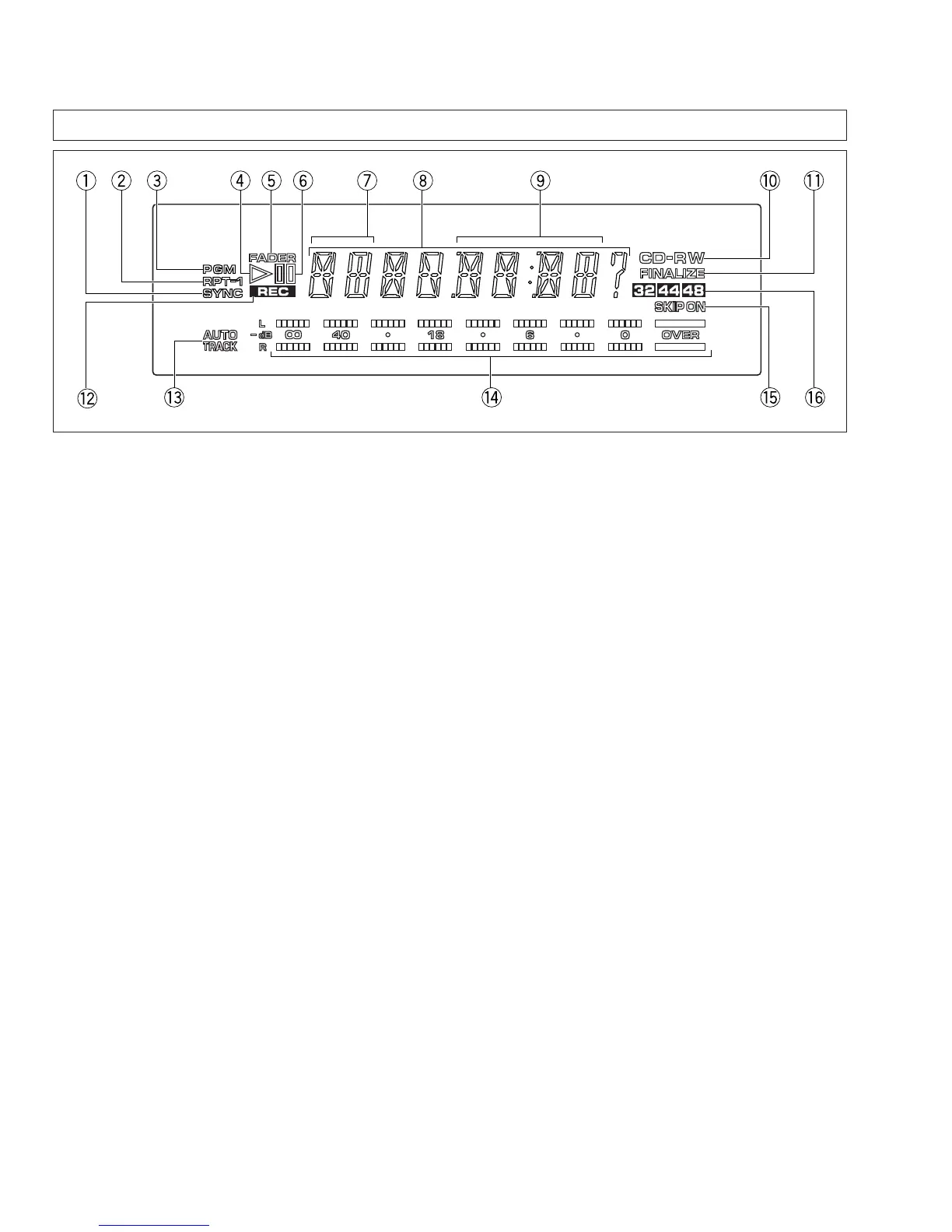
DISPLAY PANEL
1 SYNC
Lights when automatic digital-source synchro recording
is activated.
2 RPT-1
Lights during repeat playback.
3 PGM
Lights in the program mode.
4 #
Lights during playback.
5 FADER
Blinks during fade-in/out.
6 *
Lights or blinks during pause.
7 Track display
Displays the track number.
8 Character display
Displays messages.
9 Time display
Displays the elapsed playing time, remaining playing
time, total playing time, elapsed recording time,
remaining recording time, total recording time and
remaining time until the end of finalization.
0 CD-RW
Blinks during disc identification and lights steadily when
the disc format is recognized.
CD: Lights if the loaded disc is a pre-recorded CD
or finalized CDR.
CDR: Lights if the loaded disc is a CD-R disc that is
not finalized.
CD-RW: Lights if the loaded disc is a CD-RW disc.
- FINALIZE
Lights if the loaded disc is a finalized CD-RW disc60
and.
= REC
Lights during record mode. Blinks in the record muting
mode.
~ AUTO TRACK
Lights when automatic track number write during
recording is activated.
! Signal level indicator
Displays the input level during record or the play level
during playback.
@ SKIP ON
Lights, goes off or blinks during skip ID setting or
clearing.
# Sampling frequency indicator
Displays the sampling frequency (Fs) of the current
digital input. All indicators are turned off when the input
signal is interrupted.


 To Next Page