HF2221 Serial Server Device User Manual
http://www.iotworkshop.com - 11 -
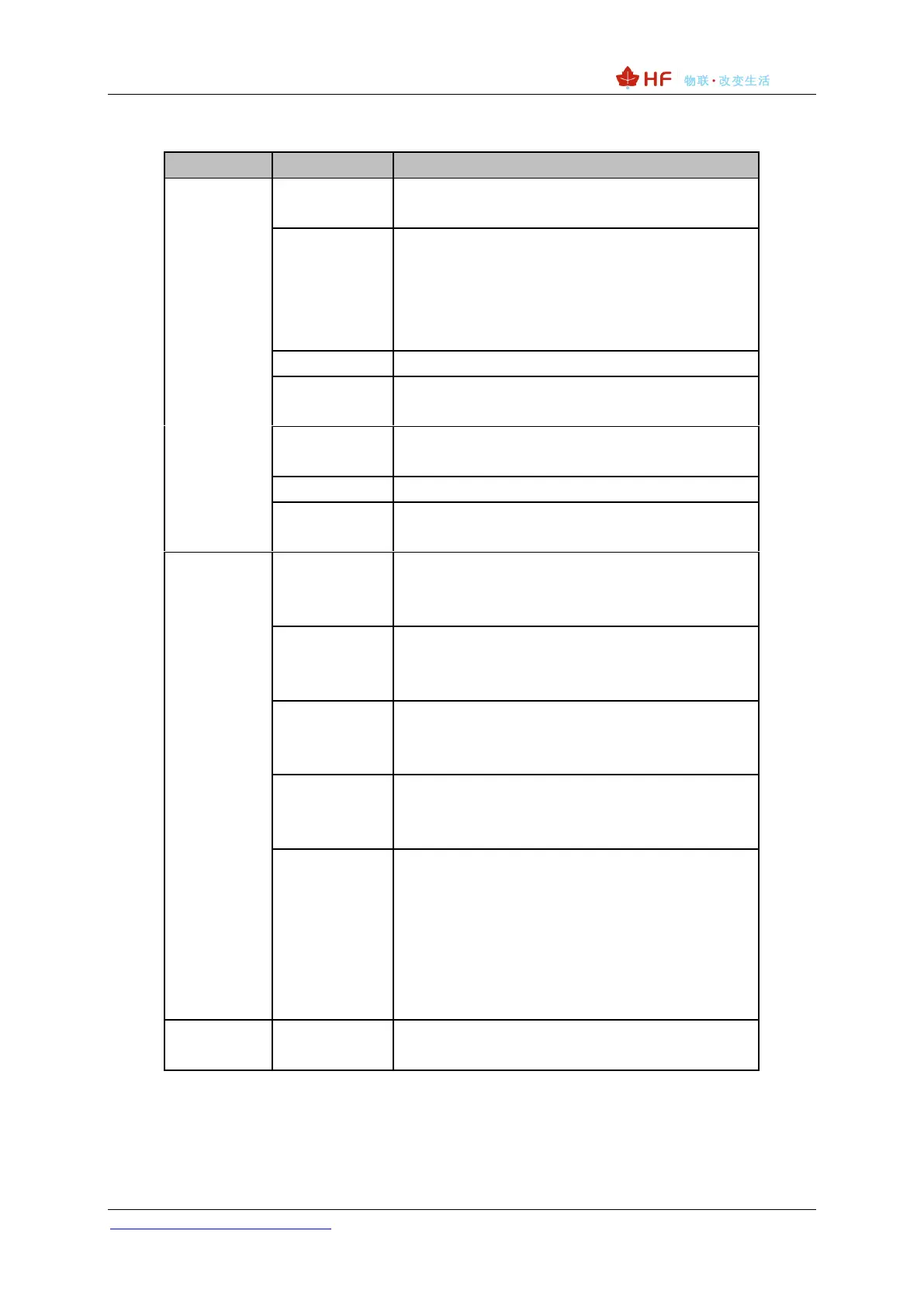
Table 2. HF2221 Interface Definition
10/100M Ethernet
LAN function
10/100M Ethernet
Default is WAN function in AP mode (Can be
configured to LAN Function), connect to router
LAN port for network access.
In STA mode, it works in LAN function.
Internal Power Supply Indicator
On: Power is OK
Off: Power is NG
Ethernet 1 Connection Indicator
On: Ethernet connection is OK
Off: No Ethernet connection
UART1 channel data transfer Indicator
Flash: Send data
Off: No data sent
UART2 channel data transfer Indicator
Flash: Send data.
Off: No data sent
Network Connection Indicator
On: Include the following condition.
⚫ Ethernt 2 connection OK
⚫ Wi-Fi STA connect to AP
⚫ Wi-Fi AP being connected by other STA
device
Off: No network connection
Press down for 4 seconds and then up, the device
will restore to factory setting and reboot.


 To Next Page